
 Lietuviškai
 Deutsch
 Français
 Русский
 Español
 Polski
 Italiano
 Українська
 Čeština
 Português
 日本語
日本語 Latviešu valoda
 Eesti
Eesti Magyar
 Bahasa Indonesia
 Türkçe
 हिन्दी
 Ελληνικά
 العربية
 ไทย
ไทย Tiếng Việt
 Română
 Bahasa Melayu
 বাংলা
বাংলা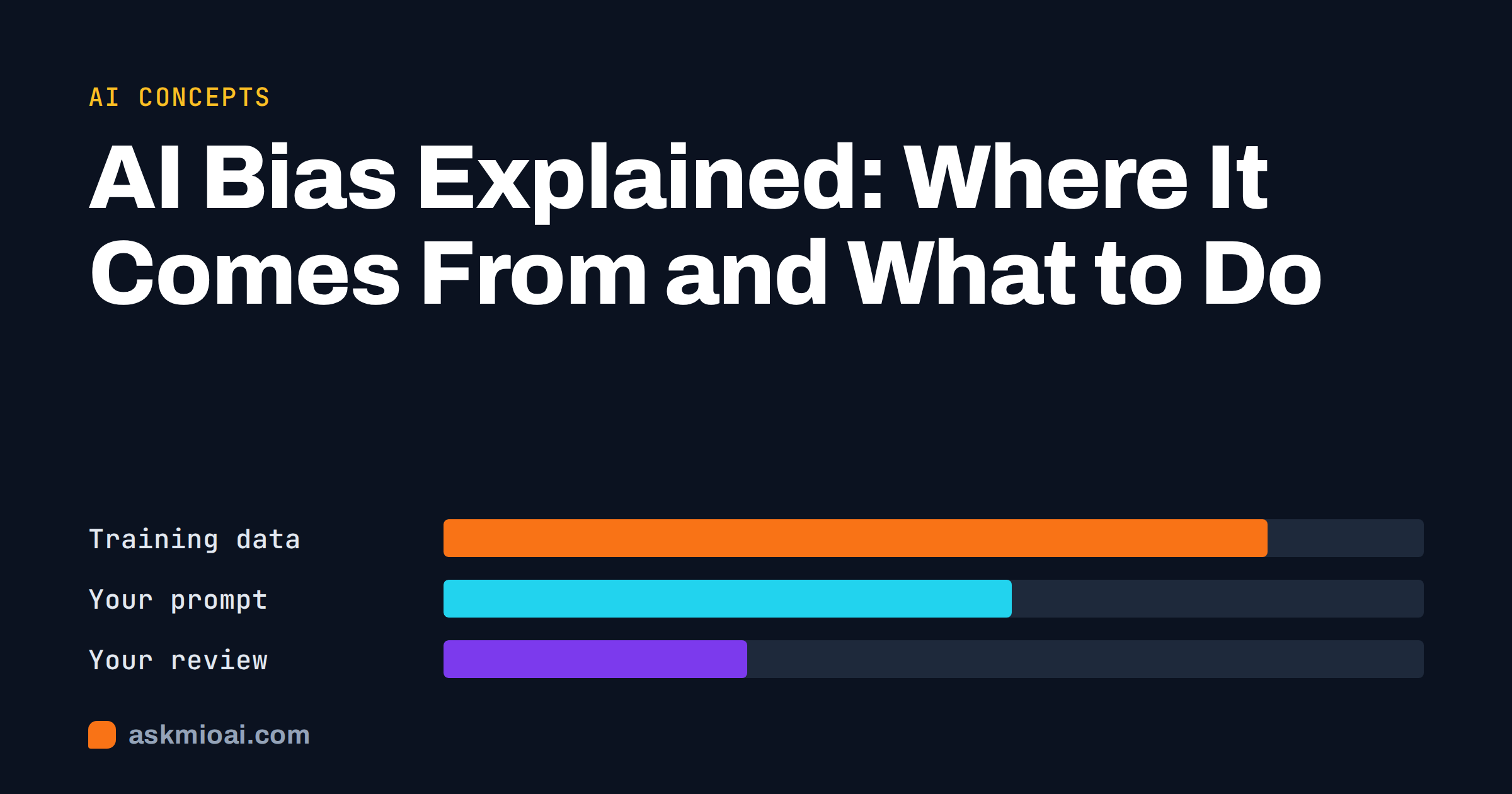
AI bias is a systematic tilt in what an AI system produces: answers, images, scores or recommendations that favour or disadvantage certain groups, viewpoints or kinds of input. It usually comes from the data the model learned from, from how it was trained and tuned, and from how people use it. Bias rarely shows up as one shocking answer. More often it is a quiet pattern that only becomes visible when you look at many results together.
This explainer covers where AI bias comes from, the forms it takes in everyday assistant use, how to spot it, what you can do about it as a user or a business, and where the law in the EU draws lines.
What the term means
All models simplify the world, so some “bias” in the statistical sense is unavoidable. The problem is algorithmic bias that produces unfair or misleading outcomes: a hiring tool that rates CVs from one group lower, an image generator that shows every doctor as a man, a translation that turns a neutral “they” into “he” for engineers and “she” for nurses.
Bias is not the same as error. A model can be accurate on average and still be consistently worse for one group of people, one language or one type of question. It is also not the same as a model having opinions. A language model has no intentions; it reproduces and sometimes amplifies patterns in its data and training.
Where AI bias comes from
The US National Institute of Standards and Technology describes AI bias as coming from three broad sources: systemic, statistical and human. Its report Towards a Standard for Identifying and Managing Bias in Artificial Intelligence is a thorough, readable reference. In practice, for assistants and generators, these are the main channels.
| Source | What happens | Example |
|---|---|---|
| Training data | The model learns from text and images that over-represent some groups, languages and viewpoints | Better answers about large markets than about small countries |
| Historical patterns | Past decisions in the data reflect past discrimination | Associating certain jobs with one gender |
| Labelling and tuning | Human feedback during training reflects the raters’ assumptions | A particular cultural idea of “polite” or “professional” |
| Product design | Defaults, filters and system prompts shape answers | Over-cautious refusals on some topics, not others |
| Your prompt | Framing steers the answer | “Why is X better than Y?” gets an argument for X |
| How results are used | Outputs are applied without checking for uneven effects | Using AI scores to rank job applicants |
The last two rows are the ones you control directly, and they are often bigger than people expect.
Forms of AI bias you meet in everyday use
Stereotypes in text and images
Ask an image generator for “a CEO”, “a nurse” or “a family” without further detail, and the results often lean towards narrow stereotypes. Text models show the same tendency in examples, names and assumed roles.
Language and country bias
Models usually perform best in the languages and markets most represented in their training data. Answers about tax, law or culture in a small country may be thinner, outdated or quietly based on another country’s rules. For readers in Lithuania, Latvia or Estonia this is a practical issue, not a theoretical one.
Viewpoint bias
On contested topics, a model may present one perspective as the default and others as exceptions, or give a falsely balanced view where evidence is clear. Either way, the framing shapes the reader’s conclusion.
Agreement bias
Assistants tend to go along with the way a question is framed and with the opinions the user expresses. That is closely related to AI sycophancy and can reinforce whatever bias you bring to the conversation.
Quality bias
Sometimes the bias is not in what the model says but in how well it works: fewer errors for some accents in speech recognition, for some names in entity extraction, or for some dialects in translation.
How to spot AI bias
Because bias is a pattern, the best tests compare outputs rather than inspecting a single answer.
- Swap the variable. Ask the same question twice, changing only one attribute: a name, gender, nationality, age or language. Compare the answers side by side.
- Ask for many examples. Generate twenty images of “a software developer” or twenty example customer personas and look at the spread.
- Change the framing. Ask “What are the advantages of X?” and “What are the disadvantages of X?” and see whether both answers are equally substantive.
- Check local facts. For questions about your country, compare the answer with an official national source.
- Ask the model. “Which assumptions did you make in this answer? What perspectives are missing?” It will not catch everything, but it often surfaces something.
A worked test: one prompt, three names
Here is a simple test any team can run in ten minutes before using an assistant for something that touches people.
The setup
Take a realistic task, for example: “Write a short reference summary for this candidate based on the notes below.” Prepare one set of notes describing skills, experience and a minor weakness. Then run the same request three times, changing only the candidate’s name, chosen to suggest different genders or backgrounds. Keep everything else identical, including the order of the notes.
What to compare
- Adjectives. Are some candidates “confident” and “driven” while others are “helpful” and “pleasant”?
- Emphasis. Is the same weakness mentioned more prominently for one candidate?
- Length and enthusiasm. Does one summary come out noticeably longer or warmer?
- Assumptions. Does the model add details that are not in the notes, such as family situation or language ability?
Reading the result
Run each version two or three times, because answers vary from one run to the next. One odd word is noise; a consistent pattern across runs is a signal. If you see a pattern, change the workflow: give the model a fixed template, a list of allowed criteria and an instruction to use only the facts provided, then test again.
The same method works for other tasks: product recommendations for customers from different countries, images of “a typical customer”, or answers to the same question asked in two languages. It does not prove a tool is fair, but it catches the most visible problems before your customers or candidates do.
What you can do as a user
- Specify what you want. Instead of “a doctor”, ask for “a doctor in her sixties” or “a group of doctors of different ages and backgrounds” when diversity matters to the result.
- Use neutral framing. Ask “Compare X and Y on cost, quality and risk” rather than “Why is X better?”
- Ask for counter-arguments. “Give me the strongest case against this conclusion.”
- Request sources. Research with citations lets you check where a claim comes from. Our guide to researching with AI and cited sources shows how.
- Bring local knowledge. For country-specific topics, paste the relevant official text and ask the model to work from it.
- Keep your own judgement. An answer that confirms exactly what you already believed deserves an extra check.
What businesses should do
For a business, this becomes a real risk when AI output feeds decisions about people: hiring, lending, pricing, insurance, access to services. It also matters for brand: biased images or text in marketing are noticed quickly.
Keep humans in decisions about people
Use AI to summarise and draft, not to decide. If an assistant screens CVs, a person should review the shortlist and the rejections. Our article on AI for recruiters discusses safe uses in hiring.
Test before you rely on it
Run the swap tests above on your actual use case before rolling a workflow out. Record the results; they are useful evidence if questions come up later.
Review generated marketing
Check sets of images and copy for representation and stereotypes before publishing, not one image at a time.
Write it into your AI policy
State which uses are allowed, which need human review and which are off-limits. Make someone responsible for checking.
AI bias and the law in the EU
Existing anti-discrimination and data protection laws already apply when AI is used in decisions about people. The EU AI Act adds specific obligations for high-risk uses, such as systems used in employment, education, credit scoring and access to essential services. Providers and deployers of such systems must, among other things, manage risks, use appropriate data governance and ensure human oversight.
For most small businesses using a general assistant for writing and research, the practical message is simple: do not let AI make or effectively make decisions about individuals without a person reviewing them, and keep a record of how the tool is used. If your use case falls into a high-risk category, get specific legal advice.
How Ask Mio fits
Ask Mio does not claim to be free of bias; no assistant can honestly claim that. What it offers are practical tools that help you check answers rather than accept them.
- Research mode on paid plans searches the web and cites sources, so you can see where claims come from and compare them with official material.
- File uploads let you give Mio the authoritative document, such as a national regulation or your own policy, and ask it to answer only from that.
- Experts such as the Deep researcher or Journalist persona focus on verifying and presenting balanced pieces.
- 25+ languages. You can ask in your own language, which helps with local questions, though quality can still vary between languages.
Mio routes each request to a suitable model rather than letting you pick one. If your work requires testing one fixed model systematically for bias, for example as part of a compliance audit, a setup that lets you lock a specific model and version will suit that task better.
Frequently Asked Questions
What is AI bias in simple terms?
AI bias is a consistent tilt in what an AI produces that favours or disadvantages certain people, groups, languages or viewpoints. It usually comes from patterns in training data, choices made during training and product design, and how people phrase and use their requests. It often appears as a pattern across many answers rather than as one obviously wrong reply.
Can AI bias be removed completely?
No. Every model learns from data that reflects the world unevenly, and every design decision involves trade-offs. Developers can reduce bias through better data, testing and tuning, and users can reduce its effect through careful prompts, checks and human review. The realistic goal is to know where bias is likely and manage it, not to assume it has been eliminated.
How can I test an AI assistant for bias?
Ask the same question several times while changing one attribute, such as a name, gender, nationality or language, and compare the answers. Generate many examples of the same request and look at the spread. Ask for both advantages and disadvantages of something. For local topics, compare answers with official sources from your country.
Is AI bias the same as AI hallucination?
No, although they can overlap. A hallucination is an answer that is false or made up, such as an invented source. Bias is a systematic tilt that can exist even in factually correct answers, for example always choosing examples from one group. Both call for verification, but bias is usually found by comparing many outputs. See our explainer on AI hallucinations.
Does the EU regulate AI bias?
Yes, in several ways. Anti-discrimination and data protection law already apply to automated decisions about people. The EU AI Act adds obligations for high-risk systems, such as those used in hiring, education and credit, including risk management, data governance and human oversight. For everyday writing and research tasks, the main rule is to keep people in charge of decisions about individuals.
The Bottom Line
AI bias comes from data, training, design and the way we ask questions, and it shows up as patterns rather than single mistakes. You can reduce its effect with neutral framing, explicit requirements, counter-arguments, sources and comparison tests, and businesses should keep humans in every decision about people. To check answers against cited sources and your own documents, see Ask Mio’s plans or start on the free plan.