
 Lietuviškai
 Deutsch
 Français
 Русский
 Español
 Polski
 Italiano
 Українська
 Čeština
 Português
 日本語
日本語 Latviešu valoda
 Eesti
Eesti Magyar
 Bahasa Indonesia
 Türkçe
 हिन्दी
 Ελληνικά
 العربية
 ไทย
ไทย Tiếng Việt
 Română
 Bahasa Melayu
 বাংলা
বাংলা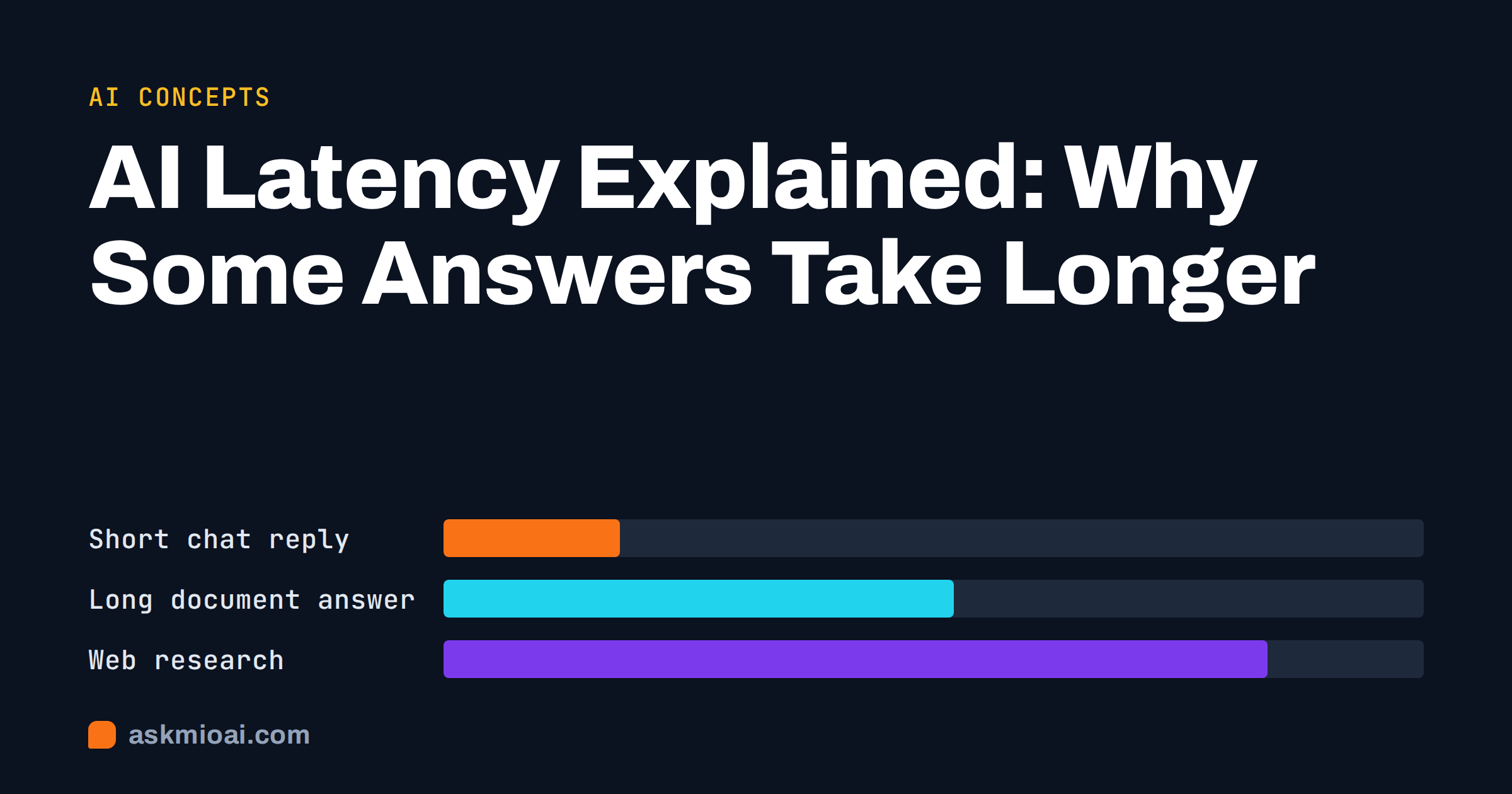
AI latency is the time between pressing send and seeing a useful answer, and it varies far more than most people expect. A short question can come back almost at once, while a long document summary or a web research request can take noticeably longer. That gap is not random: it follows from how much text goes in, how much has to come out, which model handles the job, and whether tools such as web search are involved.
This guide explains where AI latency comes from, which parts you can influence, and how to write requests that feel fast without losing quality. You will also find a practical checklist for deciding when waiting is a sign that the assistant is doing more work, and when it signals a problem.
What AI latency actually measures
People use the word “slow” for several different delays, and they have different causes. It helps to separate them before trying to fix anything.
Time to first word
This is the pause before anything appears. During it, your message and any attached context are sent over the network, queued, read by the model and prepared for answering. A longer input, such as a pasted report or a long chat history, means more to read before the first word can be written.
Speed of the answer itself
Once the answer starts, text appears piece by piece. Each piece is produced one after another, so a long answer simply takes longer than a short one. If you ask for a 1,500-word article, you are asking for far more output than a two-line reply, and no setting changes that arithmetic.
Time spent on extra steps
Some requests involve more than writing. The assistant may search the web, open a page, run a calculation or read an uploaded file before it composes the answer. Each step adds time, and each is useful only if the answer needs it. The general idea of delay in a system is described in the overview of latency in engineering.
The main causes of AI latency
Four factors explain most of the waiting. Knowing them tells you which lever to pull.
1. How much text goes in
Everything the assistant needs to consider has to be read each time it answers: your question, your instructions, attached files and the earlier messages in the chat. A fresh chat with one sentence is light. A chat that has grown over many days, with several pasted documents, is heavy. Trimming what you send is the single most reliable way to reduce waiting.
2. How much text comes out
Output length is the most direct driver of total time. “Summarise this in three bullets” and “write a complete guide with examples” can use the same input and still differ many times over in duration. Ask for the length you actually need.
3. Which kind of model does the work
Smaller, faster models answer everyday questions quickly. Larger models that handle long documents, careful reasoning or code tend to take longer per request. Ask Mio routes each request to the kind of model that suits it, so a quick chat question and a long document analysis do not use the same path. You do not choose; the site describes this as fast models for chat, coding models for code, long-context models for documents and image models for design.
4. Whether tools are involved
Looking something up on the web, opening a page in a real browser, running code or checking a domain all take time on top of writing. These steps make an answer more reliable when you need current facts or exact numbers, so the delay is often worth paying.
Why the same question can feel faster or slower
Even with identical wording, the experience can differ between two attempts. This is normal, and it is rarely a sign that something is broken.
- Load on the service. Many people use shared infrastructure at once, and busy periods can add a short queue.
- Your connection. A weak mobile connection delays both sending and receiving, especially for long answers.
- The state of the chat. The same question asked in a fresh chat is lighter than in a chat with a long history.
- Variation in answer length. The assistant may write a longer or shorter reply on a second try, which changes total time.
If one request is much slower than usual, try again in a new chat before assuming a fault.
How to get faster answers without losing quality
You rarely need to accept a slow experience. Small changes to how you ask make a visible difference.
Ask for the output size you need
State the length in the request: “in five bullet points”, “in one paragraph”, “a table with four columns”. Concrete limits keep the answer short and also make it easier to scan.
Split big jobs into steps
Instead of asking for a complete report in one go, ask first for an outline, approve it, then expand one section at a time. Each step returns quickly, you steer along the way, and a wrong turn costs one section rather than the whole thing.
Start a new chat for a new topic
Old messages travel with every request. When you finish one task and begin another, a clean chat avoids carrying unrelated history. If you want to keep instructions and files together, a project is the better home, since it keeps its own instructions and files without piling them into one endless conversation. Our guide to AI projects and memory explains how to set that up.
Send only the relevant part of a document
If the answer lives in one section, paste or quote that section rather than the whole file. When the whole file is needed, upload it and ask a specific question so the assistant can find the right passage by meaning. Uploaded files stay searchable in later chats through document memory, which means you do not have to attach the same document again each time.
Use a lighter request for light tasks
Quick factual questions, rewording a sentence or brainstorming names do not need long reasoning or research. Keep them in plain Chat mode and save Research for questions where sources matter.
When waiting is a good sign
Not every delay is waste. Some requests take longer because the assistant is doing the right thing.
- Research with sources. Searching, opening pages and checking claims takes longer than answering from memory, and the result is an answer you can verify.
- Exact calculations. Running a calculation or code instead of estimating gives a precise result, which matters for money, dates and data.
- Long documents. Reading a long PDF carefully takes time, and a rushed summary of a contract or report is risky.
- Complex reasoning. Multi-step problems benefit from careful work, in the same way a person writes a better answer when given a minute.
The principle is simple: trade time for accuracy only when accuracy matters. A friendly email draft does not need a research pass; a pricing comparison does.
Latency and usage limits are different things
Waiting for an answer and running out of allowance are separate matters, though people often confuse them. Ask Mio counts usage in points rather than seconds. A normal chat reply costs 1 point, a long or complex one 3, a coding answer 5 to 10, and a generated image 20. Each plan has a monthly amount plus a 5-hour allowance, so one heavy session cannot burn the whole month.
A slow answer does not necessarily cost more, and a fast one is not necessarily cheap. What drives points is the type and size of the request, not the clock. If you want to estimate how many points your own routine needs, our article on estimating AI credits per month walks through the arithmetic.
The product also includes a feature that shortens repeated file dumps and quoted text in a long conversation before it is sent. The chat shows how much was saved. That keeps long chats cheaper and less likely to hit a limit, and it is one more reason to keep a conversation tidy.
A practical comparison of request types
The table below gives a rough sense of what to expect. These are relative patterns, not exact times, because real timing depends on load, connection and the chosen request.
| Request type | Typical wait | Main cause of delay | How to speed it up |
|---|---|---|---|
| Short factual question | Very short | Network and queue | Usually nothing needed |
| Rewrite a paragraph | Short | Output length | Ask for a single version |
| Long article draft | Longer | Large output | Outline first, then write sections |
| Summary of a long PDF | Longer | Large input | Ask a specific question or give the relevant pages |
| Code fix from an error | Medium | Careful reasoning and output | Paste only the failing function and the error |
| Web research with sources | Longest | Searching and reading pages | Narrow the question and the time period |
| Image generation | Medium | Image model work | Describe one clear scene instead of many |
Reading your own pattern
If you often wait longer than you would like, keep a short note for a week. Write down the request type, whether it was a new or old chat, whether you attached files and how long it took. Patterns appear quickly. Most people find that two or three habits cause most of their waiting: very long chats, large pasted documents and open-ended requests with no length limit.
Fixing those habits costs nothing and tends to improve answer quality as well, because focused input produces focused output. Our guide on how to write an AI prompt that actually works covers the structure that helps.
What the assistant cannot promise
No assistant, including Ask Mio, can promise a fixed response time. Timing depends on your network, the service load, the size of the request and the tools involved. Anyone who guarantees a specific number of seconds for every question is oversimplifying. What you can reasonably expect is that simple requests feel quick and that heavy requests, such as research across several pages, take longer in exchange for a more thorough result.
If something is consistently slower than your own pattern suggests, contact support through the contact page with the request type, the approximate time and whether it happens in a new chat. That gives the team something concrete to check. For comparison, the usability research summarised by the Nielsen Norman Group on response times explains why feedback during a wait matters for how people perceive speed.
Frequently Asked Questions
Why does a long chat feel slower than a new one?
Earlier messages are sent along with each new request, so a long chat means more text to read before answering. The effect grows with pasted documents and long replies. Starting a new chat for a new topic, or moving related work into a project, keeps requests lighter and usually brings answers back faster.
Does a slower answer mean a better answer?
Not automatically. Longer waits often come from longer output, more input or extra steps such as searching, and those can improve reliability when you need current facts or exact numbers. But a slow reply to a simple question is not a sign of quality. Match the request to the job and judge the answer by its content, not by its duration.
Can I choose a faster model?
In Ask Mio you do not pick a model; Mio routes each request to a suitable one, with fast models for everyday chat and stronger ones for heavy tasks. You influence speed through the request itself: shorter output, less input, a clean chat and the right mode for the job. That is usually more effective than model selection.
Does web search always make answers slower?
Yes, because searching and reading pages takes extra steps. It is worth it when you need current information, prices, news or cited sources. For general knowledge, rewriting or brainstorming, you can stay in plain Chat mode and avoid the extra time. Use Research mode when you want links you can check.
Is latency the same as running out of points?
No. Latency is how long an answer takes; points measure how much a request uses. A slow answer is not necessarily expensive, and a fast one is not necessarily cheap. Points depend on the type and size of the request: 1 point for a normal reply, 3 for a long one, 5 to 10 for code and 20 for an image.
How can I tell if something is actually wrong?
Try the same request in a fresh chat on a stable connection. If it still stalls far beyond what similar requests take, or fails repeatedly, report it with the request type and approximate time. One slow answer alone is normal variation; a repeated pattern is worth reporting.
The Bottom Line
AI latency comes from input size, output size, the kind of model and any extra tools, and you control more of it than you think. Keep chats focused, ask for the length you need, split big jobs into steps and save research for questions that need sources. When a request is slow because it is thorough, that is time well spent. To try these habits yourself, start with the free plan on Ask Mio, which needs no card.