
 Lietuviškai
 Deutsch
 Français
 Русский
 Español
 Polski
 Italiano
 Українська
 Čeština
 Português
 日本語
日本語 Latviešu valoda
 Eesti
Eesti Magyar
 Bahasa Indonesia
 Türkçe
 हिन्दी
 Ελληνικά
 العربية
 ไทย
ไทย Tiếng Việt
 Română
 Bahasa Melayu
 বাংলা
বাংলা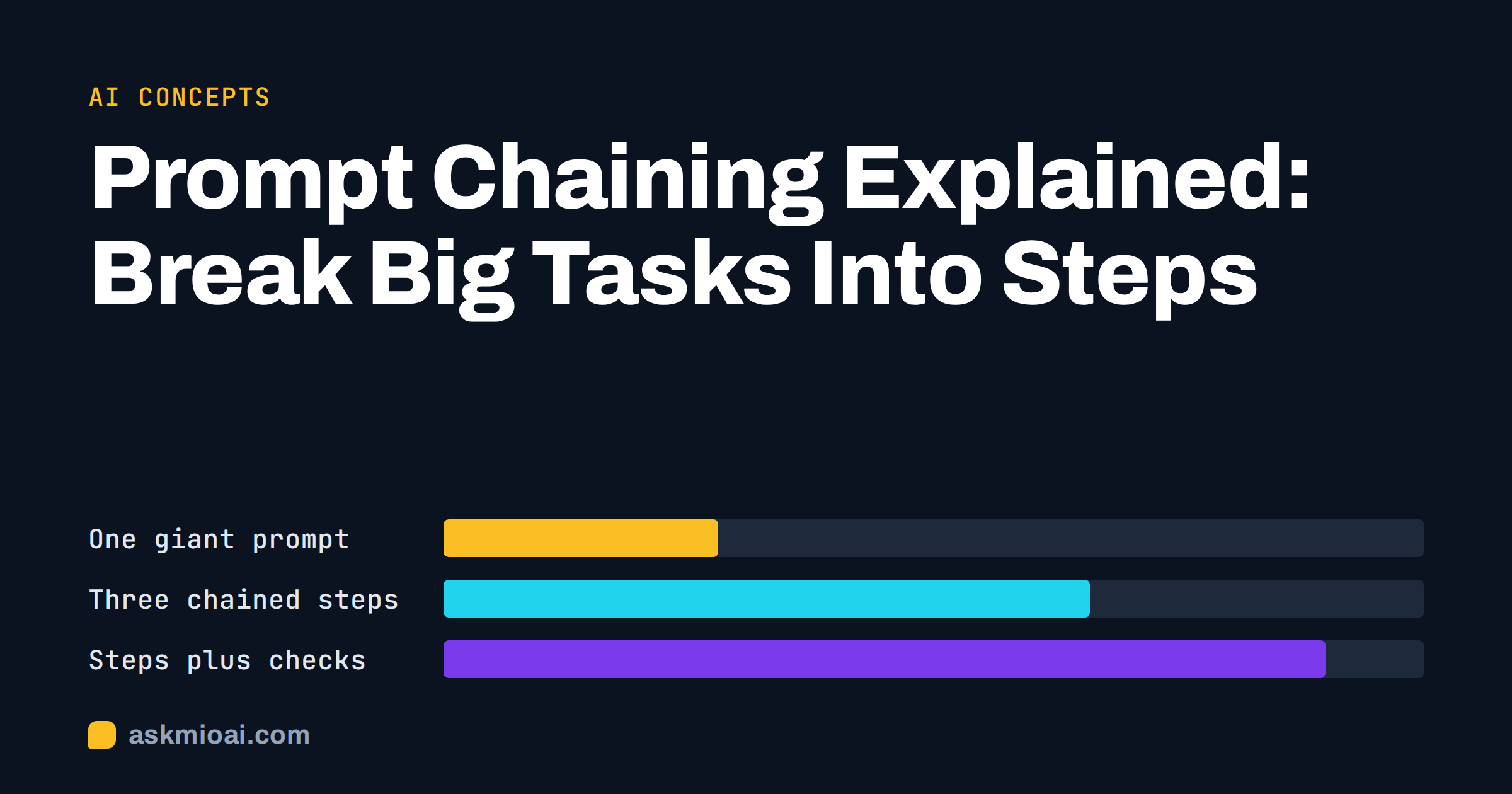
Prompt chaining means splitting a big task into a sequence of smaller prompts, where the output of one step becomes the input of the next. Instead of asking an assistant to “research, outline, write and polish a report” in one go, you ask for the research first, check it, then ask for the outline, check that, and so on. Each step is simple enough to get right, and you can fix a mistake before it spreads.
This guide explains prompt chaining in plain language: why one giant prompt often disappoints, how to design a chain, which patterns work for writing, analysis and code, and where chaining becomes overkill. You do not need any programming to use it. A chat window, a notes file and a little discipline are enough.
Why one giant prompt often fails
A long, many-part request asks the assistant to juggle goals at the same time: find facts, decide on structure, choose a tone and produce polished text. The result is usually acceptable on the surface and weak underneath. Instructions near the end get less attention, details are skipped, and when something goes wrong you cannot tell which part caused it.
Three common symptoms
- Skipped requirements. The answer ignores one of your six instructions.
- Blended quality. The structure is fine but the facts are vague, or the facts are right and the writing is flat.
- Hard to debug. You rerun the whole prompt and get a different set of problems.
The underlying idea is old and familiar from engineering: solve a large problem by breaking it into parts, as in the classic divide-and-conquer approach. Prompt chaining applies the same thinking to conversations with an assistant.
How prompt chaining works
A chain has three ingredients: steps, hand-offs and checks.
Steps
Each step does one job and has a clear output. “List the ten main claims in this document” is a step. “Summarise the document and judge its quality and rewrite it for children” is three steps hiding in one sentence.
Hand-offs
The output of a step is passed to the next one, usually by pasting it in or by continuing the same chat. Label it clearly, for example: “Here is the approved outline. Write section two only.”
Checks
Between steps you review the result. A check can be a quick read, a question to the assistant (“what assumptions did you make?”), or a simple rule (“every number must have a source from the document”). Checks are what turn a chain into a quality process instead of a longer way to make errors.
Prompt chaining is related to, but not the same as, chain-of-thought prompting. Chain-of-thought asks the assistant to reason step by step inside one answer; research such as the paper on chain-of-thought prompting showed that step-by-step reasoning can improve results on multi-step problems. Prompt chaining splits the work across several answers and puts you in control between them. You can use both together.
A prompt chaining example for a report
Suppose you need a two-page briefing on a new supplier. Here is a chain of five prompts.
- Extract. “From the attached proposal, list prices, delivery times, contract length and exit terms. Quote the page for each item. If something is missing, write ‘not stated’.”
- Check. “List anything in the proposal that is vague, unusual or one-sided, and explain why in one sentence each.”
- Compare. “Compare these terms with our current supplier’s terms below, in a table with a column for the difference.”
- Draft. “Using only the table and the issue list, write a one-page briefing for the finance director. Start with a recommendation.”
- Review. “Read the briefing as a sceptical finance director. List the three questions you would ask, and note any claim that the source material does not support.”
Each step is small and verifiable. You see the extracted facts before they become prose, so a wrong number is caught at step one, not buried in a paragraph at step four. If you want a stronger grounding for the first step, the guide to AI document analysis explains how to work with your own files.
Patterns that work
Most useful chains follow one of a few shapes. Learning them is faster than inventing a new chain each time.
Plan, then execute
First ask for a plan or outline, approve or edit it, then ask for the full output following that plan. Good for articles, presentations, project plans and long e-mails.
Draft, critique, revise
Ask for a draft, then ask the assistant to critique it against a list of criteria, then ask for a revision that fixes only the listed problems. Limiting the revision to the critique prevents the text from drifting.
Extract, transform, present
Pull facts from a source into a structured list, transform them (sort, compare, calculate), then present them in the final format. This keeps facts and wording separate and is the safest way to summarise.
Generate, filter, choose
Generate many options, filter them against your rules, and pick one. Useful for names, headlines, subject lines and ideas.
Divide by section
Write a long document one section at a time, pasting the approved outline and the previous section each time so the voice stays consistent.
Chaining for code and data
Code tasks benefit even more from small steps, because errors compound quickly.
A coding chain
- Describe the goal and ask for a short plan in plain language.
- Ask for the function signatures and data shapes only.
- Implement one function at a time and test each before moving on.
- Ask for tests, run them, and paste failures back with the error message.
- Only then ask for a cleanup and comments.
Our articles on AI-generated tests and debugging with an error message show how to handle the middle steps. In Ask Mio, Code mode on a plan that includes it can run code in a sandbox, so a step can end with a real result rather than a guess.
A data chain
Ask for a description of the columns first, then for a list of data problems, then for a cleaned version, and only then for charts or conclusions. If the assistant starts analysing before it has understood the data, you will get confident answers about the wrong thing.
How to design your own chain
You do not need a diagram. Follow this short routine.
Write the end result in one sentence
“A one-page briefing that recommends yes or no on the supplier, with three risks.” This stops the chain from wandering.
Work backwards
Ask what the final step needs as input. The briefing needs a comparison. The comparison needs extracted facts. The extraction needs the document. Those become your steps, in reverse order.
Decide what you check at each step
Choose one concrete check per step: a number you verify, a rule you apply, or a question you ask. If you cannot name a check, the step may be too big or too trivial.
Save the chain as a reusable recipe
When a chain works, store it. A library of prompts for repeating work saves time, as described in building a reusable prompt library. In Ask Mio you can also keep standing instructions in a project, so the early steps do not need to be retyped every time.
Comparing one prompt with a chain
| Aspect | One big prompt | Prompt chain |
|---|---|---|
| Speed to first result | Fast | Slower, several rounds |
| Control over each stage | Low | High |
| Finding the source of an error | Hard | Easy, step by step |
| Consistency across long output | Often drifts | Stays on the approved plan |
| Cost in points | One long answer | Several answers, each smaller |
| Best for | Simple, low-risk tasks | Reports, code, analysis, anything checked |
Common mistakes in prompt chaining
Passing along errors
If step two builds on a wrong fact from step one, every later step inherits it. This is why the checks matter more than the prompts. Verify the first output properly, even when it looks plausible.
Changing the rules halfway
Switching tone, audience or format between steps produces a patchwork. State the fixed rules once at the start, such as audience, tone and length, and repeat them in one line when you begin a new step.
Skipping the hand-off label
When you paste text without saying what it is, the assistant has to guess whether it is a draft, a source or an instruction. Label every pasted block: “Source text”, “Approved outline”, “Draft to critique”.
Letting the revision step rewrite everything
A revision prompt without limits may change parts you already approved. Say exactly what may change: “Fix only the three issues listed. Keep every other sentence as it is.”
When not to chain
Chaining is a tool, not a ritual. Skip it when the task is short, the stakes are low or the answer is easy to check at a glance. Asking for a polite two-line reply does not need five steps. Over-engineering a chain also costs time: every hand-off is a place where you might paste the wrong text.
Chains also have a limit. If the steps are many and strictly repeated, doing them by hand becomes tedious, and software that runs the steps automatically, often called an agent, may be a better fit. Our explainer on AI agents describes the difference and when each makes sense.
Points, context and long chats
Each step in a chain is a separate answer, so each costs points. In Ask Mio a normal chat reply costs 1 point and a long or complex one 3, so a five-step chain of ordinary replies is often cheaper than one enormous request that fails and must be repeated. Keep steps focused, avoid pasting whole documents again when a summary will do, and start a fresh chat when the early steps no longer matter. The guide to context windows explains why very long conversations can lose detail.
Frequently Asked Questions
What is prompt chaining in simple terms?
It is breaking one large request into a series of smaller prompts, where each answer feeds the next. You check the result between steps, so errors are caught early. It works in any chat assistant by pasting outputs forward, and it needs no programming or special tools.
Is prompt chaining the same as chain-of-thought prompting?
No. Chain-of-thought asks the assistant to reason step by step within one answer. Prompt chaining uses several separate prompts and gives you a review point between them. They solve different problems and can be combined, for example by asking for step-by-step reasoning inside one link of a longer chain.
How many steps should a chain have?
As few as the task needs. Three to six steps cover most work: extract, check, draft, review. If a step feels vague, split it; if two steps always happen together and you never check between them, merge them. Every step should have an output you can inspect.
Does chaining reduce hallucinations?
It helps, because you can force a fact-extraction step with quotes and a ‘not stated’ rule before any writing begins. It does not remove the risk. Verify important claims against the source, especially numbers, names and dates, before you rely on the final text.
Can I automate a chain?
Yes, with software that runs prompts in sequence, but start by running the chain by hand until it works reliably. Automating an untested chain only produces mistakes faster. Business plans on Ask Mio include API access if you later want to connect steps to your own tools.
Does chaining cost more?
Not necessarily. Several short answers can cost less than one long answer that has to be redone. A normal reply is 1 point and a long or complex one 3. Measure a few real tasks, and keep chains short for simple jobs.
The Bottom Line
Prompt chaining gives you control that a single giant prompt cannot: small steps, clear hand-offs and a check before each next move. Start with a plan-then-execute chain for your next report, extract facts before you write, and save any chain that works. To try it with real tasks, start with Ask Mio’s free plan.