
 Lietuviškai
 Deutsch
 Français
 Русский
 Español
 Polski
 Italiano
 Українська
 Čeština
 Português
 日本語
日本語 Latviešu valoda
 Eesti
Eesti Magyar
 Bahasa Indonesia
 Türkçe
 हिन्दी
 Ελληνικά
 العربية
 ไทย
ไทย Tiếng Việt
 Română
 Bahasa Melayu
 বাংলা
বাংলা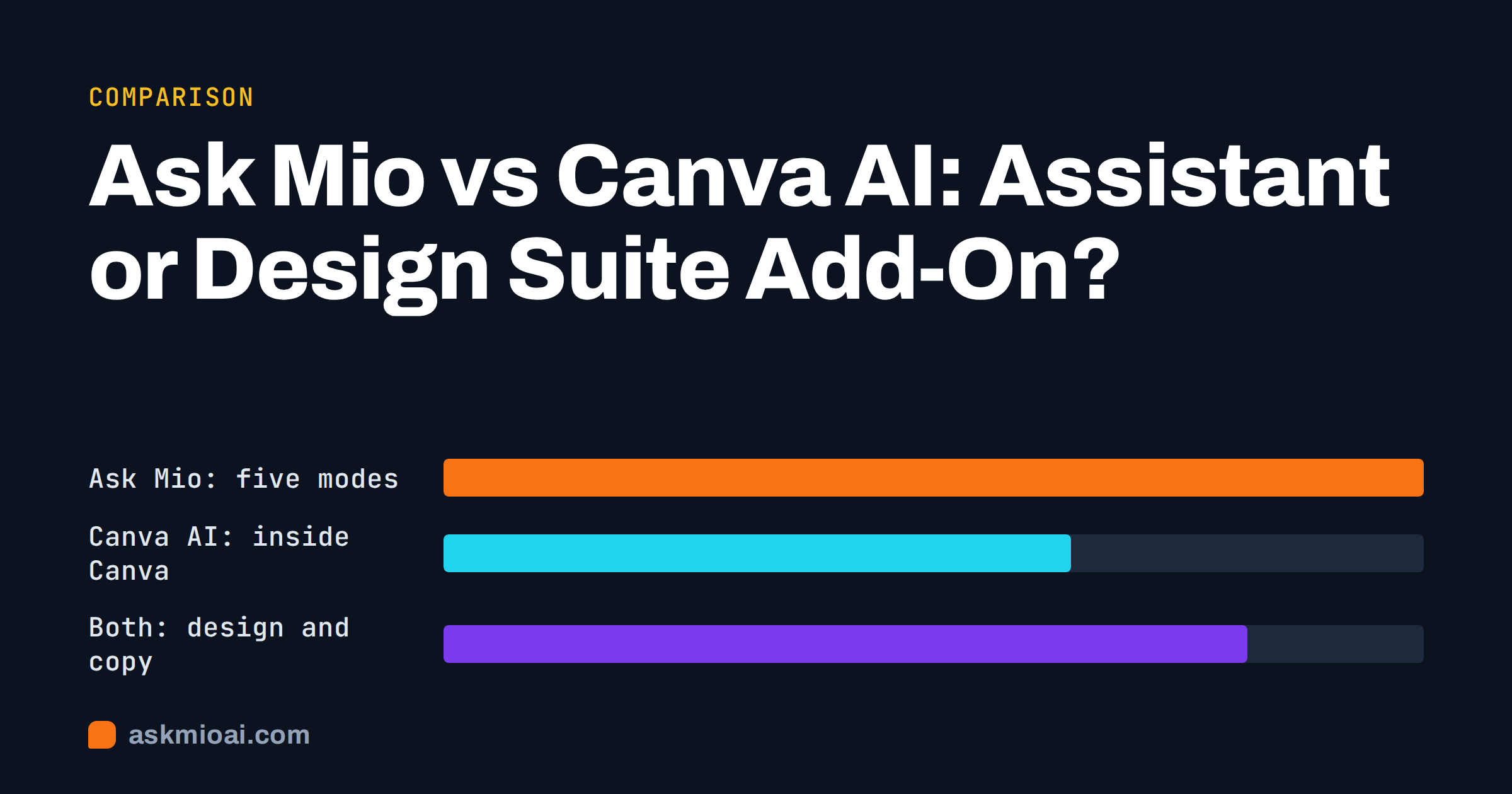
Ask Mio vs Canva AI is not really a fight between two identical products. Canva is a visual design suite that has added AI features to its editor; Ask Mio is a general AI assistant with five modes, one of which, Design, generates images from a sentence. If your daily job is laying out presentations, social posts and printed pieces from templates, Canva’s AI sits exactly where you work. If your job is a mix of writing, research, code and the occasional image, an assistant that covers all of it may be the better single purchase.
This comparison is written for people who are trying to decide where to spend a small tools budget. It sets out what each product is built around, where each is clearly stronger, and how to combine them rather than choose. Where Canva does something better, we say so plainly.
Ask Mio vs Canva AI at a glance
The quickest way to understand the difference is to ask what each product starts from. Canva starts from a canvas: a page, a slide, a post with objects you can drag, resize and recolour, and a very large library of templates. The AI features help you fill and speed up that canvas. Ask Mio starts from a conversation: you describe what you want, and Mio answers in text, code, a researched summary with sources, or an image, routing each request to a model suited for the task. You never choose a model yourself.
| Question | Ask Mio | Canva AI |
|---|---|---|
| Starting point | A conversation with five modes: Chat, Code, Design, Write, Research | A visual editor with templates and AI helpers inside it |
| Best at | Mixed knowledge work: text, research, code and images in one place | Laying out and polishing visual material from templates |
| Image generation | Design mode: logos, banners, social posts, illustrations from a sentence | Image generation inside the editor, next to layout tools |
| Manual layout control | Not its purpose; output is generated, not dragged into place | Core strength: drag, resize, align, brand kits |
| Writing and research | Write mode and Research mode with cited sources | Text helpers for copy inside designs |
| Code | Code mode with a code-running sandbox on the plans that include it | No |
| Print and publishing | Files such as PDF flyers and slide decks from ready-made jobs | Strong: formats, printing and publishing built around the editor |
| Pricing model | Points per answer; free plan with 600 points a month | Plan-based; check Canva’s own pricing page for current terms |
Treat the table as a map of emphasis, not a scorecard. A product that does fewer things deeply is not worse; it is built for a different day.
Where Canva AI is better
Be honest about this first, because it decides most purchases. If you make visual material every week, Canva is better at the part that is hard to describe in words: arranging things on a page.
Layout, templates and brand control
A template library means you start from a design that already respects margins, hierarchy and sizes for the channel you are publishing in. You can nudge an element by two pixels, lock a logo in place, apply a brand colour set across a whole deck and hand a template to a colleague who is not a designer. An image-generating assistant cannot match that kind of direct manipulation, and it is not trying to.
Working on a page with other people
Canva is built for people to open the same design, comment on it and approve it. If your process is “designer drafts, manager comments on the page, marketing resizes for five channels”, the editor is the natural home for that work.
Print and publishing output
Print needs bleed, safe margins, colour and resolution decisions. A design suite that knows its own output formats removes a layer of guesswork. If you regularly order printed material, having that tied to the editor is a real advantage.
Where Ask Mio is better
It does the work around the design
Most design jobs begin with words and facts: what the poster should say, who the audience is, what the offer is, which three benefits matter. Ask Mio’s Write mode drafts and edits that copy in 25 or more languages, Research mode finds facts with cited sources, and Chat explains and brainstorms. The same account also has Code mode for a developer on the team. One assistant covers the thinking and the writing, and Design mode covers the first image.
It handles jobs that are not design at all
A small business rarely has only design tasks. The same week might include a product description, a customer reply in German, a spreadsheet formula, a summary of a PDF and a banner. Canva’s AI is aimed at the design part of that list. Ask Mio is aimed at the whole list, with 104 discrete capabilities described on our features overview, from tools used mid-answer to ready-made jobs that return a finished file.
It makes a first draft from a sentence, in your language
In Design mode you describe the banner, logo or layout in your own language, and Mio writes the image prompt and generates the result. That removes the “blank canvas” problem and the prompt-engineering step. For concept exploration, such as ten directions for a logo, it is fast. For finishing a chosen direction exactly, you will want an editor.
Points, not seat-based surprises
Ask Mio charges in points. A normal chat reply is 1 point, a long or complex one 3, a coding answer 5 to 10 and a generated image 20. Each plan has a monthly amount plus a 5-hour allowance, so one heavy session cannot use up the month. The Design plan at €12 a month includes 5,000 points and 150 images a month; the free plan gives 600 points and no images. These figures come from the live pricing page, which is the reference if they change.
Image quality and control: what to expect
Both products can produce attractive images quickly, and both share the limits of generated imagery. Text inside images is the classic weak spot: small or long lines of text can come out misspelled or distorted. Hands, logos of real brands and precise technical diagrams are other places to check carefully. We cover the typical failures and fixes in common AI image generation failures.
The practical difference is what happens after the first result. In a design suite you fix a problem by editing the object: swap the headline, move the logo, change the font. In an assistant you fix it by describing the change and generating again, which is quicker for an idea and slower for a precise correction. A sensible rule: generate the idea where generation is cheap, and finish where editing is exact.
Licensing and rights
Both products come with terms about commercial use of generated images, and those terms change. Before using any generated image on packaging, in advertising or in a logo you plan to trademark, read the current terms of the service that produced it and keep a record of the date. Our article on AI image licensing and usage rights lists what to check. Do not assume an AI-generated mark can be registered or protected in the way a hand-drawn one can; ask a qualified adviser for anything you intend to defend.
Who should pick which
Choose Canva AI if
- Visual material is most of your work: decks, social calendars, brochures, event material.
- Several people must open, comment on and approve the same design.
- You depend on brand kits, resizing for many channels and print-ready output.
- You want AI help to stay inside the layout tool.
Choose Ask Mio if
- Your work mixes writing, research, code and images, and you want one account for all of it.
- You want a first image or logo direction from a sentence, without learning prompt syntax.
- You value cited research and document analysis next to creative work.
- You prefer paying per use with a free tier, rather than per seat for a tool you open twice a week.
Use both if
The strongest workflow for many small teams is a hand-off. Draft the message, the headline options and the offer in Ask Mio. Generate three or four visual directions in Design mode. Then move the chosen direction into the layout tool for exact placement, brand colours and export. That keeps each product doing the thing it is best at, and the writing and research stay consistent across every format you produce.
A worked example: a spring sale campaign
Imagine a small online shop that wants a spring sale across a banner, an Instagram post, a flyer and an e-mail.
- Brief. In Ask Mio’s Chat mode, state the offer, the audience, the dates and the tone. Ask for five headline options and a one-sentence offer line. Pick one.
- Copy. In Write mode, produce the e-mail, two caption variants and the flyer text, all using the chosen headline so the campaign is consistent.
- Image directions. In Design mode, ask for three visual directions for the banner: describe colours, mood and subject, and state that no text should appear in the image. Text added later in an editor is always cleaner than text generated into the picture.
- Flyer. The ready-made PDF flyer job turns the copy into a one-page file; see AI PDF flyer generator for what it does and what to check.
- Finishing. If the brand requires exact placement or a shared brand kit, import the chosen image into your layout tool and finish there.
Notice what happened: the assistant produced the thinking, the words and the first visuals; the layout tool did the precision work. Neither replaced the other.
Costs in practice
With Canva, the question is which plan covers the people and features you need; with Ask Mio, it is how many points you will use. A small team that generates a handful of images and writes plenty of text can sit on the free plan to test, then move to the Chat plan at €5 a month (2,000 points, research with web search, file uploads, memory) or the Design plan at €12 a month for image generation. The Business plan at €29 a month gives five seats, 15,000 points and 300 images a month. All prices are in EUR with 21% VAT added at checkout. If you run out of points mid-month, packs are 5 € for 700 points, 10 € for 1,600 and 25 € for 4,500, valid for 30 days.
For Canva, check Canva’s own pricing page for current plans; this article deliberately does not quote them, because they change and we would rather send you to the source than print a number that is wrong next quarter.
How to test both in an afternoon
Do not decide from feature lists. Pick three real jobs from last month: for example a social post, a one-page flyer and a product image. Do each in both tools and time it. Score three things: how close the first result was, how long it took to reach something you would actually publish, and how much of the remaining work was words versus pixels. If most of your time went into words and research, the assistant wins on value. If most went into placement and polish, the editor wins. Our guide to evaluating an AI assistant with a 10-task test gives a repeatable way to do this honestly.
Keep a note of what you would have to change if the tool disappeared or raised its price. Files you can export and reuse are worth more than features you cannot take with you.
Frequently Asked Questions
Is Ask Mio a replacement for Canva?
Not for layout-heavy work. Ask Mio generates images and finished files such as PDF flyers and slide decks from a description, but it is not a drag-and-drop editor with a template library and brand kits. For writing, research, code and first-draft visuals it covers more ground; for exact placement and print-ready layout, a design suite is still better.
Can I make a logo with Ask Mio?
Yes, Design mode generates logos, banners, social posts and illustrations from a sentence, and it is available on the Design and Business plans. Treat the result as a concept direction. Check the licensing terms before commercial use, and ask a qualified adviser before trying to register a generated mark as a trademark.
Which is cheaper for a small business?
It depends on the mix of work. Ask Mio has a free plan with 600 points a month, a Chat plan at €5, and Design at €12 a month, all plus VAT, billed by points rather than seats. Canva’s plans are set by Canva, so compare its current pricing page against the number of people and features you actually need.
Can the two be used together?
Yes, and it is often the best arrangement. Draft copy, headlines and research in Ask Mio, generate image directions in Design mode, then finish exact layout, brand colours and export in a layout tool. Each product handles the stage where it is strongest, and the message stays consistent across formats.
Does generated text inside images work?
Often it does not. Long or small lines of text can be misspelled or distorted by any image generator. The reliable method is to generate the picture without text, then add headlines and details afterwards in an editor or a layout step, where the characters are exact.
How do I decide which one to start with?
Take three real jobs from last month and do them in both. Time how long each takes to reach something publishable and note whether the effort went into words or into pixel placement. Mostly words and research favours the assistant; mostly layout and polish favours a design suite.
The Bottom Line
Pick Canva AI when your work is the page itself: layout, templates, brand kits and print. Pick Ask Mio when design is one task among writing, research and code, and you want one assistant and a pay-per-use model. Many teams will use both, with the assistant for the thinking and first visuals and the editor for finishing. Start on the free plan with one real campaign, then compare the Ask Mio plans to see whether Design mode earns its place.