
 Lietuviškai
 Deutsch
 Français
 Русский
 Español
 Polski
 Italiano
 Українська
 Čeština
 Português
 日本語
日本語 Latviešu valoda
 Eesti
Eesti Magyar
 Bahasa Indonesia
 Türkçe
 हिन्दी
 Ελληνικά
 العربية
 ไทย
ไทย Tiếng Việt
 Română
 Bahasa Melayu
 বাংলা
বাংলা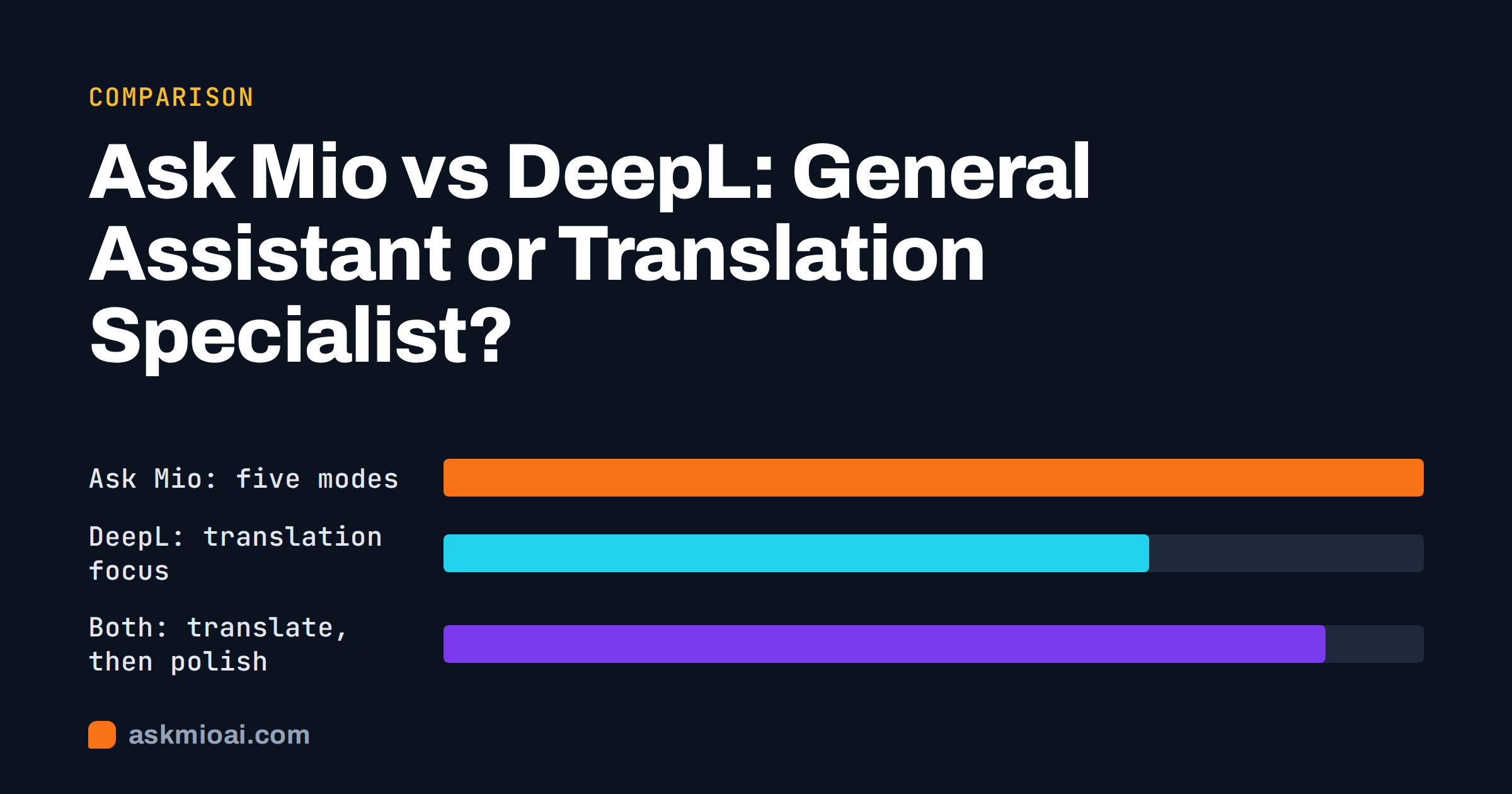
Ask Mio vs DeepL is a comparison between a general AI assistant and a tool built around one job: translating text well. DeepL is widely known for natural-sounding translation and a clean interface for pasting text or uploading a document. Ask Mio is an assistant with five modes, and translation is one of the things its Chat and Write modes do among many others. If you translate all day, a specialist tool earns its place. If translation is one task among writing, research and code, an assistant may cover more of your week.
This article is for people deciding where to spend a small software budget. It explains what each product is built around, where DeepL is clearly stronger, where Ask Mio is, and how many people combine the two. We do not quote DeepL’s prices or language counts, because they change; the DeepL links point to its own pages for current details.
Ask Mio vs DeepL at a glance
The easiest way to see the difference is to ask what each product starts from. DeepL starts from a source text and a target language: you give it a passage or a file, it gives you the same content in another language. Ask Mio starts from a conversation: you describe what you need, in any of its 25-plus interface languages, and Mio answers in text, code, a researched summary with sources, or an image. Translation inside that conversation is a request like any other, which means you can steer it in plain words.
| Question | Ask Mio | DeepL |
|---|---|---|
| Starting point | A conversation with five modes: Chat, Code, Design, Write, Research | A translation interface: source text in, target text out |
| Best at | Mixed work: translate, then rewrite, summarise, reply or research | Fast, consistent translation of text and documents |
| Following instructions | Strong: “translate, keep my brand tone, shorten by a third, add a call to action” | Limited to translation settings such as tone and glossaries |
| Document translation | Upload PDF, Word, text or code and ask for a translation or a summary in another language | Built for it: upload a file and receive a translated file |
| Terminology control | Through instructions and a project’s saved instructions | Dedicated glossary feature |
| Beyond translation | Write, Research with cited sources, Code, Design | Writing-improvement features; not a general assistant |
| Pricing model | Points per answer; free plan with 600 points a month | Plan-based; check DeepL’s own pricing page |
Read the table as a map of emphasis rather than a scorecard. A specialist can be deeper on its one job without being the better choice for your whole week.
Where DeepL is better
Be plain about this first, because it decides most purchases. If translation is your job or a large share of it, DeepL has real advantages.
A tool shaped around the task
A dedicated translator has a short path from input to output. You paste, pick a target language and get a result with alternatives you can click. There is no prompt to write, no instruction to forget and no temptation for the output to wander into commentary. For repeat work, that predictability is worth a lot. The same input tends to produce the same kind of output, which matters when several people on a team translate in the same way.
Document handling and glossaries
Translating a contract template, a slide deck or a manual means keeping layout, headings and tables in place. A tool built for document translation handles that as its main job. A glossary feature also lets a team fix how product names and recurring terms are translated, so “workspace” never becomes three different words across a hundred pages. If you maintain translated documentation, this is the feature that saves hours.
Integrations where you already work
Translators and agencies often want a plug-in for their desktop software, a browser extension for reading foreign sites and an interface other tools can call. Specialist translation products tend to invest in these connections. Check DeepL’s own site for what is currently offered, because that list changes more often than an article can track.
Where Ask Mio is better
It does the work around the translation
Most real translation jobs are not just translation. You translate a customer email, then need a polite reply in the same language. You translate a product page, then want it shortened for a banner and adapted to a different market. You translate a supplier contract summary, then need the three risks listed in plain words. Ask Mio handles the whole chain in one conversation: translate, rewrite, summarise, extract and answer, with Write mode for text and Research mode for facts with cited sources.
You can instruct the translation
With an assistant, the brief is part of the request. You can say who the reader is, which tone to use, which words must stay in the source language, and what to do when the original is ambiguous. You can ask it to flag lines where the meaning could go two ways, or to give two versions: literal and natural. That is a different kind of control from a formality toggle, and it suits marketing copy, support replies and anything where tone matters more than word-for-word fidelity. Our guide to prompting in your own language shows how to phrase these briefs.
It explains, not just converts
Language learners and professionals often need to know why a phrase was translated a certain way. In Chat mode you can ask for the nuance, the register and an alternative, and Mio answers in the same conversation. A pure translator returns a result; an assistant can discuss it.
Points instead of per-tool subscriptions
Ask Mio charges in points. A normal chat reply costs 1 point, a long or complex one 3, a coding answer 5 to 10 and a generated image 20. The free plan gives 600 points a month with Chat and Write; the Chat plan at €5 a month adds Research with web search, file uploads and memory. These figures come from the live pricing page, which is the reference if they change.
Translation quality: what to expect from each
Both approaches can produce fluent output in the major language pairs, and both can still make mistakes. The risks are different. A dedicated translator tends to stay close to the source, so errors are usually mistranslated terms or missed context. An assistant is more flexible, so the risks include over-smoothing, where it improves the text instead of translating it, or adding a sentence the source did not contain. You control that with the instruction: ask for a faithful translation, no additions, and a list of anything you were unsure about.
For anything that matters, such as legal text, medical information or a safety notice, treat any machine translation as a draft for a qualified person to check. Our article on AI translation quality sets out what to expect and how to improve results, and the comparison in best AI for translation covers more tools by job. If you publish in several languages, the W3C internationalization pages explain the web-side basics, such as language tags and text direction.
Privacy and data handling
Both products process the text you give them, so read each one’s data policy before pasting anything confidential. For Ask Mio, your chats and files are yours and you can export or delete them at any time. Data is not used to train models, and Ask Mio runs on its own servers. For DeepL, read its current privacy information on its own site and check which of its plans the policy applies to, because terms can differ between free and paid use. In either case, remove names, account numbers and other personal details that the translation does not need; our guide to anonymising text before pasting it into AI explains how.
Cost in practice
The cost question is about volume and variety. If you translate large volumes of similar documents, a specialist plan priced for that use is likely to be the better fit. If your translation is occasional but your other needs are broad, one assistant account is usually cheaper than two subscriptions.
On Ask Mio, a small team can start free with 600 points a month, move to the Chat plan at €5 a month (2,000 points, research with web search, file uploads, memory), the Coding plan at €12 a month for Code mode or the Design plan at €12 a month for images. The Business plan at €29 a month includes 5 team seats and 15,000 points. All prices are in EUR with 21% VAT added at checkout. If you run out of points mid-month, packs are 5 € for 700 points, 10 € for 1,600 and 25 € for 4,500, valid for 30 days. For DeepL, use its own pricing page; we deliberately do not print a number that may be wrong next quarter.
Who should pick which
Choose DeepL if
- Translation is most of your work, or you translate documents in volume.
- You need glossaries and consistent terminology across many files.
- You want a predictable tool that always returns a translation and nothing else.
- You work with other translators who already use it.
Choose Ask Mio if
- Translation is one task among writing, research, code and design.
- You need tone, audience and length control in the same request.
- You want to translate and then reply, summarise or adapt in one place.
- You prefer paying by use, starting with a free plan.
Use both if
Many professionals do. Run the heavy, repeatable document translation in the specialist tool, then bring the result into Ask Mio for the human parts: adapting tone for a market, shortening for a layout, drafting the covering email, or checking the translation against the source and listing differences. Each product then does the thing it is best at.
A worked example: one product page, three markets
Imagine a small company that wants one product page in German, French and Polish.
- Source check. In Ask Mio, ask for a list of idioms, puns and culture-specific phrases in the English text that will not travel. Rewrite those lines first.
- Bulk translation. Translate the full page. A specialist tool does this quickly; Ask Mio can too, with the instruction to keep product names untranslated and keep the order of sections.
- Market adaptation. Ask Mio to adapt headline, call to action and units for each market, and to explain every change in one line.
- Back-check. Ask for a literal English back-translation of the final headline and the three bullet points, then compare with the original meaning.
- Human review. Have a native speaker read the final text before publishing. Our guide to localizing a website with AI covers this workflow in more detail.
The point is not which tool did step two. It is that the steps around it are where an assistant helps most.
How to test both in an afternoon
Do not decide from feature lists. Pick five real texts from last month: an email, a product description, a paragraph with industry jargon, a short contract clause and a piece of marketing copy. Translate each in both tools. Score three things: how close the first result was, how much editing you needed before you would send it, and how much of the remaining work was about meaning rather than wording. If you mostly fixed terminology, a glossary-driven tool wins. If you mostly changed tone and structure, the assistant wins. Our 10-task test for evaluating an AI assistant gives a repeatable way to run this comparison honestly.
For deeper background on how a translation tool is built, the DeepL Translator page shows what it offers today.
Frequently Asked Questions
Is Ask Mio a replacement for DeepL?
For occasional translation inside broader work, often yes. For high-volume document translation with glossaries and strict terminology, a dedicated tool is still the better fit. Ask Mio shines when you translate and then need to rewrite, reply, summarise or research in the same conversation. Many people keep both and use each for what it does best.
Can Ask Mio translate whole documents?
You can upload a PDF, Word or text file on the plans that include file uploads and ask for a translation or a summary in another language. Very long documents are best handled in sections, with the instruction to keep headings and numbering. A tool built for document translation preserves layout more directly, so check the output against the original.
Which is better for tone and style?
An assistant gives you more control, because you can describe the reader, the register and the purpose in your own words, then ask for alternatives. A translator offers fewer knobs but a more predictable result. For marketing copy, customer replies and sensitive messages, the ability to instruct and iterate usually matters more than raw speed.
How do I keep product names and terms consistent in Ask Mio?
Put a short glossary in your instructions, listing each term and its approved translation, and keep it in a project so it applies to every chat in that project. Ask Mio to flag any term it was unsure about. It is less rigid than a dedicated glossary feature, so spot-check long outputs for drift.
Is it safe to paste confidential text into either?
Treat both with care and read each data policy first. Ask Mio does not use your data to train models and lets you export or delete chats at any time. Even so, remove names, numbers and other details the translation does not need, and avoid pasting anything you are contractually forbidden to share with a third party.
Which costs less for a small team?
It depends on volume and variety. Occasional translation plus other tasks usually costs less on one assistant plan, starting with Ask Mio’s free tier of 600 points a month. Heavy, repetitive translation work may justify a specialist plan. Compare DeepL’s current pricing page with your real monthly workload before committing to either.
The Bottom Line
Pick DeepL when translation is the job: documents in volume, glossaries and a predictable result. Pick Ask Mio when translation is one step in a longer piece of work and you want tone, audience and follow-up tasks handled in the same conversation. Many teams will use both, with the specialist for bulk and the assistant for adaptation and everything around it. Start on the free plan with one real text, then compare the Ask Mio plans to see what your workload needs.