
 Lietuviškai
 Deutsch
 Français
 Русский
 Español
 Polski
 Italiano
 Українська
 Čeština
 Português
 日本語
 Latviešu valoda
 Eesti
 Magyar
 Bahasa Indonesia
 Türkçe
 हिन्दी
 Ελληνικά
 العربية
 ไทย
 Tiếng Việt
 Română
 Bahasa Melayu
 বাংলা
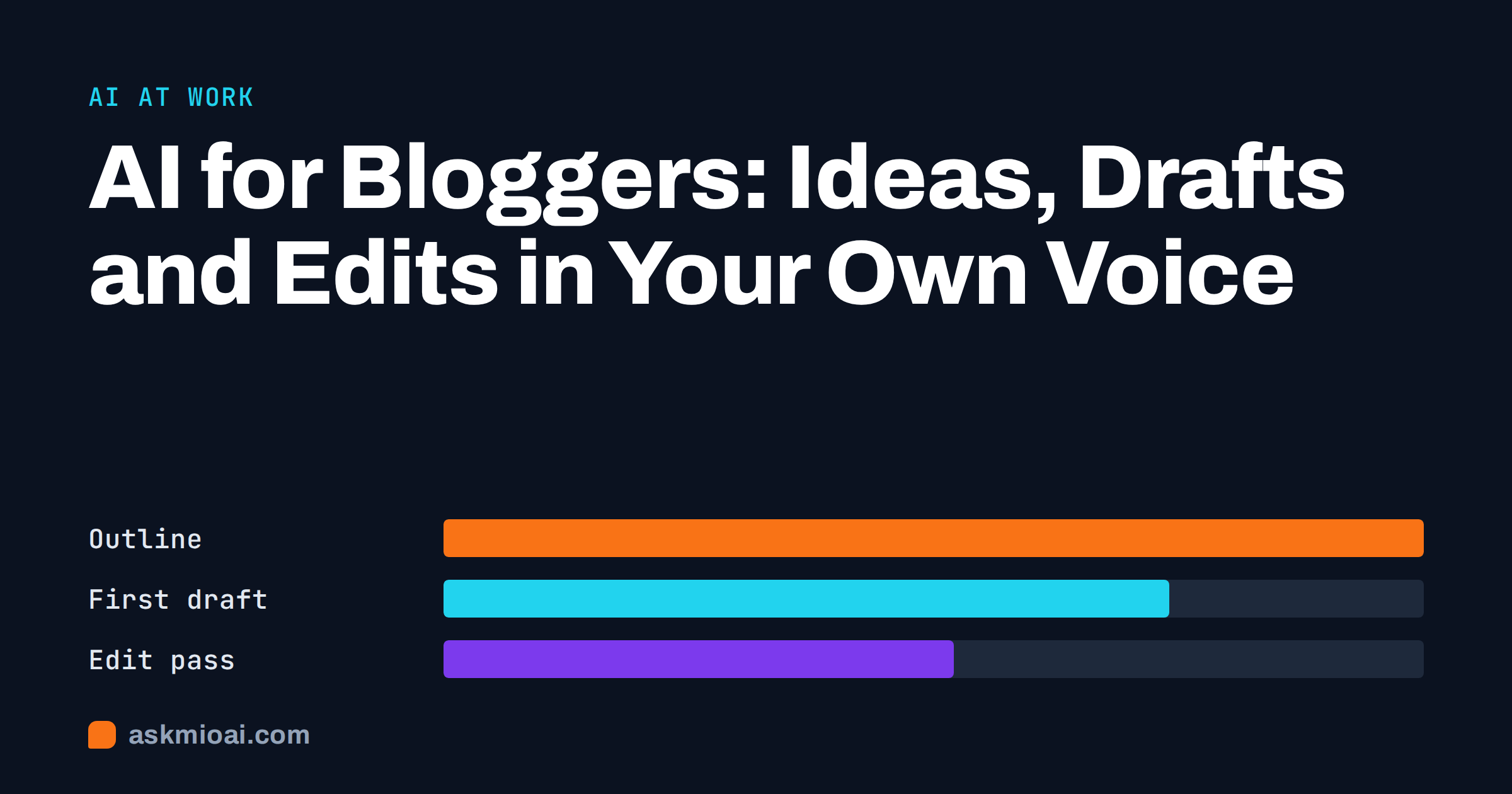
AI for bloggers is not about letting a machine write your blog. It is about removing the slow parts of the process so that more of your time goes to the part readers care about: your experience, your opinion and your voice. An assistant can suggest topics, build an outline, tighten a draft, write a meta description and turn one post into a newsletter, and it can do each in minutes. Used without care, it also produces generic posts that sound like everyone else’s.
This guide shows how to use AI across a blogging workflow: ideas, outlines, drafts, edits, search titles, images, promotion and updates. It explains where an assistant helps, where it hurts, how to keep your own voice, what search engines say about AI-assisted content and how to disclose your use honestly. It suits personal bloggers, niche site owners, company bloggers and freelancers who write for clients.
Where AI for bloggers helps most
A blog post goes through stages, and the assistant is not equally useful in all of them. The table shows an honest split.
| Stage | How the assistant helps | What stays with you |
|---|---|---|
| Topic ideas | Generates angles, questions readers ask, series ideas | Choosing what you can write with authority |
| Research | Finds sources, summarises background, lists counter-arguments | Checking facts, picking trustworthy sources |
| Outline | Builds a structure with headings and a logical order | The thesis and what to leave out |
| Draft | Writes a rough first version or fills gaps | Your stories, opinions and examples |
| Edit | Fixes grammar, trims, tests clarity, adjusts tone | Final voice and judgement |
| Search elements | Suggests titles, meta descriptions, alt text and FAQs | Matching real search intent |
| Promotion | Turns a post into captions, a newsletter and a thread | What you are willing to say publicly |
The pattern is clear. The assistant is strongest at structure and polish, and weakest at experience. A reader visits your blog for something a search results page does not already give them, such as what happened when you tried the thing. That part has to come from you.
Finding topics worth writing
Ideas are cheap, and the right ideas are rare. Use the assistant as a brainstorming partner, but feed it your own material: your last ten post titles, your reader emails, the questions in your comments and the problems you solved this month. Then ask for angles you have not covered, questions beginners ask, myths in your niche and posts that would connect two of your existing articles.
- Ask for gaps. “Here are my last twenty titles. What obvious questions about this topic do they leave unanswered?”
- Ask for series. “Turn this topic into a five-part series, each part answering one question.”
- Ask for opposition. “What would an expert disagree with in this idea?”
- Ask for evidence. “What would I need to show, such as a test, a screenshot or a number, to make this post credible?”
Then pick what you can answer from experience. Our guides to the best AI for brainstorming and the AI content calendar show how to turn ideas into a schedule you can keep.
Outlines before drafts
An outline is the best place to use an assistant, because structure is where most weak posts fail. Give it the reader, the question and the main point, and ask for headings in a logical order, with one line saying what each section must prove. Edit the outline hard: delete sections that repeat, add the one you care about most and reorder for flow.
- State the reader and the promise. “This post helps new bakers fix dense sourdough in three steps.”
- Ask for five outlines. Compare structures, then combine the best.
- Add your proof. Mark the places where you will insert a photo, a story or a test.
- Cut. A tighter post is usually a better post.
Writing the first draft from a solid outline is much easier, whether you write it yourself or ask the assistant for a rough version to react to.
Drafting without losing your voice
The biggest risk of AI-assisted blogging is sameness. Generic drafts share a flat rhythm, safe phrases and a habit of summarising everything three times. Readers notice, and so do you when you reread it a month later. Three practices keep your voice.
- Write the opening and the closing yourself. The first and last paragraphs set the voice, and readers judge a post by them.
- Feed it your voice. Paste two or three of your best posts and ask the assistant to describe your style, then use that description in future prompts. Our guide to the AI brand voice guide shows how.
- Insert the specific. Add one detail only you know in every section: a number, a place, a mistake, a name, a result.
- Ban the filler. Tell the assistant to avoid clichés, to use short sentences and to skip introductions that restate the title.
Read the finished piece aloud. If you would not say a sentence to a friend, rewrite it. When a draft feels flat, the fix is rarely a better prompt, and nearly always a more personal example.
Editing, clarity and fact-checking
Editing is a strong use. Ask the assistant to act as an editor: find unclear sentences, cut repetition, check the logic of each paragraph, flag claims that need a source and suggest a tighter title. Ask for comments, not a rewrite, then make the changes yourself so the text stays yours.
Fact-checking needs extra care. Assistants can state wrong dates, invent studies and attach quotes to the wrong person. Every number, quote, product detail and legal statement in your post must be verified against a source you have opened. Our articles on AI fact-checking and AI hallucinations explain the failure modes, and the guide to AI citation generators shows how to keep references honest. Link to the original source in your post, not to a summary of a summary.
Search titles, meta descriptions and structure
Search is where assistants save routine effort. Ask for ten title options within a length limit, a meta description of about 150 characters that promises the answer, suggested headings that match the questions readers type and a short FAQ drawn from the post. Check that each suggestion is true to the post, and avoid promising something you do not deliver.
Search engines care about usefulness, not about whether a person or a program typed the words. Google has published guidance on creating helpful, reliable, people-first content and on using generative AI content. The message is consistent: content produced mainly to manipulate rankings is a problem, while helpful content that shows experience and accuracy is fine, however it was produced. Our guide to the AI SEO article generator explains how to use the assistant for structure without mass-producing thin pages.
Images, captions and repurposing
A post needs a cover image, alt text and promotion. The assistant can write alt text that describes the image honestly, suggest captions in different lengths and turn the post into a newsletter, a short social thread and a few quote cards. Our article on repurposing content with AI describes a routine that takes ten minutes per post, and the guide to AI newsletter writing shows how to adapt the tone for email.
For images, use your own photos, screenshots and diagrams whenever you can, because they show real experience. If you generate images, check the tool’s terms for commercial use and avoid images that imitate a real person or brand. The article on AI image generators covers prompts and rights.
A weekly routine that fits around a day job
Most bloggers write in the margins of other work, so a routine matters more than any single tool. One simple pattern uses three short sessions. On Monday, spend twenty minutes choosing the next topic and generating an outline. On Wednesday, write the draft yourself from the outline, adding your own examples, and use the assistant only to unblock a stuck paragraph. On Friday, edit with the assistant, verify facts, prepare the title and meta description and schedule the post and its promotion.
Keep a running note of what works. After each post, write down which prompt gave the most useful result, which section needed the most rewriting and which reader question the post still does not answer. Over a few months this note becomes a personal playbook, and your prompts get shorter because they carry less guesswork. If you stop enjoying the process, that is a signal too: use the assistant for the chores you dislike, and keep the parts you enjoy.
Updating old posts
Many blogs gain more from refreshing than from writing new posts. Ask the assistant to compare an old post with the questions readers now ask, find outdated sections and suggest additions. Then verify every change and add something new from your own experience, such as results from the last year. Keep the same URL when you update, and note the update date on the post if you display one.
Disclosure, ethics and rules
Be honest about how you work. Many readers do not mind AI-assisted writing, and they do mind being misled. A simple statement such as “I use AI tools for outlines and editing, and I write and check every post myself” is enough for most personal blogs. Sponsored content, medical, legal and financial advice and journalism carry stricter expectations, and some platforms and clients have rules about AI use. Our guide on how to cite and disclose AI use describes what to record.
Do not use detectors as a judge of quality. Our article on AI content detectors explains why they are unreliable. Instead, ask whether the post is accurate, useful and yours. If a client or publication requires disclosure or bans AI, follow the contract.
Using Mio as a blogging partner
Mio is one assistant with Chat, Write, Research, Code and Design modes, and you never pick a model: Mio routes each request to one suited to the task. Write mode drafts outlines, edits and meta descriptions, and Chat mode helps you test ideas. On paid plans, Research mode searches the web and cites sources, so you can open and check each one. Design mode, on the Design and Business plans, can create cover images from a sentence.
Projects and memory make it practical for a blog. Keep one project per blog with your audience, your voice notes, banned phrases and a list of published posts, so that each new chat starts with that context and avoids repeating topics. Your chats and files remain yours, they are not used to train models and you can export or delete them at any time. The free plan has Chat and Write modes with a monthly point allowance, which is enough to test your workflow.
Frequently Asked Questions
Can I use AI to write blog posts and still rank in search?
Yes, if the posts are helpful, accurate and show real experience. Search engines assess usefulness, not the tool. Mass-produced thin pages written only to rank are a risk, while posts that answer a real question with your own examples and verified facts can perform well. Always edit and fact-check before publishing.
How do I stop my blog from sounding like everyone else’s?
Write the opening and closing yourself, add specific details only you know and give the assistant samples of your best posts to describe your style. Ban clichés and filler in the prompt, and read the draft aloud. When a section sounds generic, replace it with a real example from your experience.
Should I tell readers I use AI?
A short, honest note is wise, especially if AI contributes to the text. Many bloggers say which parts of the process use AI and that they check everything. Follow the rules of your platform, client or publication, and be stricter for health, finance, legal and sponsored content.
Is it safe to paste reader comments or emails into an assistant?
Be careful. Comments and emails can contain personal data, and readers did not agree to have them processed by a third party. Remove names and contact details, summarise instead of pasting where possible and read the privacy terms of your tool. Never paste anything confidential or sent in trust.
Can AI help me grow a new blog faster?
It can speed up research, outlines, editing and promotion, so you publish more consistently. It cannot replace experience, a clear niche or time. Growth still comes from useful posts, a consistent topic and promotion to the right readers. Use the time you save to make each post more specific and more personal.
The Bottom Line
AI for bloggers works when it takes over the slow, mechanical steps and leaves the voice, the experience and the judgement to you. Use it for topics, outlines, edits, search elements and promotion, verify every fact and be honest about how you work. To try it on your next post, start on the free plan and compare options on the Ask Mio pricing page.