
 Lietuviškai
 Deutsch
 Français
 Русский
 Español
 Polski
 Italiano
 Українська
 Čeština
 Português
 日本語
 Latviešu valoda
 Eesti
 Magyar
 Bahasa Indonesia
 Türkçe
 हिन्दी
 Ελληνικά
 العربية
 ไทย
 Tiếng Việt
 Română
 Bahasa Melayu
 বাংলা
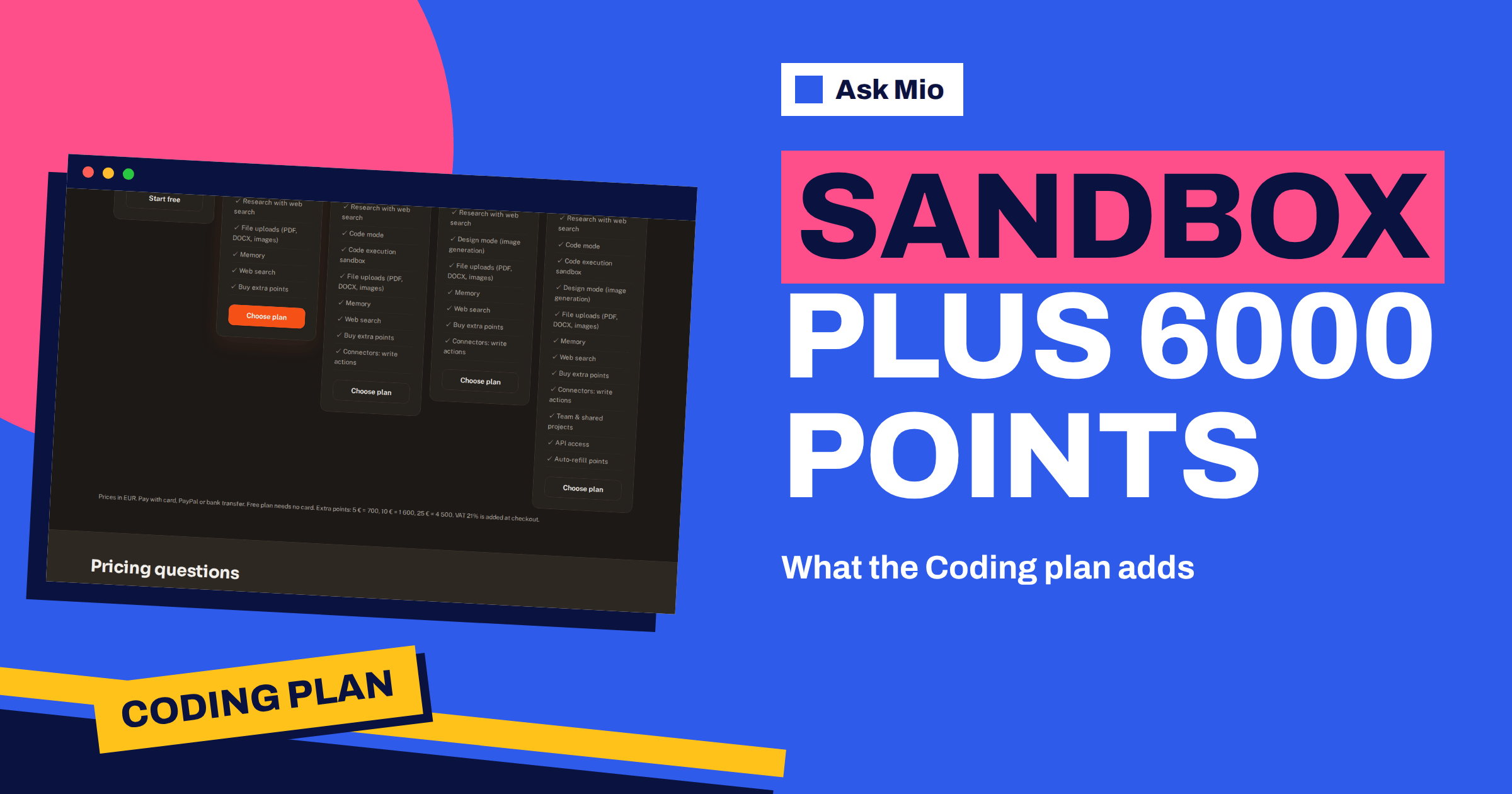
The Ask Mio Coding plan costs €12 a month, and the natural question is what that buys over the €5 Chat plan. The short answer: Code mode, the code execution sandbox, three times the monthly points, a window that is more than twice as large and a 100 MB file limit. This guide goes through each of those in practical terms, using only the figures on the live pricing and features pages, so you can decide whether the Coding plan pays for itself in your week.
You will find what Code mode does, what the sandbox is for, how to turn points into a realistic number of coding answers, which tasks justify the upgrade, which do not, and how the plan compares with Business. The aim is a decision you can defend, not a sales pitch.
What the Ask Mio Coding plan includes
The Coding plan includes everything in Chat and adds Code mode and the code execution sandbox. The headline numbers from the pricing page are below.
| Item | Chat | Coding |
|---|---|---|
| Price per month | €5 | €12 |
| Price per year | €50 | €120 |
| Points per month | 2000 | 6000 |
| Points per 5-hour window | 250 | 600 |
| Max file size | 20 MB | 100 MB |
| Code mode | not included | included |
| Code execution sandbox | not included | included |
| Connectors: write actions | not listed | included |
| Research with web search, memory, file uploads | included | included |
| History | unlimited | unlimited |
Both plans have one seat. Yearly billing gives two months free, so Coding is €120 a year instead of €144. Prices are in euros, VAT of 21% is added at checkout and you can pay by card, PayPal or bank transfer. If you are still choosing between all five plans, start with the feature overview and come back here for the detail.
Code mode: what it is for
The home page describes Code mode as working code with explanations, bug fixes from a pasted error and refactoring. Mio routes the request to the model that suits coding, and you do not pick it yourself. In practice you use Code mode in four ways.
- Fix from an error. Paste the stack trace and the function it points to, and ask for the cause and a fix.
- Write a first version. Describe the input, the output and the edge cases, and get code with comments.
- Refactor. Paste a long function and ask for smaller functions with the same behaviour, plus tests.
- Explain. Paste unfamiliar code and ask what it does, line by line, at your level.
Our guide to pair programming with AI shows how to keep control of the result, and the comparison of the best AI for coding explains how assistants differ.
The sandbox: run code instead of guessing
The features page lists a Code runner tool that runs Python or Node code in a sandbox to compute something exactly, analyse a table with pandas, draw a chart with matplotlib or convert a file. A sandbox is an isolated environment where code can run without touching your own machine, which is the idea behind the sandbox in computer security.
The difference between reading code and running it is large. A model that only reads can believe a function is correct; a model that runs it sees the output. Ask Mio to run the code against your sample input, show the result and compare it with what you expect. For data tasks, paste a small table and ask for the summary and a chart. Our article on the Python sandbox and code runner goes deeper on what it can do.
For tabular work the libraries named on the features page are pandas for analysis and matplotlib for charts, both widely documented, so you can check any code Mio writes against their own documentation. For the idea behind restructuring code without changing what it does, see the refactoring article. Whatever the task, the output is a draft that you read before you use it.
A sensible habit is to ask for tests together with the code, run them in the sandbox and read the failures. The sandbox is not your production environment, so a pass there is a good sign and not a guarantee. Always run the final version in your own project with your own dependencies.
Turning points into coding answers
The pricing page says a coding answer costs 5 to 10 points. That gives a simple range for each plan, which is an illustration and not a promise, because the real cost depends on the model Mio picks for the task.
- Chat, 2000 points: roughly 200 to 400 coding answers a month, if you spent every point on code.
- Coding, 6000 points: roughly 600 to 1200 coding answers a month.
- Per 5-hour window on Coding, 600 points: roughly 60 to 120 coding answers in one session.
- Per 5-hour window on Chat, 250 points: roughly 25 to 50 coding answers in one session.
The window is the number that developers feel first. A long debugging afternoon with large pasted files can easily use dozens of answers, and the larger window is what keeps you working instead of waiting. If you run out of points for the month, extra packs are available: 5 € for 700 points, 10 € for 1 600 and 25 € for 4 500. Packs work immediately, ignore the 5-hour window and stay valid for 30 days. For the difference between points and tokens, read tokens vs points.
A debugging session, step by step
A good session in Code mode follows the same loop every time, and the loop is also the cheapest way to use points.
- State the goal and the environment. Language, version, framework and what the code should do.
- Paste the smallest useful input. The failing function, the error message and one example input, not the whole repository.
- Ask for the cause before the fix. A one-paragraph explanation lets you catch a wrong diagnosis early.
- Ask for a test that fails now. A failing test proves the bug is understood.
- Apply the fix and run the test. Use the sandbox for a quick check and your own project for the real one.
- Ask for a short summary. Keep it as a commit message or a note in the ticket.
Short, focused requests cost fewer points than pasting a whole module for every question, and they give better answers. Mio’s Headroom feature also shortens repeated file dumps and quoted text in long chats, so long sessions stay cheaper, and the chat shows how much was saved.
Files up to 100 MB and code review
Code often arrives as a project, not a snippet. The Coding plan raises the file limit to 100 MB, compared with 20 MB on Chat. The ready-made job called Code review / fix lets you paste code or attach a ZIP, and Mio finds bugs and suggests fixes. A ZIP of a small service or a library fits easily within the limit, as long as you leave out build folders and dependencies that you can install again.
Before you attach anything, remove secrets. Environment files, private keys and tokens do not belong in any chat. Replace them with placeholders and rotate anything that has already leaked. Our guide to AI code security review lists what to check before release.
Connectors with write actions
The pricing page lists “Connectors: write actions” on the Coding plan, and on Design and Business. The features page describes connectors such as GitHub, which gives access to your repositories, issues, pull requests and file contents when you ask Mio to look. The pages do not describe the write actions in detail, so check the live product before you rely on a specific one, and treat any action that changes data as something you confirm yourself. Read access is the safe default for review and explanation.
Who should choose the Coding plan
Choose Coding if at least two of these are true in a normal week:
- You paste errors or code into an assistant several times a day.
- You want code run and checked, not just written.
- You work with archives or large files above 20 MB.
- A 250-point window would stop you in the middle of a session.
- You want one plan for code, research and documents, without images.
Stay on Chat if you ask a coding question a few times a week and mostly write, read and research. Choose Design instead if images are your daily output. Choose Business if you need code and images together, 15000 points a month, a 1500-point window, a 200 MB file limit or five team seats. A solo developer who also makes images would pay €24 for Coding plus Design, so compare that with Business at €29 and decide by what you actually use.
A worked example: one week of a freelance developer
Suppose a freelancer fixes a client’s web shop. On Monday they paste three stack traces and get fixes. On Tuesday they ask for a refactor of a 300-line function and tests. On Wednesday they attach a small ZIP for review and ask for a list of risks. On Thursday they ask for a script that converts a CSV and run it in the sandbox on a sample. On Friday they ask for release notes and a summary for the client.
Counting 40 coding answers a day at an average of 8 points is 320 points a day, or 1600 over five days. That would be most of the Chat plan’s month in one week, and the 250-point window would stop the Tuesday refactor mid-way. On Coding, the same week uses about a quarter of the monthly amount and stays inside the 600-point window. The numbers are an illustration, but they show why heavy coding use pushes people up a plan.
What the Coding plan does not do
It does not include Design mode, so there are no image credits on this plan. It has one seat and no team and shared projects, which are listed only under Business. It does not replace your tests, your review process or your judgment. The assistant can write plausible code that fails on an edge case, so keep your usual checks.
Frequently Asked Questions
What does the Ask Mio Coding plan add over Chat?
It adds Code mode and the code execution sandbox, raises the monthly amount from 2000 to 6000 points and the 5-hour window from 250 to 600, and lifts the file limit from 20 MB to 100 MB. It also lists connectors with write actions. Everything else in Chat is included.
How many coding answers do 6000 points give?
A coding answer costs 5 to 10 points according to the pricing page, so 6000 points is roughly 600 to 1200 answers if you spend them all on code. The actual number depends on the model Mio picks and the length of each task, so treat it as a guide.
What is the sandbox in Ask Mio?
It is the Code runner tool: Mio runs Python or Node code in an isolated environment to compute exactly, analyse a table, draw a chart or convert a file. It lets Mio check results by running code instead of guessing, but it is not your production environment.
Can I upload a project as a ZIP?
Yes. The Code review / fix job accepts pasted code or an attached ZIP, and the Coding plan allows files up to 100 MB. Leave out dependencies and build folders, and remove secrets such as keys and tokens before you attach anything.
Is Business better than Coding for developers?
Only if you need more than Coding offers. Business adds Design mode with 300 images, 15000 points, a 1500-point window, 200 MB files, five team seats, shared projects, API access and auto-refill. A solo developer who writes code and does not make images usually fits the Coding plan.
The Bottom Line
The Coding plan is for people who work with code every week: Code mode for fixing, writing and refactoring, a sandbox that runs the result, 6000 points, a 600-point window and 100 MB files. Count your real week in coding answers, compare it with the Chat limits and upgrade when the window or the missing modes slow you down. Check every figure on the Ask Mio pricing page before you choose.