
 Lietuviškai
 Deutsch
 Français
 Русский
 Español
 Polski
 Italiano
 Українська
 Čeština
 Português
 日本語
 Latviešu valoda
 Eesti
 Magyar
 Bahasa Indonesia
 Türkçe
 हिन्दी
 Ελληνικά
 العربية
 ไทย
 Tiếng Việt
 Română
 Bahasa Melayu
 বাংলা
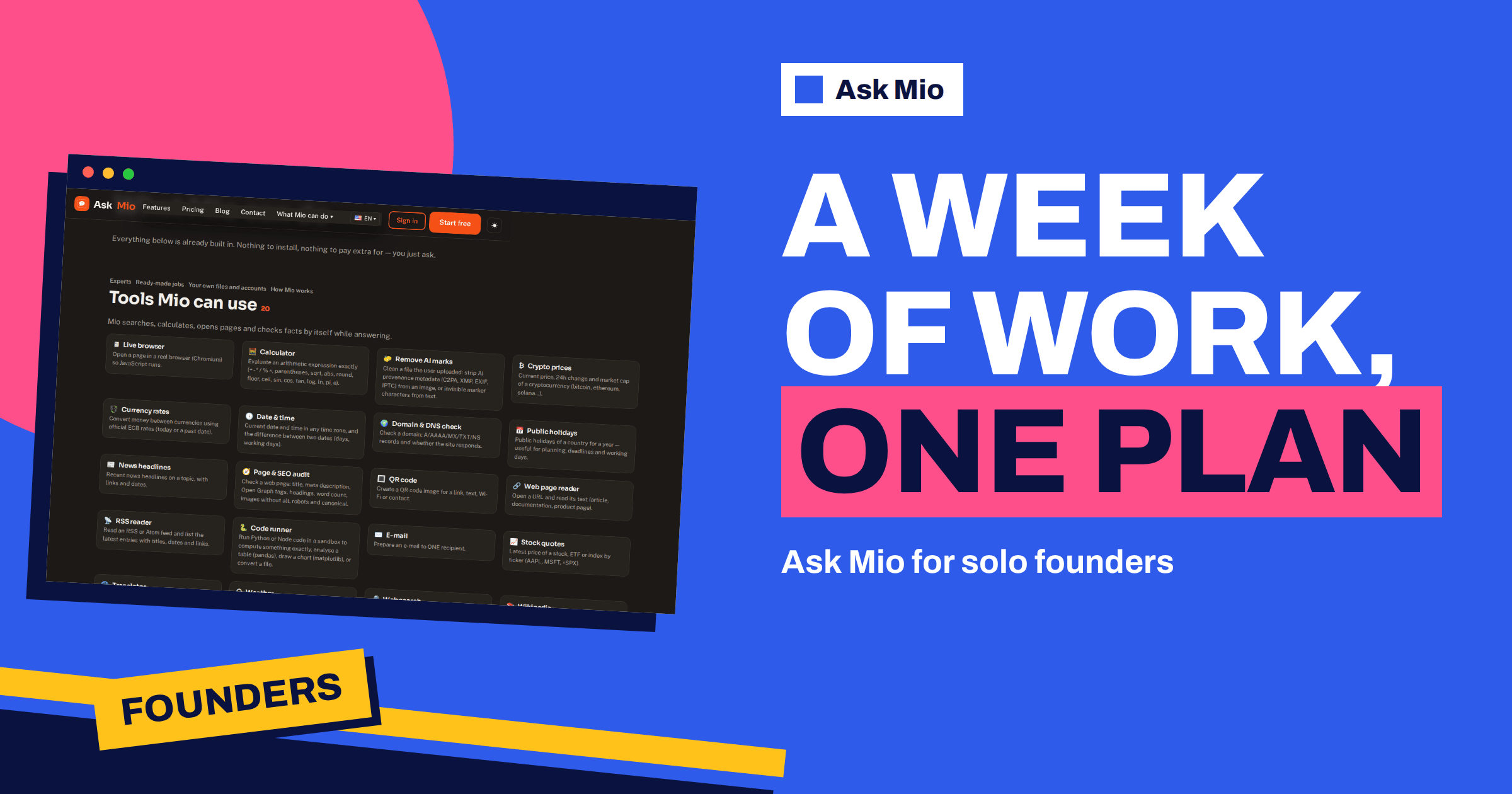
Ask Mio for solo founders is a simple proposition: one assistant, one subscription and a week of the work that normally needs several specialists. A solo founder writes the offer, answers the customer, checks the numbers, drafts the landing page, reviews a bit of code and posts something on social media, often in the same afternoon. Ask Mio has a mode, an expert, a tool or a ready-made job for each of those tasks, and this article lays them out as a working week.
Everything named below comes from the live features and pricing pages. Nothing here promises that an assistant replaces an accountant, a lawyer or a developer. The point is narrower and more useful: to show where one tool can take a first draft off your hands, so your limited hours go to decisions, customers and the product itself.
Ask Mio for solo founders: the week at a glance
The table below maps a typical founder week to the parts of Ask Mio that fit each task. Experts, tools and ready-made jobs are listed on the features page; plans are on the pricing page.
| Day | Founder task | What to use in Mio |
|---|---|---|
| Monday | Plan the week and answer the inbox | Project manager expert, E-mail reply job |
| Tuesday | Offer, quote or invoice | Quote / invoice draft job, Accountant expert, calculator tool |
| Wednesday | Website and marketing copy | Website page copy job, Copywriter and SEO specialist experts |
| Thursday | Numbers and decisions | Financial analyst expert, Analyse my data job |
| Friday | Product, code and social posts | Senior developer expert, Code review job, Social media pack job |
Our general guide on AI for freelancers covers the wider picture, and the best AI assistant for small business teams compares options. This article stays inside Ask Mio.
Monday: plan the week and clear the inbox
Start the week in a project. Projects group chats under their own instructions and files, so a project called “Company” can hold a short description of what you sell, who you sell to and how you like to write. Add a line to memory with “remember that…”, and Mio keeps it; you can see and control what it keeps. Memory and file uploads are part of the paid plans.
Then ask the Project manager expert, described as plans, timelines, risks and status updates, to turn your goals into a week: three outcomes, tasks under each, and the one thing you will not do. For the inbox, paste the messages and use the ready-made E-mail reply job, which produces a polite, ready-to-send reply in the right tone. You still read and send each one yourself.
Tuesday: offers, quotes and invoices
Money tasks are where speed matters and mistakes are costly. The ready-made job Quote / invoice draft produces a quote or invoice draft as a PDF with positions and totals. Give it the client name, the services, quantities and prices, and check the output line by line. Mio can use its calculator tool, which evaluates arithmetic expressions exactly, so totals and percentages are computed instead of guessed. Our guide to the AI invoice and quote generator explains the job in detail.
The Accountant expert covers bookkeeping, VAT, invoices and simple financial models. Use it to understand a rule or prepare questions, not to file anything on its own. Rules differ by country, so confirm anything that affects tax with a qualified accountant.
Wednesday: website and marketing copy
A one-person company often has one landing page and a handful of emails that carry the whole business. The ready-made job Website page copy writes a hero, benefits, FAQ and call to action for a landing page. The Copywriter expert is described as sales copy, headlines and landing pages that convert, and the SEO specialist covers keywords, on-page fixes and content plans.
Give Mio the facts a stranger needs: what the product does, who it is for, the price and the next step. Then ask for three headline options and pick the one that sounds like you. The Page & SEO audit tool checks a live page for title, meta description, headings, word count, images without alt text, robots and canonical, which gives you a short fix list. Our guides to AI landing page copy and the SEO article generator go deeper.
Thursday: numbers and decisions
Founders decide on thin data. The Financial analyst expert, described as budgets, cash flow, unit economics and forecasts, helps you structure the question: what is your monthly burn, what happens if a client pays late, and how many customers do you need at your price? Paste your own figures and ask Mio to show the working in a table so you can check each line.
The ready-made job Analyse my data takes a pasted table or an attached CSV or XLSX and finds patterns and builds a summary. Use it on sales exports, support tickets or survey results. Treat patterns as leads to verify. Our article on the data analysis assistant shows how to prepare a file for a clean result.
Friday: product, code and social posts
If you write code, the Senior developer expert writes, reviews and debugs code in any language, and Code mode (on the Coding and Business plans) routes questions to coding models with a sandbox that can run Python or Node. The ready-made Code review / fix job accepts pasted code or an attached ZIP and returns bugs and suggested fixes. Always run tests before you ship a change.
For visibility, the Social media pack job writes posts for Facebook, LinkedIn, X and Instagram from one idea. Review the posts, add real details such as a customer story or a screenshot, and post them yourself. The founder voice is the asset; the draft only saves you the blank page.
A worked example: a quote in ten minutes
Imagine a founder who sells setup and training for a small accounting tool. A prospect writes asking for a price for ten users. The founder opens the Company project, where Mio already knows the services and the usual hourly rate from memory. The prompt: “Draft a quote for ten users: setup 3 hours, training 2 half-days, support for one month. Use my standard rate, show the total and add a short cover e-mail that thanks them for the call.”
Mio returns a quote draft with positions and totals, and a short e-mail. The founder checks three things: the rate is the current one, the hours match what was promised on the call, and the total is right. Because Mio can use its calculator, the arithmetic is done exactly, but the founder still reads the line items. The whole loop is a prompt, a review and a send. The same pattern works for proposals, onboarding emails and renewal reminders.
Prompts worth saving in your Company project
- “Summarise this client thread in five lines and list what I owe them and by when.”
- “Turn these meeting notes into decisions, tasks with owners and a follow-up e-mail.”
- “Rewrite this paragraph for a non-technical buyer, keep it under 80 words.”
- “Give me three subject lines for this newsletter, each under 50 characters.”
- “List the ten questions a sceptical customer would ask before paying, and draft honest answers.”
Keep them in the project instructions or in a note. The more your standing facts live in the project, the shorter each daily prompt becomes.
Common traps in the first month
- Using it for everything at once. Pick two tasks that cost you the most time and master them before adding more.
- Letting drafts sound generic. Give Mio real examples of your writing and ask it to match your tone. Edit the first lines yourself.
- Skipping the numbers check. An assistant can misread an input. Read every figure on a quote or forecast.
- Forgetting limits. If a long session hits the 5-hour allowance, wait for the window to reset or buy a pack. A pack of 5 € gives 700 points and lasts 30 days.
- Ignoring privacy. Remove personal data you do not need before pasting a customer thread.
A founder’s monthly rhythm
A week is the unit for tasks, but a month is the unit for decisions. At the end of each month, spend twenty minutes with the Financial analyst expert: paste revenue, costs and open invoices, ask for a one-page summary, and ask what you would regret not checking. Then ask the Project manager expert for a short plan for the coming month with three goals. Finally, review which chats saved you the most time and save those prompts in the project.
This rhythm turns an assistant into a habit rather than a novelty. It also gives you a simple test of value: if a task is repeated every week, built into a project and checked by you, it is worth the points. If you never repeat it, it was probably a one-off, and the free plan or a small points pack covers it.
Reading your costs as a founder
Founders watch cash, so treat points like a small budget. On the Chat plan, 2000 points a month is the equivalent of many ordinary replies, since a normal reply costs 1 point. A heavy week of long drafts, a few jobs and some research stays well within that. If a launch week needs more, buy a pack instead of upgrading for a month: 5 € gives 700 points, 10 € gives 1 600 and 25 € gives 4 500, all valid for 30 days. Compare that with the hours you would spend on first drafts and decide for yourself.
What a founder should not hand over
- Legal and tax decisions. Mio can explain and prepare questions, but a qualified adviser decides.
- Promises to customers. Do not let a draft invent guarantees, deadlines or prices.
- Private data. Keep passwords, keys and customers’ personal data out of chats unless you need them there.
- Product judgement. Ideas and drafts are cheap; deciding what to build is your job. The ideas behind a lean startup and a minimum viable product still apply.
Which plan fits a solo founder
Start on Free: Chat and Write modes with 600 points a month and no card. Move to Chat at €5 a month when you need file uploads, Research with web search and memory. Choose Coding at €12 if you write code, or Design at €12 if you make images; Business at €29 combines everything and adds team features if you hire. A normal reply costs 1 point, a long one 3, a coding answer 5 to 10 and an image 20, so match the plan to your most frequent task. The yearly vs monthly comparison explains when paying for a year makes sense once your routine is stable.
Frequently Asked Questions
Can one assistant really cover a founder’s week?
It can cover the first drafts: replies, quotes, copy, summaries, plans and code reviews. It does not replace professional judgement or your own decisions. Use Ask Mio to reduce blank-page time and check the results that carry risk, such as numbers, legal text and customer promises.
Which Ask Mio parts matter most for a founder?
The most useful are experts such as Project manager, Accountant, Copywriter and Financial analyst, the calculator and web tools, and ready-made jobs for quotes, page copy, e-mail replies and social posts. Memory and projects keep your company facts together on paid plans.
Is the free plan enough to start?
Yes for testing. It gives Chat and Write modes, 600 points a month and 30 days of history without a card. When you need uploads, web research with sources or memory, the Chat plan adds them at €5 a month, and you can move up later.
Can my co-founder or first hire use the same account?
Personal plans have one seat. The Business plan has 5 team seats, team and shared projects, API access and auto-refill points. If a single person is enough for now, a personal plan is cheaper, and you can switch when the team grows.
Is my company information safe in Ask Mio?
Your chats and files are yours, they are not used to train models and you can export or delete them at any time. Ask Mio runs on its own servers. Still, avoid pasting passwords, keys or customers’ personal data unless a task truly needs them.
The Bottom Line
Ask Mio for solo founders works best as a weekly routine: plan on Monday, price and invoice on Tuesday, write copy on Wednesday, check numbers on Thursday and ship product and posts on Friday, with a human check on everything that carries risk. Start free, add the plan that removes your biggest limit and review the figures on the Ask Mio pricing page.