
 Lietuviškai
 Deutsch
 Français
 Русский
 Español
 Polski
 Italiano
 Українська
 Čeština
 Português
 日本語
 Latviešu valoda
 Eesti
 Magyar
 Bahasa Indonesia
 Türkçe
 हिन्दी
 Ελληνικά
 العربية
 ไทย
 Tiếng Việt
 Română
 Bahasa Melayu
 বাংলা
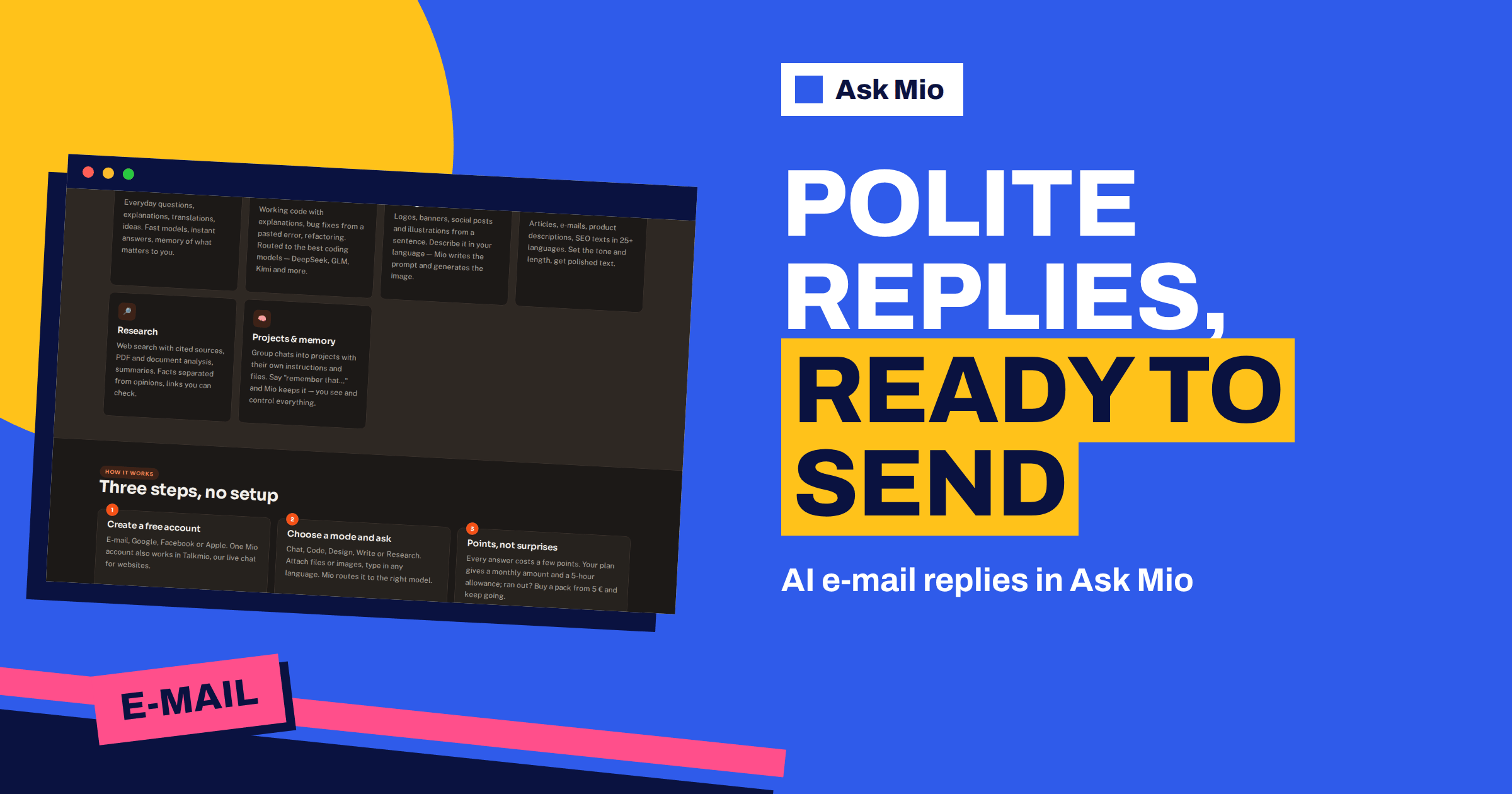
AI email replies save the most time on the messages that are neither urgent nor hard, but that pile up: a supplier asking for a date, a colleague asking for a file, a landlord asking for a decision. Ask Mio has a ready-made E-mail reply job described on the features page as a polite, ready-to-send reply in the right tone. You give it the message and what you want to say, and it returns a draft you can read, edit and send.
This guide explains how to get a draft you would actually send. It covers what to paste, how to state your answer, how to choose the tone, how to handle long threads, how Mio’s mail tools behave and what always stays in your hands. It is about the job and the habit, not about a mail client: you keep using your own inbox.
What the AI email replies job does
The features page groups 24 ready-made jobs under one idea: fill a short form and get a finished result. The E-mail reply is one of them. It takes an incoming message and produces a reply in a tone you choose. Because it is a job and not a free chat, it is quick for the common case. When you need to discuss options, ask for variants or work through a thread, switch to a normal chat and continue there.
Mio also has an E-mail tool in its list of 20 tools. The tool prepares an e-mail to one recipient. Mail to anyone other than yourself always waits for your confirmation, so a draft never leaves without a decision from you. A separate setting called Mail to myself lets Mio send e-mail to your own address without asking each time, which is useful for routine reports. Our article on AI email to yourself explains that setting.
What to paste: the input that decides the draft
The quality of a reply depends on four pieces of input. Give all four and the draft needs little editing.
- The incoming message. Paste the text, not a summary. Include the relevant part of the thread if it matters.
- Your decision. “Yes, Thursday works”, “No, we cannot do that price”, “I need two more days”.
- The facts. Dates, amounts, names, product names and anything the other person asked for.
- The tone. Friendly, formal, brief, firm, apologetic.
A weak request says “reply to this”. A strong one says: “Reply to this message. I accept the Thursday 10:00 meeting, but I need the draft contract beforehand, and I can only join for 30 minutes. Keep it friendly and under 90 words.” The second leaves little to guess, and the result will be close to final. Add a sentence that keeps the assistant honest: “Use only the facts I gave. If something is missing, ask me.”
Choose the tone on purpose
Tone is where many replies go wrong. A tone that is right for a friend can sound careless to a client, and formal language can sound cold to a colleague. The table gives a starting point.
| Situation | Tone to ask for | What to include |
|---|---|---|
| Colleague asks for a file | Brief and friendly | The file, a one-line note, no greeting ceremony |
| Client asks for a delay explanation | Calm and clear | The reason in one sentence, the new date, what you do meanwhile |
| Supplier asks for payment status | Neutral and precise | Invoice number, status, expected date |
| You must decline an offer | Polite and firm | A thank-you, a clear no, a short reason if useful |
| First contact with a stranger | Respectful and concise | Who you are, why you write, one clear request |
| Reminder after silence | Light and direct | The original request, a gentle deadline |
For the wider idea of polite writing online, the netiquette article is a neutral reference, and politeness explains why small phrases matter. If you want several tones, ask: “Give me three versions: brief, warm and formal.” Compare them and pick the closest.
Replies in the language the other person uses
Mio answers in your language and handles many others, and the Write mode is described as covering 25+ languages. That means you can paste a message in one language and ask for a reply in the same one, and also ask for a short summary in your own language to confirm what you are sending. For business letters in Lithuanian, Mio has a dedicated expert for official letters, notices and replies in the register Lithuanian institutions expect; see our guide to Lithuanian business letters.
When the stakes are high, have a speaker of the language read the final text. A draft can be fluent and still use a form of address that is too casual for the relationship.
Handle long threads without losing the point
Long threads hide the question. Instead of pasting forty messages, ask the assistant to help in two steps. First: “Summarise this thread in five bullets and list what each person has asked for and promised.” Then: “Write a reply that answers the open questions only.” The summary also catches misunderstandings, such as two people using the same word for different things.
If you work with Gmail or Outlook, Mio’s connectors can read mail when you ask. The features page lists a Gmail connector that searches your mail and reads message text, read-only, and a Microsoft 365 connector for Outlook mail, also read-only. You can ask Mio to find the thread from a supplier and draft a reply, and you then send it yourself. The guides to the Google Workspace connector and the Microsoft 365 connector describe what they can and cannot do.
Subject lines and short replies
A reply keeps the subject of the thread, but new messages need a good one. Ask for three subject lines, each under 60 characters, and choose the one that states the request or the news. Our guide to email subject lines covers the patterns that work.
For quick messages, set a length: “Two sentences”, “under 50 words”, “one line and a thank-you”. Short replies are easy to read and easy to answer. If a draft is too long, ask: “Cut this by half without losing the date and the request.”
A fifteen-minute inbox routine
A routine beats good intentions. Try this block once a day and adjust it to your work.
- Sort first. Scan the inbox and mark each message as reply today, reply later or no reply needed. Do not write anything yet.
- Batch the easy ones. For each routine message, open a chat, paste the message, add your decision in one line and ask for a draft. Many replies need only one line of input.
- Read and send. Read each draft against the original message, fix names and dates, and send.
- Park the hard ones. For messages that need thought, ask the assistant for a summary and three possible answers, and decide later.
- Save what worked. When a draft is exactly right, keep it as a template for the next similar message.
Batching keeps your attention on one type of task, and it stops the inbox from steering your day. On paid plans you can group these chats in a project with your tone note and signature, so each new session starts from the same base.
Templates worth saving
Most people send the same ten replies again and again. Ask Mio to turn your best drafts into templates with placeholders such as name, date and amount. Good candidates are a meeting confirmation, a request for missing information, a polite reminder, a payment status note, a delay notice, a first answer to an enquiry, a refusal with an alternative, a thank-you after a call, an introduction between two people and an out-of-office note. Keep the templates in one document and update them when prices, hours or policies change. A template is a starting point: always read it against the message you are answering, because the one sentence you forget to change is the one the recipient notices.
Common mistakes with AI email replies
- Pasting nothing but “reply”. Without your decision, the assistant guesses what you want to say.
- Letting the tone drift. If every draft sounds different, write the tone note once and reuse it.
- Sending a draft unread. Names, dates and amounts need a human eye.
- Over-long answers. Ask for a limit in words, and cut anything the recipient does not need.
- Promising for someone else. Do not let a draft commit your team to dates or prices that you have not checked.
Messages that need extra care
Some replies are not routine. Rejections, apologies, complaints and replies to sensitive news deserve more than a template.
- Declining. Say no clearly and kindly. Our guide to rejection letters has examples.
- Thanking. A thank-you works best with one specific detail; see thank-you notes.
- Money and legal topics. State only facts you can prove, and avoid promises you have not approved.
- Emotional messages. Ask the assistant to suggest what to acknowledge, then write the words yourself or edit heavily.
A worked example
A small design studio receives: “Hi, we need the logo files by tomorrow. Also, can you do the packaging for the same price?” The owner opens the E-mail reply job, pastes the message and writes: “Logo files will be sent today by 17:00. Packaging is a separate quote, I can send it by Monday. Friendly tone, under 80 words.” The draft thanks the sender, confirms the logo delivery time, explains that packaging is quoted separately with a date and asks two questions about quantities. The owner changes one phrase, adds a sign-off and sends it from their own mail. If the client replies with a long list of requirements, the owner pastes the new thread and asks for a five-bullet summary before replying.
Keep control of what leaves your inbox
- Read the draft aloud once. Mistakes in names, dates and amounts are easy to miss on screen.
- Check every fact. The assistant only knows what you gave it.
- Do not paste more than needed. Remove sensitive data that the reply does not require.
- Send from your own account. Your signature, your address, your responsibility.
- Keep the thread. Reply in the original thread so the history stays together.
Your chats and files are yours, they are not used to train models and you can export or delete them at any time. Ask Mio runs on its own servers.
Which plan do you need
The free plan includes Chat and Write modes with 600 points a month, and a normal reply costs 1 point, so a few dozen drafts a month fit easily. Paid plans add memory, so Mio can remember your signature and preferred tone, and file uploads for attachments such as a price list. The Chat plan costs €5 a month, and all plans are shown on the pricing page.
Frequently Asked Questions
What is the E-mail reply job in Ask Mio?
It is one of the ready-made jobs on the features page: a polite, ready-to-send reply in the right tone. You provide the incoming message and what you want to say, and Mio returns a draft that you can edit and send from your own mail.
Can Mio send the reply for me?
Mio can prepare an e-mail to one recipient, but mail to anyone other than yourself always waits for your confirmation. The Mail to myself setting lets Mio send to your own address without asking each time. For replies to other people, you review and send.
How do I get the tone right?
Name the relationship and the tone in your request, for example “friendly but firm, under 80 words”, and ask for two or three versions if you are unsure. On paid plans, ask Mio to remember your preferred tone and signature so that later drafts match.
Can Mio read my inbox?
Paid plans can use read-only connectors for Gmail and Microsoft 365 when you ask, which search mail and read message text. Mio does not act on your mailbox by itself, and you can paste a message instead if you prefer not to connect an account.
Will the draft contain mistakes?
It can, especially with dates, amounts and names, because it only knows what you provide. Give the facts, tell it to ask when something is missing and read the draft before you send. Treat the result as a first version that you own.
The Bottom Line
AI email replies work when you give the message, your decision, the facts and the tone, then read and send the draft yourself. Use the E-mail reply job for routine messages, a chat for long threads and a human check for anything sensitive. Try it on the free plan and compare options on the Ask Mio pricing page. For background on the medium itself, see email on Wikipedia.