
 Lietuviškai
 Deutsch
 Français
 Русский
 Español
 Polski
 Italiano
 Українська
 Čeština
 Português
 日本語
 Latviešu valoda
 Eesti
 Magyar
 Bahasa Indonesia
 Türkçe
 हिन्दी
 Ελληνικά
 العربية
 ไทย
 Tiếng Việt
 Română
 Bahasa Melayu
 বাংলা
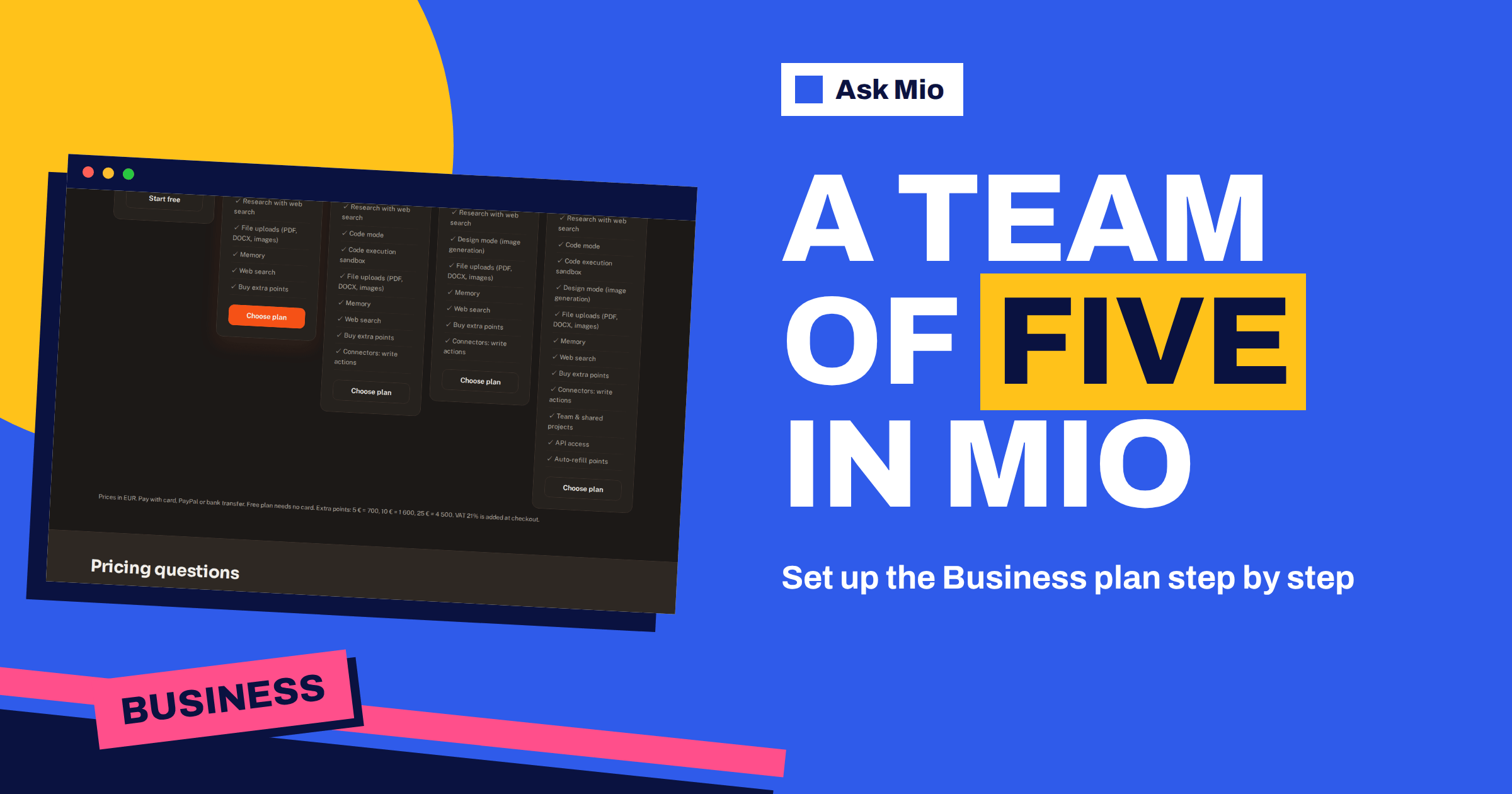
The Ask Mio Business plan is the only plan with team features, and it comes with five seats. At €29 a month it combines every mode, adds shared projects, API access and auto-refill points, and gives 15000 points, 300 images and 200 MB files. But a plan with five seats is only useful if five people actually use it well. This guide is a setup checklist for a small team: who should hold the account, how to organise shared projects, which rules to agree, how to keep costs predictable and how to review after the first month.
Every figure below comes from the live pricing page. Where the page does not say how something works, this article says so instead of guessing, and suggests you check inside your own account.
What the Ask Mio Business plan includes
Business costs €29 a month or €290 a year, which is two months free. The table lists the headline items.
| Item | Business plan |
|---|---|
| Points per month | 15000 |
| Points per 5-hour window | 1500 |
| Images per month | 300 |
| Max file size | 200 MB |
| History | Unlimited |
| Team seats | 5 |
| Modes | Chat, Write, Research with web search, Code mode, Design mode |
| Also included | Code execution sandbox, file uploads, memory, web search, extra points packs, connectors with write actions |
| Team features | Team and shared projects, API access, auto-refill points |
Prices are in euros, VAT of 21% is added at checkout, and you can pay by card, PayPal or bank transfer. Compare it with five separate Chat plans: that would cost €25 a month and give each person 2000 points and no shared projects, Code mode or Design mode. Business costs €29, which is €5.80 per seat if all five seats are in use. The pricing page puts all five plans side by side. The comparison only holds if you really need the extra modes and team features, so check your own needs first.
Step 1: choose who owns the plan
Pick one person to be the owner. This is the person who pays, decides who gets a seat and answers questions about the plan. In a small company it is often the owner or the office manager. Write down who holds the seats, and when someone leaves, remove their access the same day. Five seats are a limit, so decide up front how they are used: five named people, or four people and a spare for a freelancer. A simple shared document with the name, role and reason for each seat is enough.
Step 2: decide what the team will use Mio for
Teams get poor results when the only instruction is “use the assistant”. Choose three to five jobs that happen every week and that suit Mio. For example, a small agency might choose first drafts of client emails, SEO articles, social posts, meeting summaries and image concepts. A software team might choose code review, test ideas, documentation and release notes. A shop might choose product descriptions, supplier emails, customer replies and price tables.
For each job, note the mode and the expert or ready-made job that fits. Mio has 24 ready-made jobs and 39 experts on the features page, so most jobs already have a match. The article on Ask Mio’s modes explains which mode suits which task.
Who sits in the five seats
Five seats force a useful conversation about who really benefits. People who write or research every day are strong candidates, because they will use the allowance and spot the gains. So are people who answer customers, since replies in a consistent tone are easy to improve with shared instructions. A manager who only wants a weekly summary may not need a seat at all; a colleague can share the result. Avoid giving seats by seniority alone. Instead, give them to the roles with the most recurring tasks, and revisit the list when the work changes.
Step 3: organise shared projects
Team and shared projects are listed as a Business feature. A project groups chats with their own instructions and files, which the homepage describes as projects and memory. For a team, treat each project as a small workspace with a purpose.
- Name projects by outcome: “Spring campaign”, “Client onboarding”, “Support replies”, not “Misc”.
- Write the project instructions once: audience, tone, language, what to avoid, the format you want.
- Upload the shared files: brand guide, price list, product facts, style examples. Files up to 200 MB are allowed on this plan.
- Add the people who need it: not everyone needs every project.
- Name an owner for each project: the person who keeps the instructions up to date.
Good instructions are the biggest quality lever. They stop each person from re-explaining the brand every morning. Our guides to the AI team workspace and to projects and memory cover how projects behave day to day.
Step 4: agree the rules before the first chat
A short written policy prevents most problems. Keep it to one page and cover the following.
- What may be pasted: public or internal material, yes; customer personal data, passwords and secrets, no, unless your own rules allow it.
- What must be checked by a person: anything sent to a customer, anything with numbers, legal or medical content.
- How to credit and disclose: whether you tell customers when text was drafted with AI.
- Who approves new connectors: connecting a mailbox or a repository changes what Mio can read.
- Where results are stored: in the project, in your document system or both.
For a template, the articles on a company AI use policy and on shadow AI at work are good starting points, and the principle of least privilege is a useful rule for connectors: give access only to what the job needs.
Step 5: connect only what the team needs
Mio can read from your own accounts when you ask it to. The features page lists twelve connectors, among them Google Drive, Gmail, Calendar, Microsoft 365, GitHub, Dropbox, Notion, Slack, Trello and Todoist, plus PostRSS and Talkmio, which belong to the same company. Some are read-only; for example Gmail is described as read-only. The Business plan also lists connectors with write actions. Start with one or two connectors that remove real work, and review them after a month. The articles on Google Workspace and on developer and project connectors explain what each one can do.
Step 6: keep the points predictable
Fifteen thousand points a month is a pool the page describes at the plan level, with a 1500-point window every 5 hours. The pricing page does not say how points are divided between seats, so look at how usage is shown in your own account and agree a simple habit: heavy jobs, such as images, which cost 20 points each, are planned, not improvised. A normal reply costs 1 point, a long one 3 and a coding answer 5 to 10, so most daily chat is cheap. Auto-refill points is listed as a Business feature, so decide who turns it on and what monthly spending you accept before you do. Extra packs also exist: 5 € for 700 points, 10 € for 1 600 and 25 € for 4 500. The guide to tokens vs points explains the model.
Step 7: build a shared prompt library
Teams save the most time when good prompts are shared. Keep a project or a document with tested requests for each recurring job: the wording, the expert or job to choose, an example of a good result and a note on what to check. Update it when someone finds a better version. Our guide to the AI prompt library shows a simple structure.
An example: a five-person agency
Picture a small agency with an owner, two account managers, a designer and a developer. The owner holds the plan and the fifth seat is shared by a freelance writer, who is added for the campaign weeks. Three projects are created: “Client communication”, with tone-of-voice instructions and a library of past replies; “Campaign content”, with the brand guides of the three biggest clients; and “Site and code”, for the developer. The designer uses Design mode with a planned monthly image budget. The account managers use the email reply job and the meeting notes job. The developer uses Code mode and the sandbox for reviews.
Each Friday, the owner spends ten minutes asking each person one question: what did Mio save you time on, and what did it get wrong? The answers go into the project instructions. After two months the instructions are good enough that a new freelancer gets useful results on the first day. The plan did not make the team better by itself; the shared instructions and the weekly habit did.
Common mistakes with a team plan
- Giving every seat to someone who never logs in. Review the seat list monthly and reassign.
- Vague project instructions. “Be professional” does nothing. Name the audience, the tone and the format.
- No human check. Anything that reaches a customer needs a person to read it first.
- Connecting everything at once. More access means more risk. Add connectors one at a time.
- No owner for projects. Instructions go stale when nobody maintains them.
- Ignoring the points. Plan heavy tasks such as images and long research, so the window is not used up by Tuesday morning.
Review after the first month
Set a date in the calendar for a 30-minute review. Ask five questions. Which jobs did we use Mio for, and which did we skip? Which projects had good instructions, and which need work? Did anyone hit the window or run out of points? Did any mistake reach a customer, and how can we stop it? Do all five seats still need to be filled? Write the answers down, adjust the rules and decide whether Business still fits or whether another plan would serve you better. If it fits, the yearly price of €290 saves two months, as the article on yearly vs monthly plans explains.
Frequently Asked Questions
How many people can use the Ask Mio Business plan?
The Business plan includes 5 team seats. It also lists team and shared projects, so those seats can work in common projects with their own instructions and files. If you need more people than that, check the pricing page and the contact page for current options.
What does Business include that Chat does not?
Business adds Code mode, the execution sandbox, Design mode with 300 images a month, team and shared projects, API access, auto-refill points and connectors with write actions. It also raises the allowance to 15000 points a month and the file size limit to 200 MB.
Is it cheaper than five Chat plans?
Five Chat plans cost €25 a month in total, against €29 for Business. Business gives 15000 points rather than 2000 per person, plus extra modes and team features. It is a better fit if you need those features, and Chat is cheaper if you only need chat and documents.
Can the team use the API?
API access is listed as a Business feature on the pricing page. The page does not describe the details, so check inside your account and the available documentation before you plan an integration, and decide who is responsible for keeping any key private.
Can we pay yearly?
Yes. The yearly price for Business is €290, which is two months free compared with €29 a month. Prices are in euros, VAT of 21% is added at checkout, and you can pay by card, PayPal or bank transfer. A yearly plan makes sense once your team knows it will keep using Mio. A yearly plan is worth considering once the team has used Mio for a month or two and knows it fits.
The Bottom Line
A team of five gets the most from the Business plan with a little structure: one owner, a few recurring jobs, shared projects with good instructions, a one-page set of rules, only the connectors you need, a plan for points and a review after a month. See every current figure on the Ask Mio pricing page and test your jobs on the free plan before you commit. For privacy questions, the GDPR principles are a good reference.