
 Lietuviškai
 Deutsch
 Français
 Русский
 Español
 Polski
 Italiano
 Українська
 Čeština
 Português
 日本語
日本語 Latviešu valoda
 Eesti
Eesti Magyar
 Bahasa Indonesia
 Türkçe
 हिन्दी
 Ελληνικά
 العربية
 ไทย
ไทย Tiếng Việt
 Română
 Bahasa Melayu
 বাংলা
বাংলা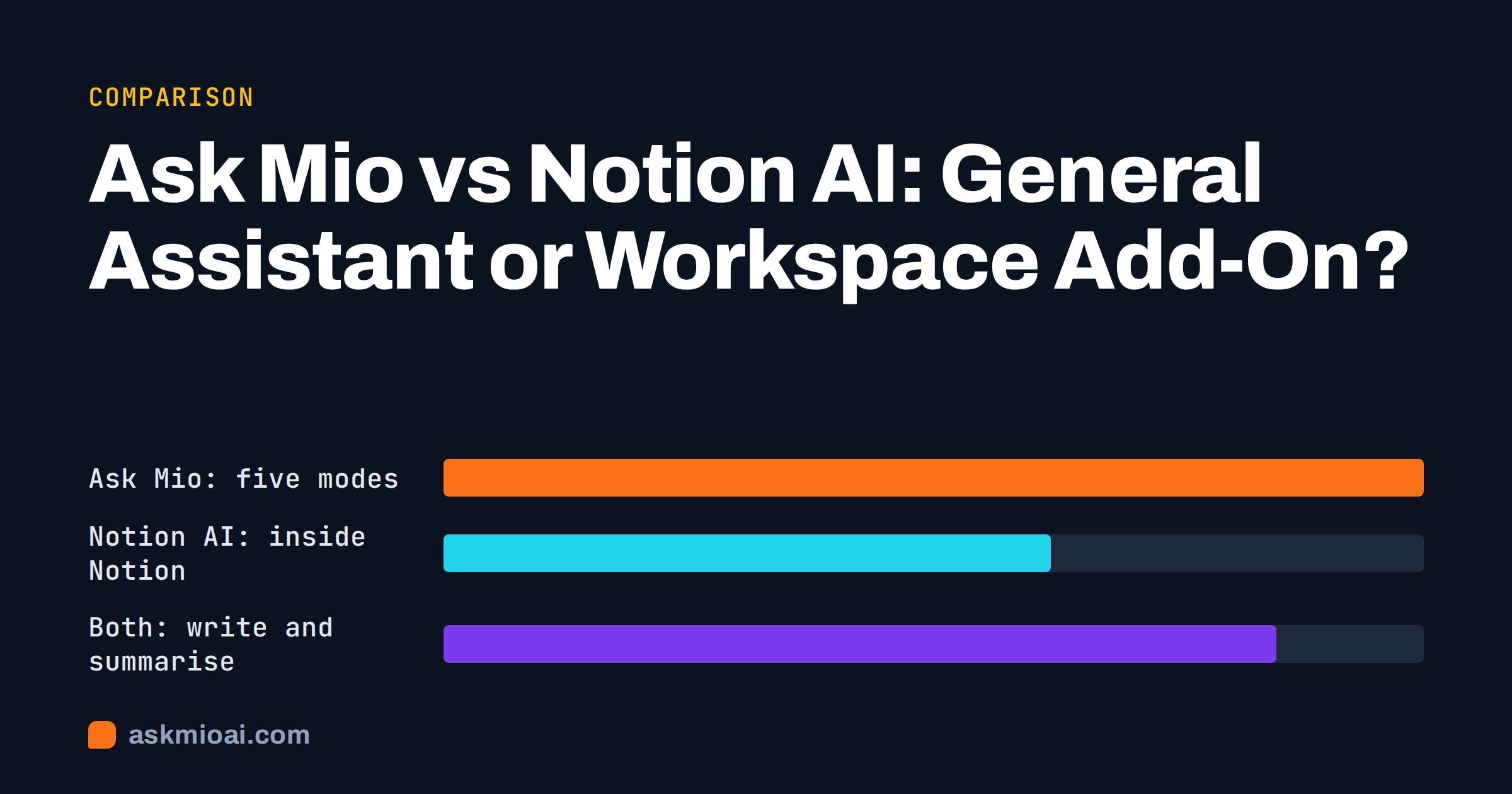
Ask Mio vs Notion AI is a comparison between two different kinds of product. Notion AI is an assistant that lives inside the Notion workspace and works on the pages, databases and meeting notes you already keep there. Ask Mio is a standalone assistant with five modes, Chat, Code, Design, Write and Research, that works on whatever you paste, upload or ask, with no workspace required. If your team runs its life in Notion, the add-on is convenient. If you need code, images, web research with sources or an assistant that is not tied to one app, a general assistant is the better fit.
This guide walks through what each one is for, where each is stronger, how the pricing models differ and which one to pick for common situations. Where Notion AI does something better, it says so.
Ask Mio vs Notion AI: what each product actually is
Notion AI is a feature layer on top of Notion. You open a page, select some text and ask it to summarise, rewrite, translate or continue. It can answer questions across the pages your workspace contains, draft meeting notes, and fill database properties automatically. Its value comes from context: it already sees the documents your team wrote, so you rarely need to paste anything in. You can read the official description on Notion’s AI product page.
Ask Mio is a separate assistant. It has five modes and routes every request to the model best suited for the task, so you never choose a model yourself. Chat covers everyday questions and translations, Code writes and fixes code with an execution sandbox on the relevant plans, Design generates logos, banners and illustrations from a sentence, Write produces articles, e-mails and product texts, and Research searches the web with cited sources and analyses uploaded PDFs and documents. Projects and memory let you group chats and keep standing instructions, and on the Business plan a team shares projects across five seats. The full list is on the Ask Mio features page.
The shortest way to put it: Notion AI makes a Notion workspace smarter; Ask Mio is a workbench you bring your own material to.
Where Notion AI is better
An honest comparison starts with what the add-on does well, because for some teams it is the right choice.
It already knows your workspace
If your specs, wiki, CRM and meeting notes all live in Notion, the assistant can answer “what did we decide about the pricing page?” by reading the right pages itself. A standalone assistant only knows what you give it: you would paste the notes, upload the document, or set up a project with the files. For a team that documents everything in one place, that difference saves real minutes every day.
Inline editing where the text lives
Rewriting a paragraph in place, changing the tone of a page section, or turning bullet points into a paragraph without leaving the document is smoother when the assistant is built into the editor. With a separate assistant you copy, ask, and paste back.
Database autofill
Notion AI can fill properties in a database automatically, for example a one-line summary of each page, a category tag or extracted key points. That is a workflow feature tied to Notion’s data model, and a general assistant has no equivalent inside someone else’s tables.
Meeting notes in the same tool
Notion has added meeting-note features that transcribe and summarise directly into pages. If your meetings already end up as Notion pages, keeping the summary in the same tool is tidy.
Where Ask Mio is better
Five modes, not one
Notion AI is a writing and knowledge assistant. It is not a coding tool with a sandbox, it does not generate logos or banners, and its research is centred on your workspace rather than the open web with citations. Ask Mio’s Code mode returns working code and fixes from a pasted error and can run Python in a sandbox on the Coding and Business plans. Design mode turns a sentence into an image. Research mode searches the web and shows sources you can check. If you need more than text, the add-on runs out of road quickly.
No workspace required
Many freelancers, students and small teams do not run on Notion at all, or use it lightly. Paying for a workspace add-on then makes little sense. A general assistant works with whatever you have: a PDF from a client, a spreadsheet, a code file, a photo of a whiteboard, or a plain question.
Model routing
Mio picks a fast model for chat, a coding model for code, a long-context model for a 200-page document and an image model for design, and paid plans get the stronger models. You do not manage any of that. An add-on inside another product uses whatever its vendor has wired in for text, and you have no say in it either, but you also get only the text use cases.
Files and research with sources
Upload a PDF, Word file, text, code or image and ask about it. In Research mode the answer comes with cited sources, which matters when you have to defend a claim to a client or a manager. Our guide to researching online with AI and getting cited sources shows how to check them.
Points you can see
Every answer costs a visible number of points, with a monthly amount and a 5-hour allowance per plan. You can see what a heavy session costs instead of discovering a per-seat invoice later. The next section goes into that.
Pricing models compared
The two products charge in different ways, and the difference matters more than the headline numbers.
Notion AI is sold as part of Notion’s paid plans or as an add-on per member, depending on the plan; the exact terms change, so take them from Notion’s own pricing page rather than from any article, including this one. The structural point is that it is per-seat: every member who gets the assistant costs money, whether they use it daily or twice a month.
Ask Mio uses points instead. A normal chat reply costs 1 point, a long or complex one 3, a coding answer 5 to 10, a generated image 20. Each plan includes a monthly amount and a 5-hour window, so one long session cannot drain the month, and extra packs (5 € for 700 points, 10 € for 1,600, 25 € for 4,500) work immediately and last 30 days. The plans, from the live pricing page:
| Plan | Price | Points / month | Per 5-hour window | Seats | Notes |
|---|---|---|---|---|---|
| Free | €0 | 600 | 40 | 1 | Chat and Write, 30-day history, no images or uploads |
| Chat | €5 / month or €50 / year | 2,000 | 250 | 1 | Research with web search, file uploads (20 MB), memory |
| Coding | €12 / month or €120 / year | 6,000 | 600 | 1 | Code mode, execution sandbox, 100 MB files |
| Design | €12 / month or €120 / year | 5,000 | 500 | 1 | Design mode, 150 images a month, 100 MB files |
| Business | €29 / month or €290 / year | 15,000 | 1,500 | 5 | All modes, team and shared projects, API access, auto-refill |
Prices are in EUR; VAT at 21% is added at checkout, and the free plan needs no card. For a team of five that uses the assistant unevenly, a shared pool of points is often cheaper than five seats. For a team where everyone writes in Notion all day, a per-seat add-on may be simpler to budget. We compared the two models in per-seat vs usage-based AI pricing.
Feature-by-feature comparison
| Capability | Notion AI | Ask Mio |
|---|---|---|
| Write and rewrite text | Yes, inline in pages | Yes, Write mode |
| Answer questions over your documents | Yes, across the workspace | Yes, uploaded files and project files |
| Web research with cited sources | Limited; workspace-centred | Yes, Research mode |
| Code generation and bug fixes | No dedicated mode | Yes, Code mode with sandbox on Coding and Business |
| Image generation | No | Yes, Design mode |
| Database autofill | Yes | No |
| Inline editing in a document editor | Yes | No; copy and paste |
| Projects with instructions and files | Workspace pages serve this role | Yes, projects and memory |
| Languages | Many | 25+ for product and site |
| Pricing model | Per member | Points, monthly plus 5-hour window |
| Data hosting | Depends on your Notion plan and region settings | Own servers |
| Free tier | Trial responses, then paid | 600 points a month, no card |
Which one for which job
You document everything in Notion and mostly need text help
Choose Notion AI, or at least try it first. The inline editing and workspace Q&A are exactly what you need, and the per-seat cost is predictable.
You write, code and design, or you are a freelancer
Choose a general assistant. A freelancer who writes a proposal in the morning, fixes a client’s script at lunch and makes a social banner in the afternoon needs all three modes in one place. See AI for freelancers for a day-by-day view.
You need research you can defend
If answers must come with sources, Research mode is the stronger tool. Workspace Q&A answers from your own pages, which is useful but different from checking the open web.
Your team is small and usage is uneven
The Business plan gives five seats a shared pool of 15,000 points, team and shared projects and API access. If two people use the assistant heavily and three rarely, a pool beats five seats.
You want both
Nothing stops you. Many teams keep an add-on inside their wiki for inline edits and a general assistant for code, images and research. The free Ask Mio plan is a low-risk way to find out whether the second tool earns its keep.
Privacy and data handling
Where your text goes is a reasonable question for any assistant. Ask Mio runs on our own servers, chats and files belong to the user, you can export or delete them at any time, and data is not used to train models. For Notion AI, read Notion’s own privacy and AI documentation for your plan, because handling can depend on plan and region. If you work under GDPR, our article on EU-hosted AI and GDPR explains what to check, and the regulation text itself is on EUR-Lex.
Whichever you pick, the same rule applies: do not paste client secrets, passwords or personal data you have no right to share into any assistant unless your contract and your policy allow it.
A quick way to test both in an afternoon
- Take three real tasks from last week: a document to summarise, something to write, and one task that is not text (a chart, a script, an image).
- Run the first two in each tool and compare the drafts for accuracy and tone.
- Run the third task. If one tool cannot do it, that tells you more than any feature table.
- Note how many points or seat-hours the day would have cost, and multiply by a month.
- Check the privacy terms for the data you actually handle.
If you want a longer test, our guide to what AI actually costs helps you put a monthly number on the result.
Frequently Asked Questions
Can Ask Mio read my Notion pages?
Ask Mio offers connectors for developer and project tools, and the current list is on the features page. For pages it cannot reach, export or paste the text, or upload the file to a project so it stays available across chats. Notion AI, by contrast, sees your workspace by default, which is its main advantage for Notion-heavy teams.
Does Notion AI generate images or run code?
No. Notion AI focuses on writing, summarising, translating, answering questions across the workspace and filling database properties. It has no image generation mode and no code execution sandbox. If those tasks come up regularly, you need a general assistant alongside it or instead of it.
Which is cheaper for a team of five?
It depends on usage. A per-member add-on costs the same whether a member uses it daily or rarely. Ask Mio’s Business plan gives five seats a shared pool of 15,000 points a month for €29 plus VAT, so uneven usage is covered by the pool. Heavy, uniform writing use across all members can favour the per-seat model.
Can I use Ask Mio without a subscription?
Yes. The free plan gives 600 points a month with a 40-point 5-hour allowance, Chat and Write modes, and 30 days of history, with no card required. File uploads, Research with web search, Code and Design modes need a paid plan, starting at €5 a month.
Which model does each product use?
Ask Mio routes each request to the model best suited to the task and does not ask you to choose; paid plans get the stronger models. Notion AI uses whatever models Notion has integrated for its text features. In both cases the vendor can change the underlying models over time, so judge the output on your own tasks rather than on model names.
Is my data used for training?
Ask Mio does not use your chats or files to train models, and you can export or delete them at any time. For Notion AI, read Notion’s current AI and privacy terms for your plan, since the details are set by Notion and can differ by plan and region.
The Bottom Line
Notion AI is the right choice when your work already lives in Notion and you mostly need writing, summaries and workspace questions answered in place. Ask Mio is the right choice when you need code, images and web research with sources, when you do not run on Notion, or when a shared pool of points fits your team better than per-seat pricing. Try the free plan on three real tasks, then compare the Ask Mio plans to see which one fits.