
 Lietuviškai
 Deutsch
 Français
 Русский
 Español
 Polski
 Italiano
 Українська
 Čeština
 Português
 日本語
日本語 Latviešu valoda
 Eesti
Eesti Magyar
 Bahasa Indonesia
 Türkçe
 हिन्दी
 Ελληνικά
 العربية
 ไทย
ไทย Tiếng Việt
 Română
 Bahasa Melayu
 বাংলা
বাংলা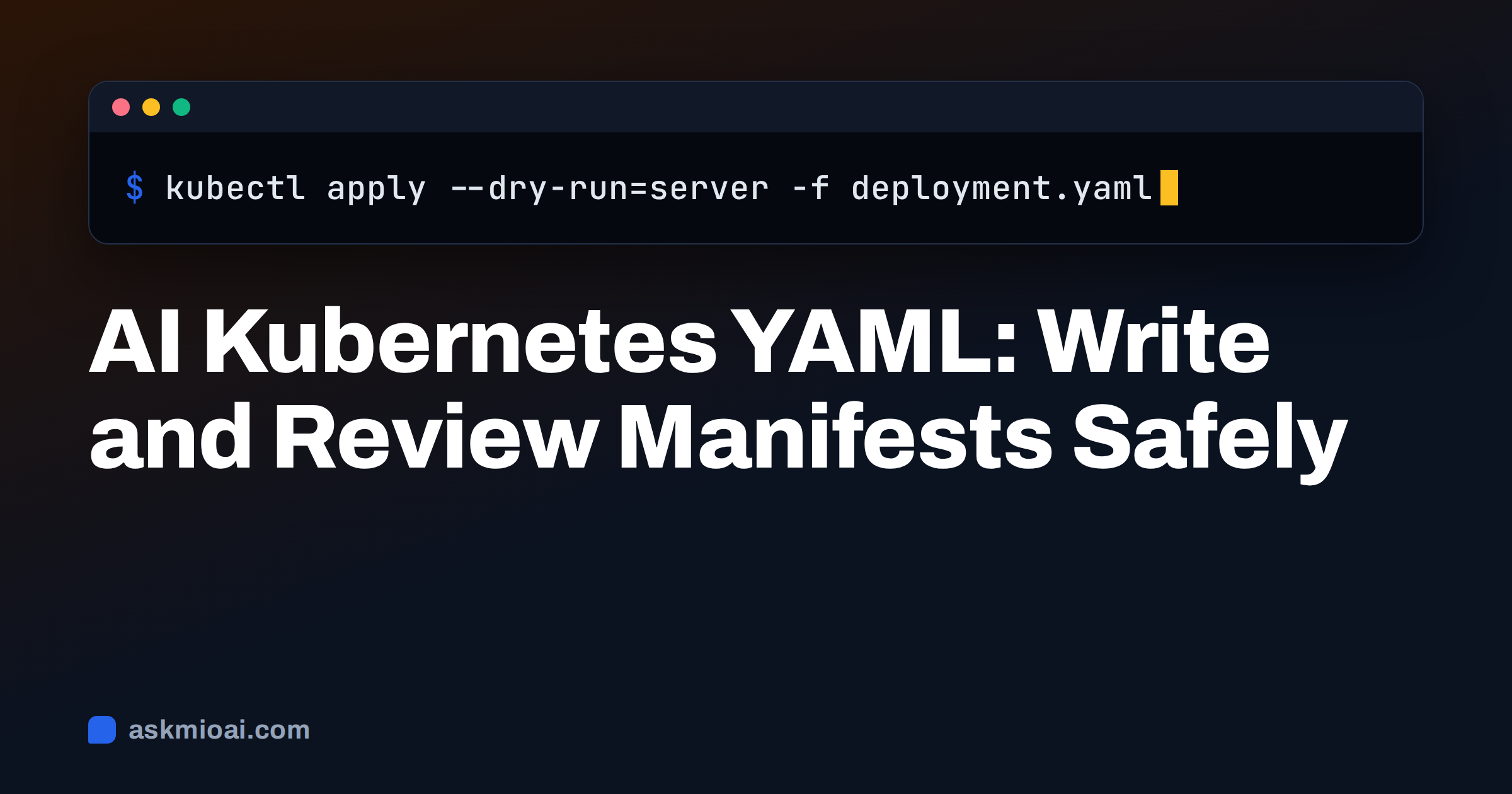
AI Kubernetes YAML is the practice of asking an assistant to draft or review the manifests that describe your workloads: Deployments, Services, Ingresses, ConfigMaps and autoscalers. An assistant is good at the boilerplate and the structure, which is where many people lose time. It is much weaker at knowing your cluster, your policies and your traffic, and a manifest that looks perfect can still fail at admission or behave badly in production.
This guide shows how to prompt for manifests, what to ask an assistant to review, which mistakes appear again and again, and a validation routine that catches errors before they reach a cluster. The advice applies to a small team running a handful of services and to an engineer who maintains many.
What AI does well with Kubernetes YAML
Kubernetes configuration is verbose and strict. Every object needs an apiVersion, a kind, metadata and a spec, and indentation errors break the file. Assistants are fast at producing correct skeletons, converting a Docker Compose file into a first set of manifests, explaining an unfamiliar field, and spotting a selector that does not match its labels. They are also useful when you inherit a repository and need a plain-language summary of what each object does.
They struggle with anything that depends on facts outside the prompt: the Kubernetes version of your cluster, the storage classes you have, the ingress controller in use, network policies, admission rules and your naming standards. They can also repeat outdated patterns, because older examples are common in public text. Treat the output as a draft written by a colleague who has never seen your cluster.
Give the assistant a precise brief
A good prompt describes the workload and the environment. Include these items every time:
- The application. Image name and tag, port, command, and whether it is stateless.
- The cluster. Kubernetes version, ingress controller, storage class and whether you use Helm or Kustomize.
- Resources. Expected CPU and memory, replicas and how it should scale.
- Health. The endpoints for readiness and liveness checks.
- Security rules. Run as non-root, read-only filesystem, no privilege escalation, namespace and labels.
- Output format. One file per object, comments on every non-obvious field, and a list of assumptions.
Ask the assistant to list assumptions and questions before writing anything. If it says “assumes the cluster has an ingress controller named nginx”, you can correct it at once instead of finding out at deploy time. Never paste secrets, tokens, kubeconfig files or real internal hostnames into a prompt. Use placeholders and fill them in locally.
A small example to review
Here is a minimal Deployment of the kind an assistant produces. The point is not to copy it, but to know what to check:
apiVersion: apps/v1
kind: Deployment
metadata:
  name: web
  labels:
    app: web
spec:
  replicas: 2
  selector:
    matchLabels:
      app: web
  template:
    metadata:
      labels:
        app: web
    spec:
      containers:
        - name: web
          image: registry.example.com/web:1.4.2
          ports:
            - containerPort: 8080
          resources:
            requests: { cpu: 100m, memory: 128Mi }
            limits: { memory: 256Mi }
          readinessProbe:
            httpGet: { path: /healthz, port: 8080 }
          securityContext:
            runAsNonRoot: true
            allowPrivilegeEscalation: false
            readOnlyRootFilesystem: true
Check that the selector labels match the template labels, that the image has a fixed tag and not latest, that requests and limits make sense for your app, that the probe path really exists and that the security context fits what the container needs. A read-only filesystem breaks apps that write temporary files, so you may need an emptyDir volume.
Common mistakes in generated manifests
| Mistake | Why it hurts | What to ask or check |
|---|---|---|
| Outdated API version | Object rejected on newer clusters | State your version and run a schema check |
| Image tag latest | Unpredictable rollouts | Pin a version or a digest |
| No resource requests | Poor scheduling and noisy neighbours | Set requests and a memory limit |
| Missing probes | Traffic reaches pods that are not ready | Add readiness and, where useful, liveness |
| Running as root | Larger blast radius | Set a non-root user and drop privileges |
| Secrets in plain YAML | Credentials in version control | Use a secret manager or sealed secrets |
| Selector mismatch | Service finds no pods | Compare labels and selectors line by line |
Ask the assistant to review its own output against this table. It will catch some items and miss others, which is why a validation step outside the chat matters.
Validate before you apply
Never apply a generated manifest straight to production. Use a routine that works whatever the source of the YAML:
- Run a schema validator such as kubeconform against your Kubernetes version.
- Run
kubectl apply --dry-run=clientand then--dry-run=server, which asks the API server to validate and run admission checks without saving the change. - Use
kubectl diffto see what would change in an existing deployment. - Run a policy or security linter if your team has one.
- Apply in a test namespace or cluster first and watch rollout status and events.
The official documentation on Deployments explains the fields and the rollout behaviour in detail, and it is the right source when the assistant and your cluster disagree. Our guide to when not to trust AI-generated code covers the habits behind this routine.
Security, resources and reliability reviews
Paste an existing manifest and ask for a review under three headings: security, resources and reliability. For security, ask it to check the pod security settings, service accounts, host access and secrets handling, with reference to the Pod Security Standards. For resources, ask whether requests and limits fit the stated load and whether a horizontal autoscaler would help. For reliability, ask about replicas, rolling update settings, disruption budgets, anti-affinity and graceful shutdown.
Ask for findings in a table with severity, the exact field, the reason and a suggested change, and tell it to separate certain problems from matters of opinion. Then apply the changes one at a time. A review that lists fifteen edits is harder to test than three focused ones. Our guide to AI code security review shows how to make such reviews more reliable.
Resource sizing and autoscaling
Sizing is the area where assistants give the most confident and least grounded answers, because the right numbers come from measurement. A prompt that says “a small web app” produces a guess. Instead, give the assistant real figures from monitoring: average and peak memory, CPU at normal and busy times, start-up time and the number of requests per second. Ask it to propose requests and limits from those figures and to explain the logic, for example a memory limit with headroom above the peak and a CPU request near the average.
Be careful with CPU limits, which can throttle an application even when the node has spare capacity, and with memory limits that are too tight, which cause out-of-memory kills. The documentation on managing container resources explains how requests and limits affect scheduling and eviction. For scaling, ask for a HorizontalPodAutoscaler with a sensible minimum, a maximum and a target based on a metric that reflects load, and ask what happens if the metric is missing. Test the behaviour with a load test in a staging namespace, not by trusting the numbers.
Namespaces, labels and naming conventions
Consistency makes a cluster easier to operate. Give the assistant your conventions once: the namespace per team or environment, the standard labels such as app.kubernetes.io/name, app.kubernetes.io/version and an owner label, and a naming pattern for objects. Ask it to apply them to every manifest and to flag any object that deviates. This is also a good task for a review of an existing repository, where the assistant can list inconsistent labels, missing namespaces and duplicated config maps.
Store the conventions in a short document and reuse it in each session, or keep it in a project so every chat starts with the same rules. Our guide to AI for DevOps engineers shows how the same approach covers Dockerfiles, pipelines and runbooks.
Helm, Kustomize and converting existing configs
Many teams do not write raw manifests for everything. If you use Helm, ask the assistant to explain a chart’s values file, to suggest overrides for one environment or to find where a value ends up in the templates. If you use Kustomize, ask for a base and overlays that change replicas, image tags and config per environment. In both cases, run the rendered output through the same validation steps, because the template can hide errors until it is rendered.
Conversion is a good use case: give it a Docker Compose file and ask for equivalent Deployments and Services, plus a list of things that do not translate directly, such as volumes, restart policies, depends_on ordering and environment secrets. Our guide to an AI Dockerfile generator covers the image side, which should be sound before you write the manifest.
Debugging a failing deployment
When a pod will not start, the assistant works best with real evidence. Paste the output of kubectl describe pod, the last lines of kubectl logs and the events, after you remove secrets and internal names. Ask for a ranked list of likely causes and one command to test each. Typical culprits are image pull errors, wrong ports, failing probes, missing config maps, insufficient memory and permission problems.
The assistant cannot see your cluster, so it can only reason from the text you provide. Run each suggested command yourself and report the result back. For logs from several services, see our guide to AI log analysis, and for the aftermath of an outage, the guide to an AI incident postmortem.
How Ask Mio helps with Kubernetes YAML
Ask Mio is one assistant with five modes. Code mode, included in the Coding and Business plans, is built for working code with explanations and bug fixes from a pasted error. It does not connect to your cluster, and it does not run kubectl for you, so every command stays under your control. Mio picks the model for each request, so you do not have to choose.
The free plan includes Chat and Write, which are enough to explain a manifest or draft documentation for your team. Paid plans add file uploads, so you can upload a set of YAML files for review, and memory for your standing rules, such as “always non-root, always pinned tags”. Chats and files stay yours, can be exported or deleted and are not used to train models. Keep secrets out of any chat.
Frequently Asked Questions
Can AI write Kubernetes YAML that works?
It can write a valid skeleton quickly, but whether it works depends on your cluster version, policies and application. Give it the version, ingress controller, ports and security rules, then validate with a schema check, a server-side dry run and a test namespace before you apply anything to production.
Is it safe to paste manifests into an AI assistant?
Remove secrets, tokens, kubeconfig contents and sensitive internal hostnames first, and replace them with placeholders. Manifests themselves are usually fine to share, but they can reveal your architecture. Use a provider that does not train on your chats and lets you delete them.
How do I check an AI-generated manifest?
Run a schema validator for your Kubernetes version, then kubectl apply --dry-run=server and kubectl diff. Compare selectors and labels, check resource requests, probes and the security context, and deploy first to a test namespace. Ask the assistant to explain any field you do not understand.
Can an assistant debug a CrashLoopBackOff?
It can help if you provide the pod description, events and the last log lines. It will suggest likely causes such as a failing probe, a missing config or an out-of-memory kill and the commands to confirm each one. You run the commands and return the output so it can narrow the cause.
Which Ask Mio plan do I need for Kubernetes work?
The free plan covers explanations and drafts in Chat and Write. The Coding plan adds Code mode, file uploads and a code execution sandbox, and Business adds seats for a team. Check the live pricing page for current allowances before choosing.
The Bottom Line
AI Kubernetes YAML saves time on structure and explanation, but the cluster is the judge. Give the assistant your version and rules, ask for assumptions, review the common mistakes, validate with dry runs and test in a safe namespace. You can start on the free plan and compare options on the Ask Mio pricing page.