
 Lietuviškai
 Deutsch
 Français
 Русский
 Español
 Polski
 Italiano
 Українська
 Čeština
 Português
 日本語
日本語 Latviešu valoda
 Eesti
Eesti Magyar
 Bahasa Indonesia
 Türkçe
 हिन्दी
 Ελληνικά
 العربية
 ไทย
ไทย Tiếng Việt
 Română
 Bahasa Melayu
 বাংলা
বাংলা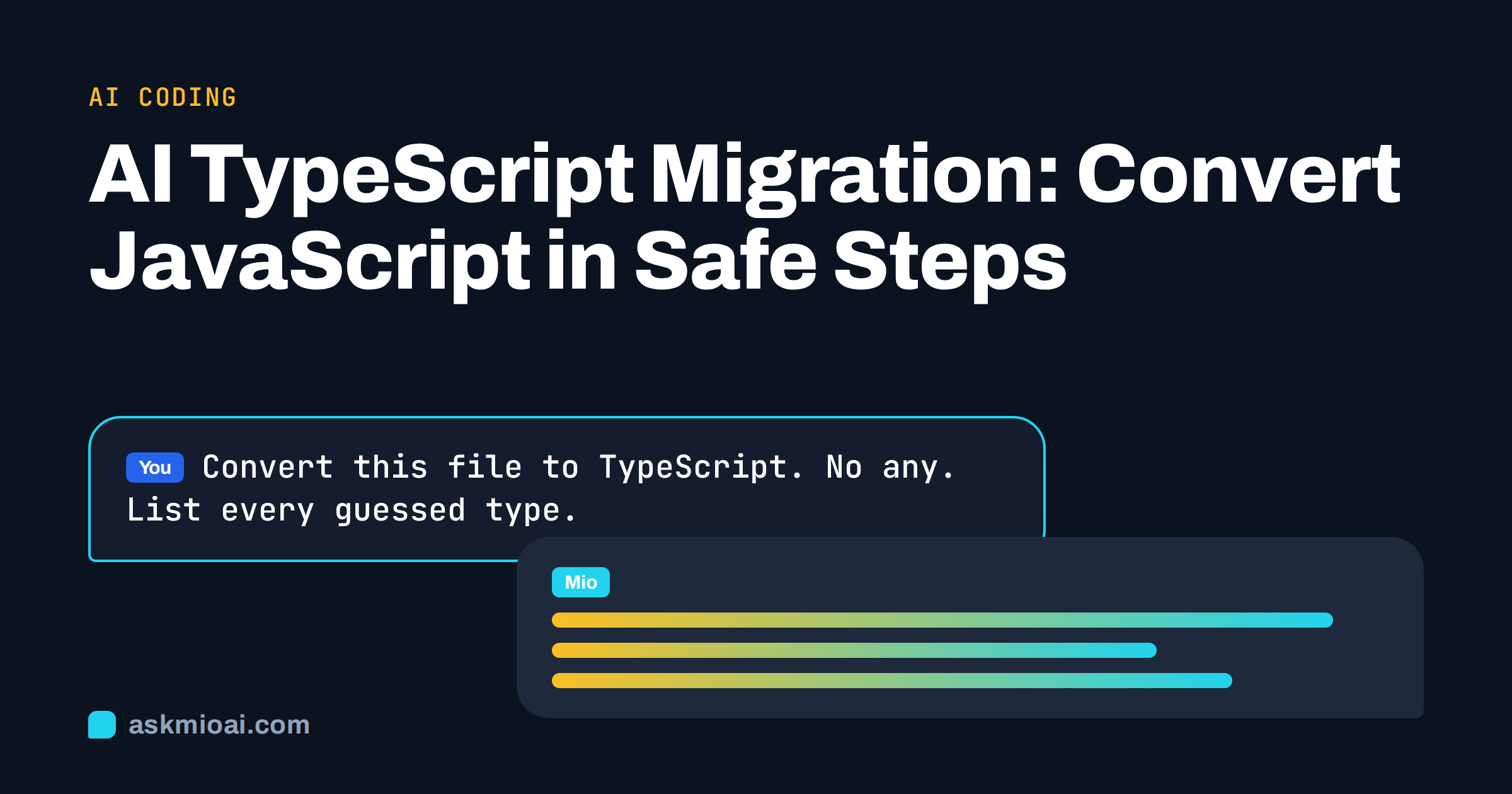
AI TypeScript migration means using an assistant to help move a JavaScript codebase to TypeScript in small, testable steps. The work is repetitive and mechanical in many places: renaming files, adding types to function parameters, describing the shape of objects and fixing the long list of errors the compiler reports once checks are switched on. That is where an assistant saves hours. It is also where careless use creates a codebase full of any, which gives you the cost of TypeScript without the benefit.
This guide gives a migration order that works for real projects, prompts for each stage, a table of common type problems, and a checklist that keeps the generated code honest. It applies to Node services, front-end apps and shared libraries.
Why an AI TypeScript migration should be gradual
A big-bang migration, where every file is renamed on one day, stalls most teams. Hundreds of errors appear at once, nobody can review them and the branch drifts away from main. The official guide to migrating from JavaScript recommends the opposite: add a configuration, let TypeScript and JavaScript live together and convert file by file.
An assistant fits this approach. It can convert one file at a time, explain each type it chose and list questions it could not answer from the code alone. It does not know your runtime data, so it guesses types from names and usage. Your job is to review those guesses, to run the tests and to decide how strict each part of the project should be. The assistant speeds up the typing, and the compiler and the tests decide whether the result is correct.
Step 1: Prepare the project before any conversion
Preparation matters more than prompts. Do these things first, without an assistant if you prefer:
- Make sure tests pass and the build is green on the main branch.
- Add TypeScript and a
tsconfig.jsonwithallowJsturned on, so JavaScript files still compile, and keepstrictoff for now. - Turn on
checkJsfor a small folder to see how many errors appear, without renaming anything. - Install type packages for your libraries, such as the ones in DefinitelyTyped, and note libraries that ship their own types.
- Add a script that runs
tsc --noEmitin CI, so errors cannot grow unnoticed.
Ask the assistant to review your tsconfig.json and explain each option in plain words. The tsconfig reference is the source of truth, and a short explanation helps teammates who have not used it before.
Step 2: Choose an order of conversion
Convert from the leaves of the dependency graph toward the root. Utilities, constants and data models come first, because many files import them and typed versions give the biggest gain. Services and API clients come next, and entry points and UI components come last. Ask the assistant to read your import graph, or a list of files with their imports, and propose batches of five to ten files that depend only on files already converted.
| Order | Files | Reason | Strictness |
|---|---|---|---|
| 1 | Constants, enums, small helpers | Simple, widely imported | Strict from the start |
| 2 | Data models and API response shapes | Types spread to callers | Strict, reviewed by a person |
| 3 | Services, database and HTTP clients | Most bugs hide here | Strict, with tests |
| 4 | Business logic and state | Depends on earlier types | Moderate, then tighten |
| 5 | Entry points, routes, components | Many third-party types | Moderate, then tighten |
| 6 | Tests and scripts | Lowest risk | Moderate |
Step 3: Convert one file at a time with a clear prompt
A prompt that works for each file contains the code, the neighbouring types it uses and your rules. For example: “Convert this file to TypeScript. Do not change behaviour. Do not use any; use unknown and narrow it, or ask me. Define interfaces for objects that cross a function boundary. Keep the export names. List every place where you had to guess a type.” The last sentence is the important one, because it turns hidden guesses into a review list.
Provide the imported types as well. An assistant that sees only one file will invent the types of everything it imports, and those inventions compile in isolation and fail when connected. After the conversion, run the compiler and the tests for that folder, paste any remaining errors back with the lines they refer to, and ask for fixes that address the cause, not a cast that silences it. Our guide to AI code converters explains why behaviour should stay unchanged in every translation.
Avoid the any trap
The fastest way to make the compiler happy is any, and assistants reach for it when the prompt does not forbid it. Each any turns off checking for everything that touches the value. Prefer these alternatives:
- unknown for data of an unknown shape, followed by a type guard or schema validation.
- Generics for helpers that work with several types.
- Union types for values that can be a string or a number, or a loading and a loaded state.
- Interfaces or type aliases for objects with known fields.
- Explicit comments such as
@ts-expect-errorwith a reason when a real fix has to wait.
Ask for a count of any and type assertions after each batch, and fail the review if the number grows. If your project uses lint rules, enable the rules that restrict any and non-null assertions for new files, and let old files improve over time.
Typing data that comes from outside
Types describe what you believe, not what arrives at runtime. A response from an API, a form value or a JSON file can differ from the interface you wrote, and TypeScript will not notice. For boundaries, ask the assistant to generate a runtime validator, using whichever schema library your team already uses, and derive the type from the schema so the two cannot drift. Paste a real sample response, with private data removed, so the schema reflects reality, including optional fields and nulls.
Review the optional and nullable fields with care. Assistants often mark everything as required because the example they saw had every field. Ask what happens when a field is missing, and make a decision for each one, because that decision is business logic and not a typing detail.
Common errors and how to ask for fixes
After switching on checks, a small set of messages accounts for most errors: implicit any parameters, possibly undefined values, mismatched function signatures, missing properties on objects and incompatible third-party types. Group the errors by type and ask the assistant to fix one group at a time, explaining the pattern before it changes the code.
For a hard error, give it the code, the exact compiler message and the relevant types, and ask for two possible fixes with trade-offs. Be wary of fixes that add a cast to as unknown as SomeType, because they hide a real mismatch. If the fix is not clear, leave a documented @ts-expect-error and open a ticket instead of guessing. Our guide to debugging code from an error message covers this workflow.
Frameworks, build tools and third-party libraries
Real projects rarely consist of plain functions. A React or Vue front end brings component props, event types and hooks. A Node service brings request and response objects, middleware and environment variables. Tell the assistant which framework and version you use, because type definitions changed between releases and older examples are common in public text. Ask it to type props with an interface next to the component, to type event handlers with the library’s own event types and to avoid casting DOM elements without a null check.
Build tools need attention as well. Check whether your bundler or test runner compiles TypeScript itself or relies on the compiler, and whether path aliases are configured in both places. A mismatch produces errors that no amount of typing will fix. For libraries without types, ask the assistant to draft a small declaration file for the functions you actually use, rather than typing the entire library, and keep it in one folder so it can be replaced when official types appear.
Finally, plan for environment variables and configuration. Ask for a single typed module that reads and validates them at start-up, so the rest of the code receives checked values and a missing variable fails early with a clear message. Do the same for feature flags and constants that are currently scattered as strings, since a union of allowed values catches typing mistakes at compile time instead of in production.
Tests, review and documentation
Types do not replace tests. Keep the existing test suite running during the whole migration, and add tests for any behaviour you were unsure about. If coverage is thin, ask the assistant to write characterisation tests for a file before converting it, then check that they pass before and after. Our guide to AI-generated tests explains how to avoid tests that only mirror the code.
Review pull requests of reasonable size, with the assistant’s guess list in the description. A human should read every changed signature and every exported type, because those form the new contract of the module. Our guide to AI code review before you merge helps with a first pass. After the migration, ask for updated documentation and a short style guide that covers naming, where to put types and when to use unknown.
How Ask Mio helps with TypeScript migration
Ask Mio is one assistant with five modes, and Code mode is built for working code with explanations and bug fixes from a pasted error. Mio picks the model for each request. The free plan includes Chat and Write, which are enough to plan the migration and to explain compiler errors. The Coding plan adds Code mode, a code execution sandbox and larger files, which helps when you paste several modules together.
Paid plans add file uploads and memory, so you can store your rules, such as “no any, strict mode for new files”, and reuse them in every chat. The sandbox is for running code Mio writes, and it does not have access to your repository, so you still run the compiler and tests on your machine. Chats and files stay yours, can be exported or deleted and are not used to train models.
Frequently Asked Questions
Can AI migrate a whole JavaScript project to TypeScript?
It can convert files quickly, but a whole project needs a plan, passing tests and human review. Work in batches, forbid any, provide the imported types and run the compiler after each step. Treat the assistant as a fast typist whose type guesses need checking.
Should I turn on strict mode at the start?
Not for the whole project. Start with allowJs and a lenient setup, make new and converted files strict, and tighten the rest over time. A full strict switch on a large codebase produces too many errors to review, which tempts people to silence them with casts.
How do I stop an assistant from using any?
Say so in the prompt, ask for unknown with narrowing, and require a list of every guessed type. Count any and assertions after each batch, and add lint rules for new files. If a type is unclear, ask the assistant to propose options instead of choosing silently.
Do generated types match my real API data?
Only if you gave it real samples, and even then runtime data can differ. Generate a validator from a schema at the boundary and derive the type from it, then test with real and malformed responses. Decide deliberately which fields can be missing.
Which Ask Mio plan is best for a migration?
The free plan helps with planning and explanations of compiler errors. The Coding plan adds Code mode, a code execution sandbox and larger uploads for pasting several modules together. Check the live pricing page for current points, file sizes and seats before choosing a plan for your project.
The Bottom Line
AI TypeScript migration works when you convert in small batches, protect behaviour with tests, forbid shortcuts such as any and review every guess. Prepare the project, choose a leaf-first order, validate data at the boundaries and let the compiler be the judge. You can start on the free plan and compare options on the Ask Mio pricing page.