
 Lietuviškai
 Deutsch
 Français
 Русский
 Español
 Polski
 Italiano
 Українська
 Čeština
 Português
 日本語
 Latviešu valoda
 Eesti
 Magyar
 Bahasa Indonesia
 Türkçe
 हिन्दी
 Ελληνικά
 العربية
 ไทย
 Tiếng Việt
 Română
 Bahasa Melayu
 বাংলা
An AI language tutor is useful when you have nobody to practise with at ten in the evening and you still want corrections that explain why. Ask Mio has a Language tutor expert for exactly this: the features page describes it as practice a language, corrections and vocabulary. When you choose it, Mio keeps that role for the whole chat, so you can write in your target language, get your mistakes marked and collect the new words without repeating the instructions every time.
This guide shows how to build a real practice routine with the Language tutor in Mio. It covers how to set your level and goal, how to run a conversation, how to ask for corrections that teach instead of just fix, how to turn mistakes into a vocabulary list, how to use memory and projects to keep a course going, and where the tutor is the wrong tool. The aim is a habit you can keep for a month, not a one-off experiment.
What an AI language tutor does in Mio
The Ask Mio features page lists 39 experts that turn Mio into a specialist for the whole chat. The Language tutor sits in the learning group next to the Teacher, described as explains anything step by step with examples and checks, and the Exam coach, described as study plans, practice questions and mnemonics. A related ready-made job called Learn something builds a study plan with weekly steps, materials and exercises. Our overview of AI assistant experts explains how a role stays active through a chat.
- Practice: you write or answer in the language and the tutor replies in it.
- Corrections: the tutor marks errors in your text and explains them.
- Vocabulary: the tutor collects words and phrases so you can review them later.
Mio also answers in your language, which matters for beginners: you can ask for explanations in your native language while the practice itself stays in the target one.
Set your level, goal and rules in the first message
A tutor that does not know your level will guess, and guesses are either too easy or too hard. Start the chat with one message that fixes the rules for the whole session. The Language tutor keeps them as long as the chat continues.
- Language and variant: for example Spanish as spoken in Spain, or Portuguese from Brazil.
- Level: beginner, lower intermediate or whatever you honestly are. If you know a framework such as the CEFR levels, name your level.
- Goal: travel, a job interview, an exam, family conversation or reading.
- Explanation language: which language corrections and grammar notes should be written in.
- Correction style: after every message, after every five messages or only on request.
Example opening: “Be my Italian tutor. I am A2, I want to talk to my partner’s family in the summer. Hold the conversation in simple Italian, correct my mistakes after each of my messages in English and keep a vocabulary list of new words.”
Run a conversation that stays at the right difficulty
Conversation is where most learners stall, because it feels risky to speak to a person. A tutor in chat removes the audience. Ask for a scenario, such as ordering in a restaurant, asking directions or introducing yourself, and let Mio play the other person. Keep your turns short at first, and ask the tutor to reply in two or three sentences so the exchange feels like talk, not a lecture.
If the tutor uses words you do not know, say so. “Too hard, simplify and keep going” is a legitimate instruction, and so is “now make it a little harder”. The goal is the edge of your ability, where you understand most of what you read and still have to stretch to answer.
Ask for corrections that teach
A correction that only returns a clean sentence teaches nothing. Ask the tutor to show three things for each mistake: what you wrote, the corrected version and the rule in one line. It helps to ask for the error type too, such as gender, verb tense, word order or preposition, because patterns appear quickly.
| Request | What you get | Why it helps |
|---|---|---|
| Correct and explain | Your sentence, the fix and a one-line rule | You learn the reason, not only the answer |
| Tag the error type | Labels such as tense, gender or word order | You see which area repeats |
| Give two natural alternatives | Ways a native speaker might say it | You learn register and idiom |
| Do not correct, just reply | A normal conversation turn | You practise fluency without interruption |
| Summarise my mistakes | A short list at the end of the session | You know what to revise tomorrow |
A good rhythm is to practise without interruption for a few minutes and then ask for a summary. Our guide to best AI for language learning compares approaches, and the Language tutor is one way to apply them.
Turn mistakes into a vocabulary list
Vocabulary is easiest to remember when it comes from your own sentences. At the end of each session, ask the tutor for a table of new words and phrases with the meaning, a short example sentence and the line in which you made the mistake. Keep the list small: ten items you will really review beat fifty you never open.
You can then ask for a quiz from your own list: gap-fill sentences, translation in both directions or a mix of old and new words. The idea behind it is spaced repetition: you meet each item again after a growing gap. Mio does not run a flashcard schedule for you, so paste the list into the next chat and say which items to start from. Our article on AI flashcards shows how to format them.
A sample exchange
Here is how a short correction round can look. You write: “Yo soy ido al mercado ayer.” The tutor replies in Spanish first, with a natural answer to keep the talk moving, and then adds a note in your explanation language: you wrote “soy ido”, but the past of going uses “fui” for a finished action, so the sentence is “Ayer fui al mercado.” The rule in one line: use the simple past for a completed event with a time marker such as yesterday. It then asks a follow-up question, “¿Qué compraste?”, and the conversation goes on.
Notice what the tutor did not do. It did not rewrite your whole message into a different sentence, and it did not bury the rule in a long grammar lecture. If you want more depth on a rule, ask for three more examples and a short exercise. If you want less, ask for corrections only.
Prompts worth saving
- “Hold the conversation at my level and keep each reply under 40 words.”
- “After each message, show my sentence, the corrected sentence and the rule in one line.”
- “Give me a mini quiz of five gap-fill sentences using the mistakes I made today.”
- “Switch to a formal register, as if I were writing to a landlord, and show what changes.”
- “List the ten words I used least correctly and give one example each.”
Save the ones you like in a note or in a project so you can paste them quickly. A small set of reliable prompts beats a long, clever one.
Keep a course going with memory and projects
Practice works only if you come back. On paid plans, memory lets you say “remember that” so Mio keeps your level, goal and correction style, and you can see and control what it keeps. Projects group chats under their own instructions and files, so a project called “Italian for summer” can hold the tutor setup, the vocabulary lists and the weekly plan. Free users can do the same by pasting the opening message into a new chat, and the free plan keeps 30 days of history.
If you upload a text in the language, such as a news article or a letter, paid plans accept PDF, DOCX and images. You can ask for a summary in simple words, a list of useful phrases and five comprehension questions. Our guide to AI projects and memory explains the controls.
A four-week practice plan
- Week one, foundations: ten minutes a day, simple scenarios, corrections after each message, five new words a day.
- Week two, routine topics: talk about your day, your job and your plans. Ask the tutor to push you to use past and future forms.
- Week three, real situations: rehearse the situation you are learning for: a phone call, an interview or a trip. Ask for a feedback summary at the end.
- Week four, review and test: quiz yourself on your list, redo the hardest scenario and ask the tutor what to study next.
The ready-made job Learn something can draft this plan with weekly steps, materials and exercises, and you then bring each week into the Language tutor chat.
What it costs in points
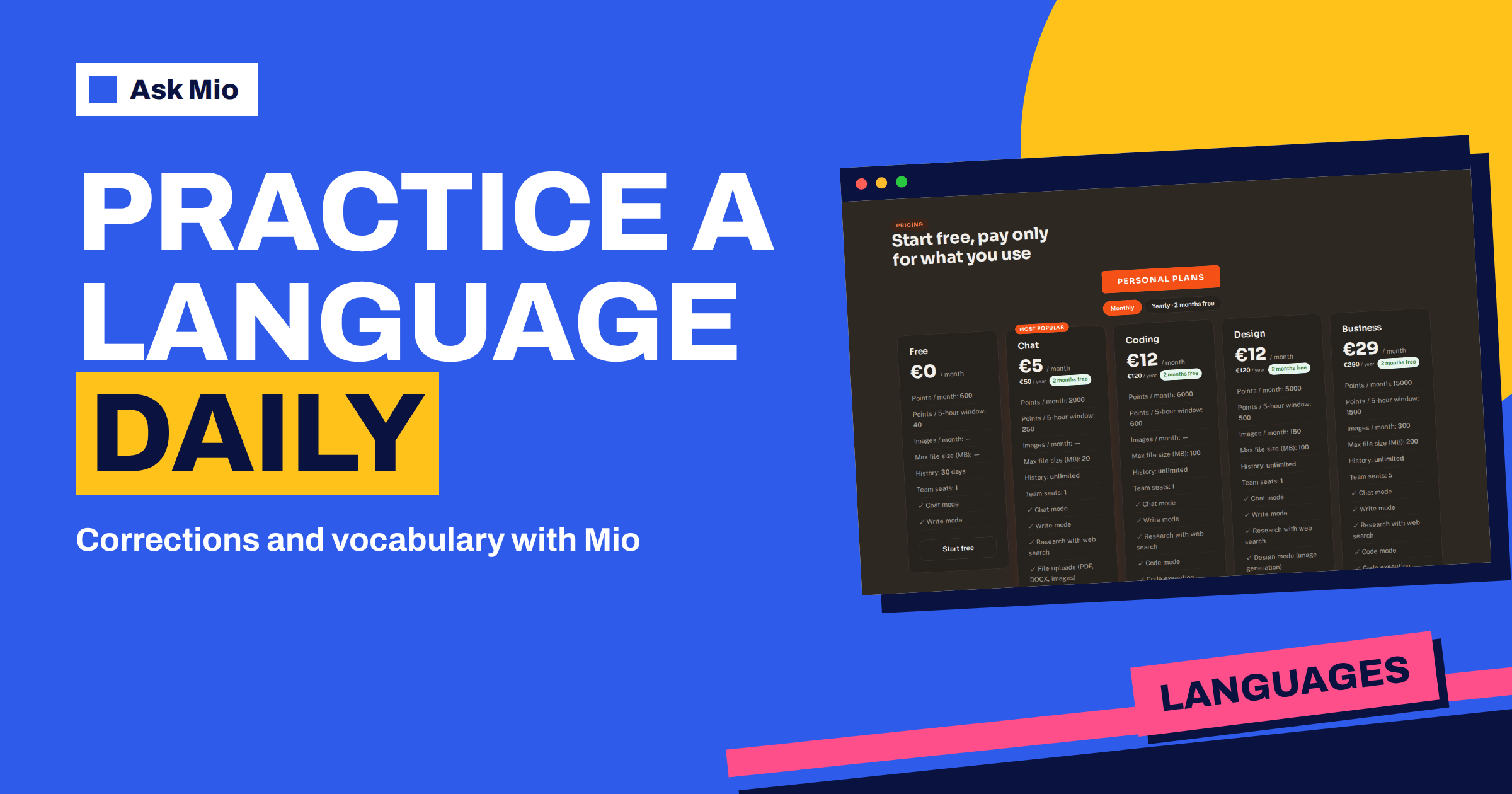
Points are cheap for this use. According to the pricing page, a normal chat reply costs 1 point and a long or complex one 3. A ten-minute conversation of thirty short exchanges is therefore a modest spend, and the free plan with 600 points a month and 40 points per 5-hour window covers a light daily routine. Paid plans add memory, file uploads and larger allowances if you practise for long sessions. See free AI plans compared for how far the free allowance goes.
Where the AI tutor falls short
- Pronunciation: a text chat cannot hear you, so it cannot correct your accent. Use it for writing and reading, and use a human or recordings for speaking.
- Regional detail: slang, dialects and very recent usage vary. When a phrase matters, check it with a native speaker or a trusted dictionary.
- Overconfidence: a tutor can sound sure and still be wrong about a rare rule. If a correction surprises you, ask for the rule and verify it in a grammar reference.
- Passive habits: reading corrections is not the same as producing language. Rewrite the corrected sentence yourself before moving on.
Frequently Asked Questions
What does the Language tutor expert in Ask Mio do?
According to the features page, it helps you practise a language, with corrections and vocabulary. After you choose it, Mio keeps that role for the whole chat, so you can set your level once and then write, get mistakes explained and collect new words without repeating your instructions.
Can I use the AI language tutor on the free plan?
Yes. The free plan includes Chat and Write modes with 600 points a month and 40 points per 5-hour window, and experts are available as part of what Mio can do. Memory and file uploads are paid features, so on Free you paste your setup message into each new chat.
Will the tutor correct every mistake I make?
You decide. Ask for corrections after every message, after a set number of messages or only at the end of the session. If you want a quick overview, ask for a summary of your most frequent mistakes. For serious exams, check rules against an official grammar reference.
How do I keep my vocabulary between sessions?
Ask the tutor for a short table of new words, meanings and example sentences at the end of each chat, and paste it into the next one. On paid plans, memory and projects can keep your level, goals and notes together, and you can see and control what Mio remembers.
Can the tutor help with languages other than English?
Mio answers in your language, and the Write mode on the homepage mentions 25+ languages. Name your target language and variant at the start. Quality can differ between widely used and smaller languages, so test with a short conversation and verify anything important.
The Bottom Line
An AI language tutor is best as a daily practice partner: set your level and goal in the first message, hold short conversations, ask for corrections that explain the rule and turn your mistakes into a small vocabulary list. Use the Language tutor expert in Ask Mio, keep sessions short and regular, and check rare rules and pronunciation with other sources. Start on the free plan and compare options on the Ask Mio pricing page.