
 Lietuviškai
 Deutsch
 Français
 Русский
 Español
 Polski
 Italiano
 Українська
 Čeština
 Português
 日本語
 Latviešu valoda
 Eesti
 Magyar
 Bahasa Indonesia
 Türkçe
 हिन्दी
 Ελληνικά
 العربية
 ไทย
 Tiếng Việt
 Română
 Bahasa Melayu
 বাংলা
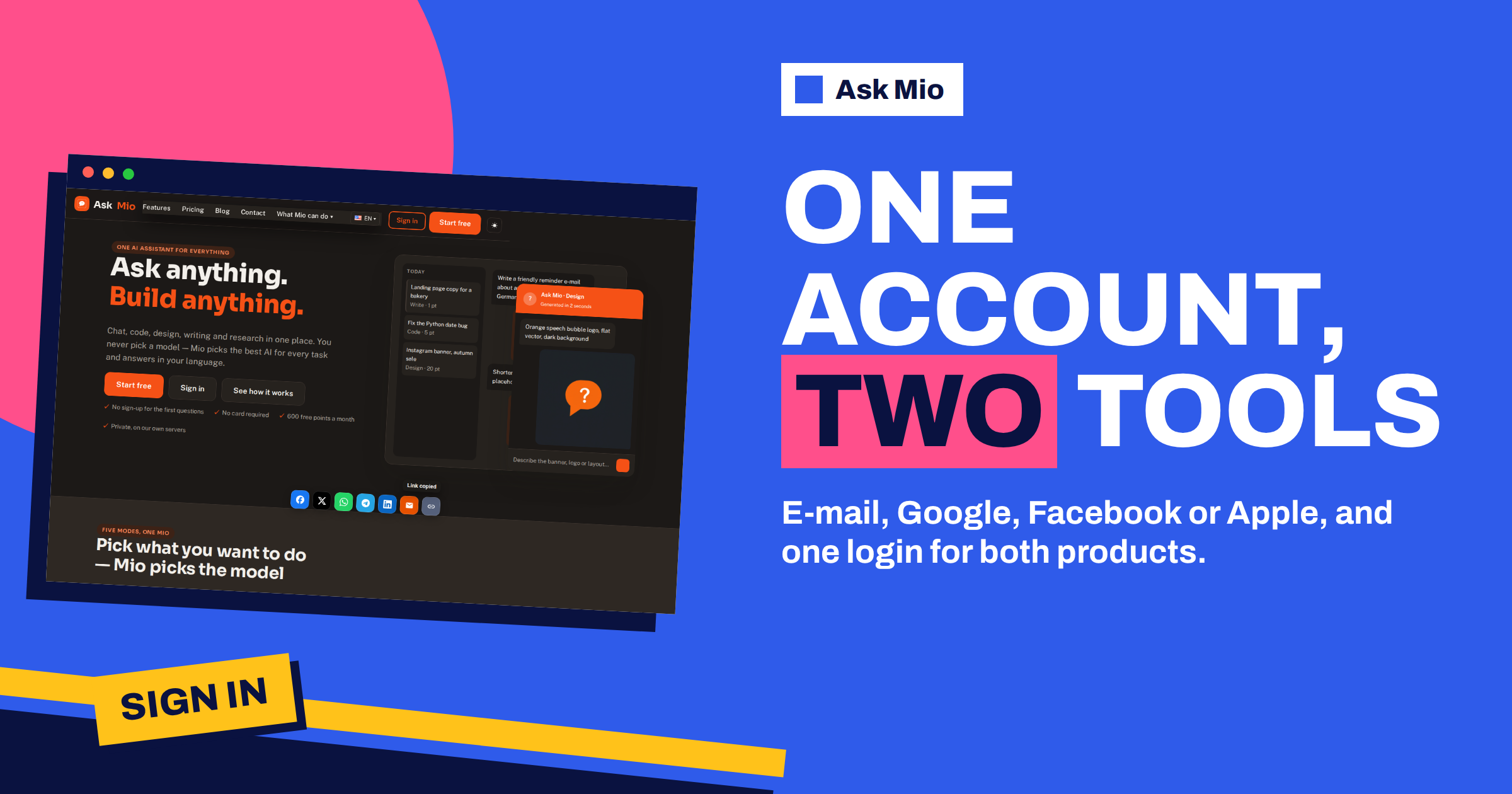
One Mio account is enough for both Ask Mio and Talkmio. That sentence sounds small, but it changes how you set things up: you do not need a new email, a new password or a new profile when you move from the personal assistant to the live chat for your website. This guide explains how the Mio account and its sign-in options work, how to choose a method, how to keep the account safe and how the two products fit together for a person who runs a website.
Everything below comes from the Ask Mio home page, the features page and the pricing page, plus the public Talkmio site. Where something is not stated there, we say so instead of guessing.
Mio account sign-in: how it works in Ask Mio
The home page lists three steps. The first is “Create a free account”: email, Google, Facebook or Apple, and the same step adds that one Mio account also works in Talkmio, the team’s live chat for websites. The second step is to choose a mode and ask, and the third is points: every answer costs a few points, and each plan gives a monthly amount and a 5-hour allowance.
The home page also says that the first questions need no sign-up, no card is required and the free plan gives 600 points a month. So the path is gentle. You can try Mio, then create an account when you want to keep your chats, use more points or turn on features such as memory. Our guide to the free plan shows how far 600 points go.
The four sign-in options
You can create and enter the account in four ways. Each has a reason to be chosen.
| Method | How it works | Good for | Watch out for |
|---|---|---|---|
| An address and a password you choose | People who want a separate account not tied to a big platform | You must keep the password safe and be able to reset it | |
| You sign in with your Google account | People who already use Google and want fewer passwords | The account is linked to that Google login | |
| You sign in with your Facebook account | People who prefer it and use it daily | Think about which profile you tie to a work tool | |
| Apple | You sign in with your Apple ID | People on Apple devices who value privacy settings | Apple lets you hide your email address, so note which Apple ID you used |
The idea behind the last three is called single sign-on: you prove who you are to a provider you already trust, and the service accepts that proof, without asking you to create and remember yet another password. The technical standard behind many such logins is OAuth. The result is convenient, but it also means your access to Mio depends on access to that provider.
Choose one method and keep using it
The most useful habit is consistency. Pick the method that suits you and use it every time you sign in, on every device. That way you always land in the same account, with the same chats, projects, memory and plan. If you sometimes use one method and sometimes another, you may think you have lost your history when you are simply in a different place. If something looks missing, check the sign-in method before you assume anything else.
For a business, choose a method that belongs to the company and not to one person. A shared mailbox, such as an address on the company domain, is easier to hand over than a personal login. If the person who created the account leaves, the company still holds the key. For teams, the Business plan has five seats, and our guide to the Business plan explains how a team can work in shared projects.
Keep the account safe
An account holds chats, files and, on paid plans, memory and history that can last for years. Protect it the way you protect any important login.
- Use a strong, unique password if you sign in with email. A password manager makes this easy.
- Turn on multi-factor authentication on the provider you use for sign-in, such as Google or Apple. The protection then covers Mio as well.
- Keep a recovery route. Make sure the recovery email and phone on that provider are current.
- Do not share the login. Each person on a team should have a seat of their own.
- Check your connectors. Mio can read your Drive, mail or repository only when you connect them, and you decide which.
- Delete what you no longer need. You can export or delete chats and files at any time.
Our guide to account security for AI tools covers more of these habits and what to do if you suspect a problem.
What the shared account means for Talkmio
Talkmio is the team’s product for websites. According to its own pages, it is an AI live chat and helpdesk: you add one line of code, Mio reads your site and answers visitors in their language from your own content, hands difficult questions to your team and turns emails into tickets in one inbox. It has a free plan that needs no card.
Because one Mio account works in both products, you can use the same login for the two. That saves setup time, and it means the person who uses Ask Mio to draft a help page can open Talkmio with the same credentials to put it in front of customers. The plans, limits and prices of each product are described on that product’s own pricing page, so check each one rather than assuming that a plan in one carries over to the other.
Ask Mio and Talkmio working together
The two products are different tools for different jobs, and they fit together well for someone who runs a site.
- Ask Mio is for you. Use it to draft, analyse, research and plan: the FAQ page, the product descriptions, a reply to a difficult customer.
- Talkmio is for your visitors. It answers customers on your website from your content, 24 hours a day, and passes difficult cases to your team.
The features page adds a link between the two. Among the connectors, Ask Mio lists Talkmio, described as your Talkmio live-chat conversations and visitors. When you connect it, you can ask Mio about your own conversations: which questions come up most often, what customers could not find, which answers need improving. Then you use the answers to improve your site and your Talkmio content. Our guide to the PostRSS and Talkmio connectors explains what each connector can read.
Remember that conversations with visitors can contain personal data. Treat them with the same care as any customer information, follow the privacy rules that apply to you and share only what the task needs. Our privacy checklist for business lists the questions to ask.
Move from a trial to a settled setup
A sensible order for a new user is as follows.
- Try Mio without an account for a few questions and see whether it fits.
- Create a free account with the sign-in method you intend to keep.
- Use the free plan for a few weeks and watch your points.
- Upgrade only when a limit gets in the way, for example when you want Research, file uploads or memory. Our plan guide compares the options.
- Add Talkmio if you have a website that gets customer questions, using the same login.
- Connect only what you need, and review the connections from time to time.
This order keeps cost and risk low at the start and lets the setup grow with your needs.
A worked example: a small online shop
Nina runs a shop that sells handmade candles. She creates a free Mio account with her business email address and uses Ask Mio for product descriptions and a returns policy. After a month she moves to the Chat plan, because she wants file uploads for supplier price lists and memory for her brand voice.
Customers keep asking about delivery times, so she signs in to Talkmio with the same account, adds the widget to her shop and lets Mio answer from her delivery page. A week later she connects Talkmio in Ask Mio and asks which questions came up most. The answer shows that most visitors ask about gift wrapping, which her site does not mention. She asks Mio to draft a short page and publishes it. The next week the question almost disappears from the inbox. One account, two products and a loop of improvement. The whole setup took her an afternoon, and the only decision she had to make twice was which plan to buy, because the sign-in itself never changed. She also writes down, in her shop’s handbook, who owns the account and where the recovery email goes, so a future assistant can take over without asking her for a password.
What if something goes wrong
If you cannot sign in, work through the likely causes in order. First, check that you are using the same method as before: email, Google, Facebook or Apple. Second, check that you are signed in to the right account on the provider. Third, if you use email, use the password reset on the sign-in page. If the problem continues, use the contact page on the site, and give the email address and the method you normally use, but never your password.
If you suspect that someone else has access, change your password, review the connected apps on your provider’s security page, remove anything you do not recognise and delete sensitive chats you no longer need.
Keep a short note, in a password manager rather than a text file, of which method you used for each product and which email address is attached. When you change phones, switch jobs or close an old email account, that note saves an evening of trial and error. For a company, add the account to the list of tools you review each year, with the owner and the recovery route written next to it, so that access never depends on one person’s memory.
Frequently Asked Questions
How can I sign in to Ask Mio?
You can create and use a free account with email, Google, Facebook or Apple, as the home page states. Choose one method and use it every time, so you always reach the same chats, projects and plan. The first few questions can be asked without signing up.
Does the same account work in Talkmio?
Yes. The home page says that one Mio account also works in Talkmio, the team’s live chat for websites. Each product has its own pricing page, so check the plan and limits in each one instead of assuming they carry over from one to the other.
Which sign-in method is the safest?
All four can be safe if you protect them. For email, use a long unique password from a password manager. For Google, Facebook or Apple, turn on multi-factor authentication with that provider. Whatever you choose, keep your recovery details up to date and never share the login.
Can my team share one account?
It is better not to. The Business plan has five seats, so each person can have their own access, and shared projects let the team work together. Sharing one login makes it hard to know who did what and risky to remove someone later.
Is my data used to train models?
No. The pricing page says your chats and files are yours, that you can export or delete them at any time and that they are not used to train models. Ask Mio runs on its own servers. Upload only what you need and delete what you no longer want stored.
The Bottom Line
A Mio account is one login for Ask Mio and Talkmio, created with email, Google, Facebook or Apple. Choose one method and stay with it, protect it with a strong password or multi-factor authentication and connect only what you need. Use Ask Mio for your own work and Talkmio for your website visitors, and let each improve the other. Start free and compare plans on the Ask Mio pricing page.