
 Lietuviškai
 Deutsch
 Français
 Русский
 Español
 Polski
 Italiano
 Українська
 Čeština
 Português
 日本語
 Latviešu valoda
 Eesti
 Magyar
 Bahasa Indonesia
 Türkçe
 हिन्दी
 Ελληνικά
 العربية
 ไทย
 Tiếng Việt
 Română
 Bahasa Melayu
 বাংলা
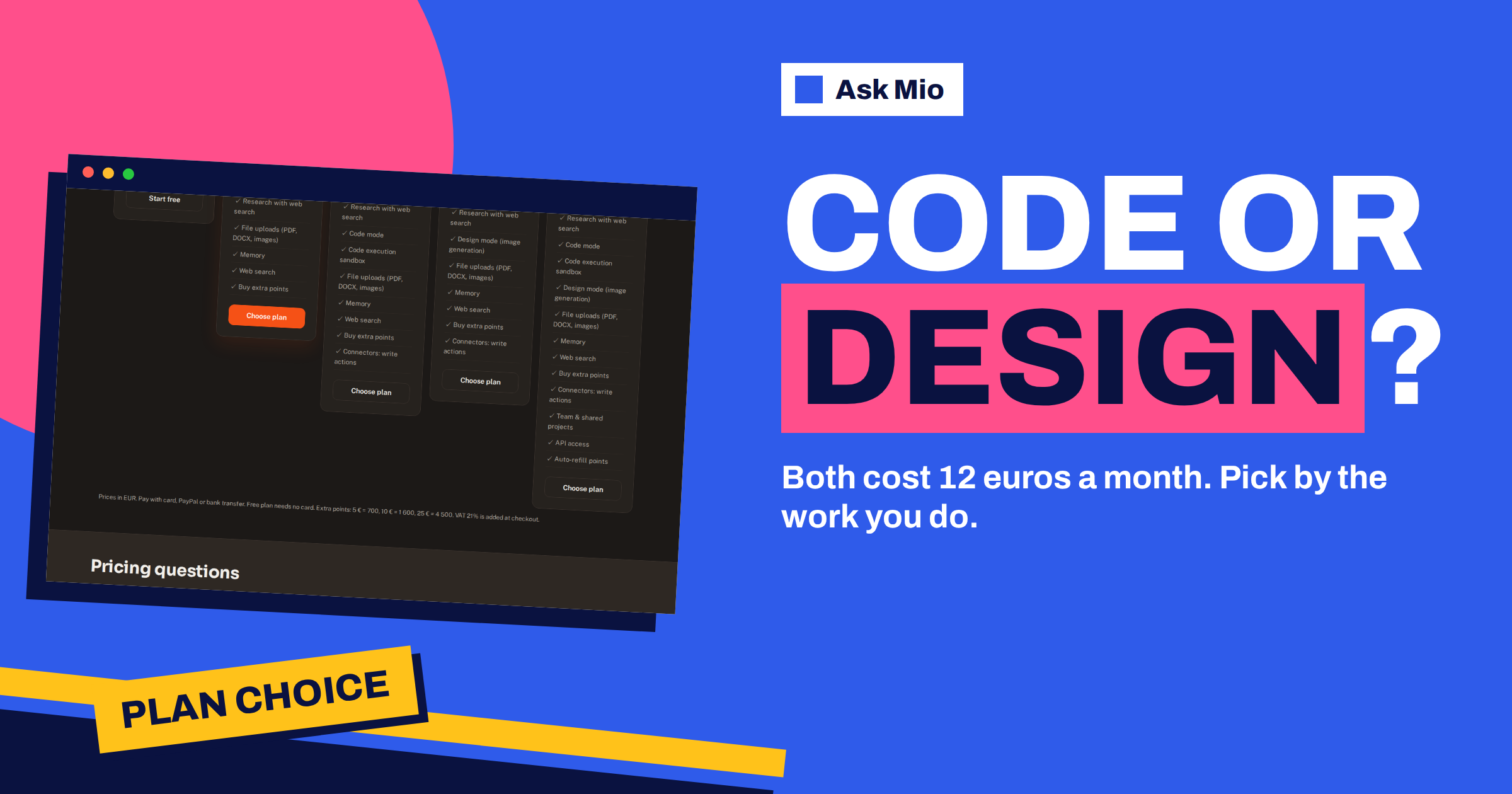
Ask Mio coding vs design is a choice you only have to make once, because the two plans cost exactly the same: 12 € a month or 120 € a year. They look alike on the pricing page, with 100 MB files, unlimited history, memory and Research with web search in both. But each one unlocks a different mode, and the other mode is missing, so the right pick depends on the work you do every week.
This guide compares the Coding plan and the Design plan using only the numbers on the live pricing page. You will see what each plan includes and leaves out, how points turn into real work, which kinds of people fit each plan, what to do if you need both and how to avoid paying for a mode you will not use.
Ask Mio coding vs design at a glance
| Item | Coding | Design |
|---|---|---|
| Price per month | 12 € | 12 € |
| Price per year | 120 € | 120 € |
| Points per month | 6000 | 5000 |
| Points per 5-hour window | 600 | 500 |
| Images per month | — | 150 |
| Max file size | 100 MB | 100 MB |
| History | Unlimited | Unlimited |
| Team seats | 1 | 1 |
| Code mode | Yes | No |
| Code execution sandbox | Yes | No |
| Design mode (image generation) | No | Yes |
| Research with web search | Yes | Yes |
| Memory and file uploads | Yes | Yes |
| Connectors: write actions | Yes | Yes |
| Extra points packs | Yes | Yes |
Both plans include Chat and Write, Research with web search, file uploads (PDF, DOCX, images), memory, web search, extra points and connectors with write actions. What differs is the pair of modes at the top and the points around them. The Coding plan adds Code mode and the code execution sandbox and gives more points. The Design plan adds Design mode with 150 images a month and gives fewer points.
What the Coding plan is for
Coding is the plan for people whose daily output is code, scripts, queries or technical files. The home page describes Code mode as working code with explanations, bug fixes from a pasted error and refactoring. The code execution sandbox lets Mio run Python or Node code to compute something exactly, analyse a table, draw a chart or convert a file. A sandbox is an isolated environment, so the code runs away from your own machine.
The pricing page says a coding answer costs 5 to 10 points. With 6000 points a month, that is roughly 600 to 1200 coding answers if you spend everything on code, and with 600 points in each 5-hour window, 60 to 120 coding answers per window. For a developer, that is a comfortable working day. Our guide to the Ask Mio Coding plan goes through the numbers in detail, and the article on the Python sandbox shows what you can run in it.
Good fits for Coding:
- developers, who write, review and debug code every day
- system administrators and DevOps people, who work with scripts, configuration and logs
- analysts, who want charts and tables computed by real code and not estimated
- students of programming, who need explanations and a safe place to try code
- anyone who wants spreadsheets or files converted by a script
What the Design plan is for
Design is the plan for people who need pictures. The home page describes Design mode as logos, banners, social posts and illustrations from a sentence: you describe the result in your own language, and Mio writes the prompt and generates the image. The plan includes 150 images a month, and the pricing page says one generated image costs 20 points.
That gives a simple budget. 150 images use 3000 of the 5000 points, and the other 2000 are for Chat, Write and Research. In a 5-hour window of 500 points, you can create at most 25 images if you do nothing else in it. Our guide to the Ask Mio Design plan shows how to spend the 150 images, and the AI image generator guide explains how to write prompts that work. If you wonder how text-to-image models work in general, the background article is a good place to start.
Good fits for Design:
- social media managers and small shop owners, who need banners and posts every week
- bloggers, who want a featured image for each article
- founders, who need logos, mock-ups and slide visuals
- teachers, who like illustrated materials
- freelancers, who offer visual drafts to clients
Points per euro: which plan stretches further
Both plans cost 12 €, but the points are different. Coding gives 6000 points and Design gives 5000, so Coding offers 500 points per euro and Design about 417. That is not a fair race, however, because the work is different. What matters is how many pieces of work each plan covers.
| Work | Points per item | Coding covers | Design covers |
|---|---|---|---|
| Normal chat reply | 1 | up to 6000 | up to 5000 |
| Long or complex reply | 3 | up to 2000 | up to 1666 |
| Coding answer | 5 to 10 | 600 to 1200 | Not available |
| Generated image | 20 | Not available | 150 (the monthly image limit) |
The table shows that each plan is sized for its own mode. Coding has enough points for hundreds of code answers. Design has enough points for the full 150 images and a healthy amount of chat. If you pick the plan that matches your work, the points are usually enough; if you pick the other one, the key mode is simply missing.
The honest limits of each plan
Coding has no image generation. The Images per month line on the pricing page is a dash for Coding. If you are a developer who also needs an occasional logo or banner, you will not get it on this plan.
Design has no code mode. The Design plan lists no Code mode and no sandbox. Chat and Write are included, but the dedicated coding mode and the execution environment are not.
Neither plan has team seats. Both have one seat. If several people need to share projects, the Business plan is the one with team and shared projects.
Neither plan has API access or auto-refill points. Those are listed on the Business plan only.
What if you need both code and images?
This is the real dilemma, and the pricing page gives a clear answer. Only the Business plan lists both Code mode and Design mode. It costs 29 € a month or 290 € a year, with 15000 points a month, 1500 per window, 300 images, 200 MB files and 5 team seats. For one person who needs both modes, that is more than two plans at 12 € each, but it is the plan in which both modes live under one account. Our guide to the Ask Mio Business plan explains what the extra seats and features mean in practice.
Another route is to choose by the mode you need more and use the other mode’s work in a different way. A developer on the Coding plan can still ask Chat to write the text of a banner or a prompt, and then produce the picture in another tool. A designer on the Design plan can still put a question about a script into Chat, but without the sandbox nothing is run. That is workable for occasional needs, but it is a compromise.
Ask yourself how often you need the second mode. If you need it every week, take Business. If you need it once a quarter, pick the plan for your main work.
Four quick scenarios
A freelance web developer builds client sites, writes scripts and sometimes needs a small graphic. The daily work is code, so Coding is the right plan. For the graphic, a stock library or a client-supplied asset is easier than switching plans.
A shop owner posts three times a week and needs a banner each time. That is about 12 to 15 images a month, far below the 150 limit. Even so, images are the point, and the Design plan is the only one at this price with Design mode. If the volume is truly small, the 5 € Chat plan covers the text side of the job, though not the images.
A data analyst loads CSV files, cleans them and charts the results. The sandbox does that work, so the Coding plan fits. Images are not needed, since charts come from code.
A content team of three needs code for the website and images for every post. Three people and two modes point to Business, which has five seats, both modes and 300 images.
How to test before you commit
The free plan includes Chat and Write only, so you cannot try Code mode or Design mode on it. That makes the first month a test. Choose monthly billing and use the mode intensively in the first week. Count how many answers or images you actually created and how many points they used. After a month, you will know whether the plan fits, and if it does, you can move to yearly billing and save two months: 120 € instead of 144 €.
The pricing page has Choose plan buttons for each plan but does not describe switching between plans in detail. If you think you may change, ask support before you pay for a year. Our guide to tokens versus points explains why points are a better unit for planning than tokens.
Common mistakes
- Buying Design to write code. The mode you need is not there.
- Buying Coding to make images. Images per month is a dash on that plan.
- Choosing by points alone. More points are useless if the mode you need is missing.
- Paying yearly before testing. Try a month first.
- Forgetting that both plans have one seat. Shared work needs Business.
- Ignoring the 5-hour window. A heavy session can reach it before the month ends, so pace large jobs.
Frequently Asked Questions
Which is cheaper, the Coding plan or the Design plan?
They cost the same. Both are 12 € a month or 120 € a year, and the yearly price is described as two months free. The difference is what you get: Coding has more points and adds Code mode with the sandbox, while Design has fewer points and adds Design mode with 150 images a month.
Can I generate images on the Coding plan?
No. The pricing page shows a dash for images per month on the Coding plan, and Design mode is not listed among its features. Image generation belongs to the Design plan and to Business. If you need both code and images in one account, Business lists both modes.
Can I write code on the Design plan?
The Design plan does not list Code mode or the code execution sandbox. Those are features of the Coding plan and Business. You can still use Chat and Write on the Design plan, but for dedicated coding work, Coding is the right plan.
How many images do I get on the Design plan?
You get 150 images a month, and the pricing page says each generated image costs 20 points. That uses 3000 of the 5000 monthly points and leaves 2000 for chat, writing and research. Within one 5-hour window of 500 points, up to 25 images are possible.
Is Business better than buying both plans?
Business lists Code mode, the sandbox and Design mode in one plan, with 15000 points, 300 images, 200 MB files and 5 seats for 29 € a month. For a person who needs both modes in one account, or for a small team, it is the plan designed for that.
Can I change plans later?
The pricing page shows Choose plan buttons but does not describe plan changes. If you might switch, start with monthly billing and write to [email protected] to ask how changing works for your account before you pay for a full year.
The Bottom Line
In the Ask Mio coding vs design question, the price is the same and the work decides. Pick Coding if you write, review and run code or analyse data. Pick Design if you need logos, banners and illustrations every week. If you need both modes in one account, look at Business, and if you need neither, the Chat plan at 5 € covers Research, files and memory. Start with monthly billing, count what you really use and move to yearly only when the pattern is clear. Compare all plans on the Ask Mio pricing page.