
 Lietuviškai
 Deutsch
 Français
 Русский
 Español
 Polski
 Italiano
 Українська
 Čeština
 Português
 日本語
 Latviešu valoda
 Eesti
 Magyar
 Bahasa Indonesia
 Türkçe
 हिन्दी
 Ελληνικά
 العربية
 ไทย
 Tiếng Việt
 Română
 Bahasa Melayu
 বাংলা
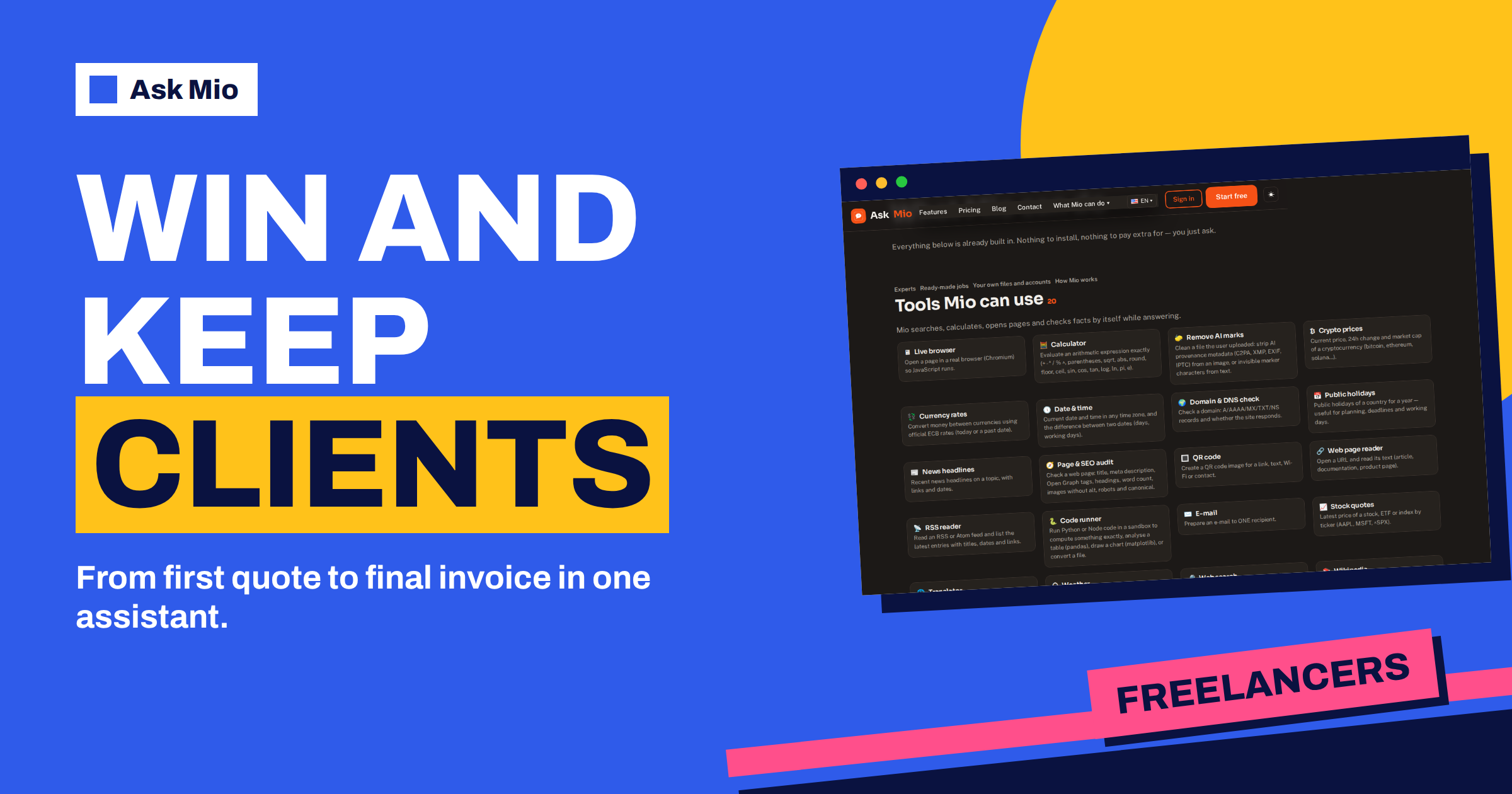
Ask Mio for freelancers is mostly about the paperwork around the work. A freelancer sells skill, but a good half of the week goes on quotes, contract questions, client e-mails, status updates and invoices. Those jobs are repetitive, they have a clear shape, and they are exactly where a single assistant with ready-made jobs and experts can give hours back.
This guide follows the life of a client project from first enquiry to final invoice and shows which Ask Mio features help at each step. Every feature mentioned is listed on the live features page. The guide also states what Mio does not do for you, because a contract check or a VAT answer is a first read, not professional advice.
Ask Mio for freelancers: the week, stage by stage
Freelance work moves through the same stages with every client. A quick map shows which part of Ask Mio belongs to which stage.
| Stage | Typical task | Ask Mio feature |
|---|---|---|
| Enquiry | Reply to a new lead | Ready-made job: E-mail reply |
| Quote | Price the work and present it | Ready-made job: Quote / invoice draft (PDF) |
| Negotiation | Hold the price, trade scope | Expert: Negotiation advisor |
| Contract | Understand the terms | Ready-made job: Contract / document check |
| Delivery | Plan, track, report | Expert: Project manager; job: Meeting notes to summary |
| Invoice | Bill correctly with VAT | Expert: Accountant; job: Quote / invoice draft |
| Follow-up | Chase, thank, renew | Ready-made job: E-mail reply |
| Growth | Find the next client | Experts: Copywriter, Marketing strategist |
Experts are modes in which Mio acts as a specialist for the whole chat. Ready-made jobs are short forms that produce a finished file or text. Our guide to Ask Mio experts and ready-made jobs explains the difference.
Stage 1: answer the enquiry quickly
The first reply decides whether you get the conversation. A fast, clear answer beats a slow, perfect one. The ready-made job for e-mail replies gives a polite, ready-to-send answer in the right tone: paste the client’s message, say what you want to convey and Mio drafts the reply.
Give Mio three things to make the draft good: the facts you can promise, such as your availability, the question you need answered before you can quote, and the tone you use with clients. Then read the result and change anything that does not sound like you. Our guide to AI e-mail replies lists prompts for difficult messages.
A useful habit is to keep a short “my voice” note. Say “remember that I write short, friendly e-mails and sign with my first name” and, on plans that include memory, Mio keeps it. You see and control everything it stores.
Stage 2: write the quote
A quote is a promise with a price, so it has to be clear. The Quote / invoice draft job produces a PDF with positions and totals. You provide the client, the items, the rates and the terms. Mio builds the document.
What makes a freelance quote strong:
- A clear scope. List what is included and what is not. A statement of work names the deliverables, and a vague one invites scope creep.
- A fixed number of revisions. Say how many rounds of changes are included.
- A timeline with dependencies. If you need material from the client, say by which date.
- Payment terms. Deposit, due dates and what happens when a payment is late.
- The price with and without VAT. Be explicit so the client is not surprised.
Ask Mio to list the questions a client is likely to ask about your quote, then answer them in the document. Our guide to the AI invoice and quote generator shows the full flow, and the AI proposal writer covers the longer, narrative kind of proposal.
Stage 3: hold your price
Clients negotiate. The Negotiation advisor expert prepares you for salary, supplier or client talks. For a freelancer, that means preparing your answer before the call, not improvising during it.
Ask for three things:
- Your walk-away point. The lowest price at which the job still pays.
- Trades instead of discounts. A smaller scope, a later deadline or a longer commitment in return for a lower rate.
- Objection answers. “Your rate is higher than another freelancer’s” has a few honest replies, such as a difference in experience, speed or risk.
Mio does not know your costs, so give it real numbers. Our guide to AI negotiation preparation shows a structure for the conversation.
Stage 4: understand the contract before you sign
The Contract / document check job gives a plain-language summary of a contract with risky clauses highlighted. It is useful for a freelancer because most freelance contracts are written by the client’s side. Upload the file or paste the text, and look at the summary for:
- Payment terms: how many days, and from which date.
- Intellectual property: who owns the work, and from what moment.
- Liability and indemnity: whether your responsibility is capped.
- Termination: what each side owes if the project stops.
- Exclusivity and non-compete clauses: whether they limit other clients.
- Revisions and acceptance: how and when the work counts as accepted.
Mio can explain, but it is not a lawyer. The terms of Ask Mio itself say that answers are generated by AI and can be wrong, and that important legal information should be checked before you rely on it. For a large or unusual contract, use Mio to prepare your questions and then talk to a professional. Our guide to AI contract and document checks explains what the job does and does not do.
Stage 5: plan and deliver
Once the work starts, a project chat helps. Ask Mio has projects that group chats with their own instructions and files. Make one project per client or per larger job. Put the quote, the contract summary and the brief in it, and write instructions such as “this client prefers short updates on Fridays”.
The Project manager expert works on plans, timelines, risks and status updates. It can turn a brief into a task list and a schedule, and it can write the weekly update you send to the client. The Meeting notes job turns raw notes or a transcript into decisions, tasks and a follow-up e-mail, which is handy after a client call. Our guide to the AI project manager shows typical prompts, and the article on projects and memory explains how to keep each client’s information in its own place.
A caution about client data: do not paste confidential material into any assistant without checking your client contract. If a client’s information is sensitive, anonymise names and numbers first.
Stage 6: invoice correctly
An invoice is where small mistakes cost real money. The Quote / invoice draft job creates the document with positions and totals. The Accountant expert covers bookkeeping, VAT, invoices and simple financial models. An invoice normally needs your details, the client’s details, a date, a number, the items, the tax and the payment terms; Mio can check your draft against that list.
If you invoice clients abroad, two tools help. Currency rates converts money using official ECB rates, today or on a past date, and Date & time can count days and working days, which helps when you calculate a payment deadline. Our guides to AI currency, crypto and stock prices and to the AI accountant assistant for VAT show how. The rules for VAT and invoices differ by country, so confirm anything that affects a filing with your accountant.
Stage 7: follow up, chase and renew
Late payment is a normal freelance problem. Mio can draft a polite reminder, a firmer second reminder and a final notice, in a tone that fits your relationship with the client. Keep the facts exact: invoice number, amount, due date and the date of each earlier message. If a client complains about the work, our guide to the AI complaint letter shows how to answer without losing the relationship.
After a good project, ask for a testimonial and a referral. Ask Mio to write the request so that it is short, specific and easy to answer. A message that says “which part of the project was most useful?” gets better answers than “please write a review”.
A worked example: a freelance web designer
Mara is a freelance web designer. A new client writes on Monday morning. She pastes the message into the E-mail reply job and gets a draft in a minute, which she edits and sends. The client asks for a price, so she fills in the Quote / invoice draft job with five positions and gets a PDF. When the client pushes back, she asks the Negotiation advisor for three trade options and sends one.
The client sends a contract. Mara uploads it to the Contract check job and finds two highlighted clauses: payment after 60 days and a clause that transfers all rights before payment. She asks Mio to suggest wording for 14 days and for transfer on payment, and she sends the changes to the client. After the signature she creates a project, uploads the brief and asks the Project manager expert for a four-week plan. Each Friday she pastes her notes into the Meeting notes job and sends the follow-up.
At the end she creates the invoice, checks it with the Accountant expert and sends it. The work still depends on her design skill, but the paperwork takes a few minutes instead of an afternoon.
Which plan suits a freelancer
The plan you need depends on the work you do, not on the fact that you are a freelancer.
| If you mostly… | Consider |
|---|---|
| Write e-mails and quotes, now and then | The free plan (600 points a month, Chat and Write) |
| Upload contracts, use Research and keep memory | Chat, 5 € a month, 20 MB files |
| Write code or analyse data | Coding, 12 € a month, sandbox |
| Create images for clients | Design, 12 € a month, 150 images |
| Share projects with a partner or assistant | Business, 29 € a month, 5 seats |
File uploads, memory and Research are listed from the Chat plan upwards. Check the features of the plan you choose on the pricing page before you rely on a specific job. Our guide to the Ask Mio plans compares them in detail.
Mistakes freelancers make with AI
- Sending the first draft. Read it, and make it sound like you.
- Pasting client secrets. Check your contract and anonymise.
- Trusting a contract summary completely. It is a first read, not legal advice.
- Letting Mio invent numbers. Give real rates and dates.
- Skipping the scope. A fast quote without a clear scope is a slow project.
- Not saving what works. Keep the best prompts for each stage.
Frequently Asked Questions
Can Ask Mio write a quote or an invoice for me?
Yes. The Quote / invoice draft job produces a quote or invoice draft as a PDF, with positions and totals. You provide the client, the items, the rates and the terms, and Mio builds the document. Check the figures and your tax details before you send it, because the responsibility stays with you.
Can Ask Mio check a client contract?
The Contract / document check job gives a plain-language summary of a contract with risky clauses highlighted. It helps you see payment terms, ownership and termination quickly. It is not legal advice, so use it to prepare questions and consult a lawyer for anything large or unusual.
Is the free plan enough for a freelancer?
It can be a good start. The Free plan includes Chat and Write with 600 points a month and no card. For uploads, memory and Research, the Chat plan at 5 € a month is the first paid plan. Check which features you need on the pricing page.
Can Mio remember my clients’ preferences?
On plans that include memory, you can say “remember that…” and Mio keeps the fact. Projects also hold their own instructions and files. You see and control everything stored, and you can remove any fact in the Memory panel, so keep client details to what you really need.
Does Mio help with late-paying clients?
Yes, in the writing. Mio can draft a polite reminder, a firmer second message and a final notice, using the invoice number, amount and dates you provide. It does not chase payments by itself, and it cannot send letters to anyone without your confirmation.
Is it safe to paste client material into Mio?
Ask Mio says your chats and files are not used to train models and that you can export or delete them. Still, check your client contract and your own confidentiality duties first, and anonymise names and numbers when the material is sensitive.
The Bottom Line
Ask Mio for freelancers works best as a paperwork partner: the E-mail reply job for enquiries, the Quote / invoice draft job for pricing, the Negotiation advisor before the call, the Contract check before the signature, a project per client for delivery and the Accountant expert for invoices. Read every draft, give Mio real numbers and treat legal and tax answers as a first read. Start on the free plan, move to a paid one when you need uploads or more points and compare the options on the Ask Mio pricing page.