
 Lietuviškai
 Deutsch
 Français
 Русский
 Español
 Polski
 Italiano
 Українська
 Čeština
 Português
 日本語
日本語 Latviešu valoda
 Eesti
Eesti Magyar
 Bahasa Indonesia
 Türkçe
 हिन्दी
 Ελληνικά
 العربية
 ไทย
ไทย Tiếng Việt
 Română
 Bahasa Melayu
 বাংলা
বাংলা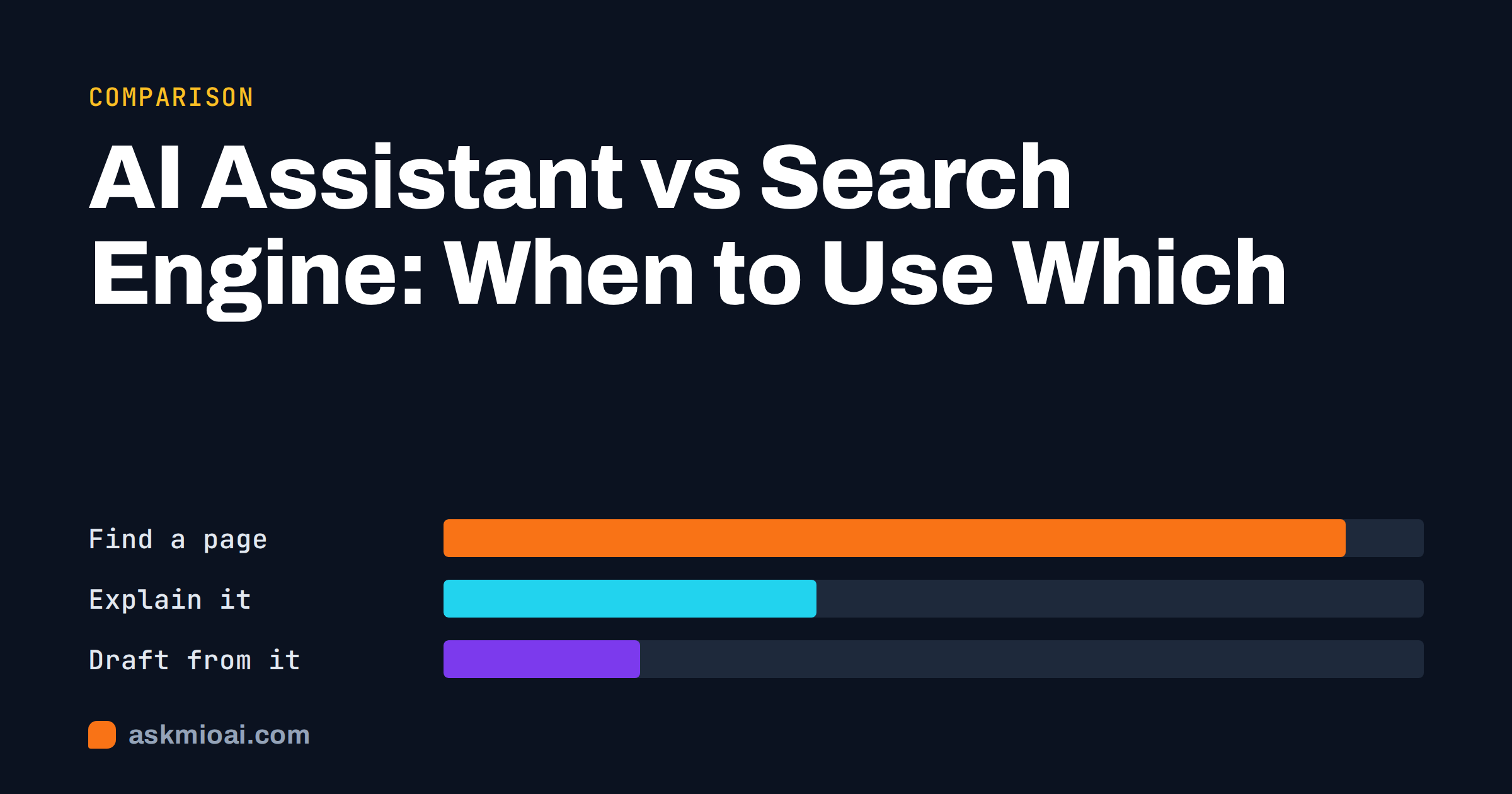
In the AI assistant vs search engine question, the short answer is this: use a search engine when you want to find a page, and use an AI assistant when you want something done with information, such as explaining it, comparing it or turning it into a draft. Most real tasks need a bit of both, and the best results come from knowing where one stops and the other starts.
This comparison looks at how each tool works, what each is genuinely better at, where each fails, and a simple rule of thumb for choosing in the moment.
How a search engine works
A search engine crawls the web, builds an index of pages and, when you type a query, ranks the pages it thinks best match. What you get back is a list of links, sometimes with snippets, maps, prices or a short summary box on top. The search engine points you to sources. It does not, by design, write you a new document.
This has two big strengths. First, freshness: the index is updated continuously, so new pages, prices and news appear quickly. Second, transparency: every result is a real page you can open, judge and cite. The weakness is effort. You have to open several results, read them, compare them and assemble the answer yourself.
For a neutral overview of how indexing and ranking work, the Wikipedia article on search engines is a good primer.
How an AI assistant works
An AI assistant is built on a large language model: a system trained on huge amounts of text that generates answers word by word. Instead of links, it produces language. It can explain, summarise, translate, rewrite, calculate, write code and hold a conversation where each question builds on the last.
A bare language model answers from what it learned during training, which ends at a fixed date. That is why modern assistants add tools: web search, page reading, file analysis and live data. When an assistant searches the web and cites what it found, it borrows the search engine’s freshness and adds its own ability to synthesise. Background on the underlying technology is in the Wikipedia entry on large language models.
AI assistant vs search engine: side-by-side comparison
| Task or quality | Search engine | AI assistant |
|---|---|---|
| Find a specific website, shop or phone number | Best choice | Slower, adds little |
| Breaking news and live events | Best choice | Only with web search enabled |
| Explain a concept in plain words | You read several pages | Best choice |
| Compare options against your criteria | Manual work | Best choice, verify facts |
| Write, rewrite or translate text | No | Best choice |
| Work with your own files | No | Yes, on plans with uploads |
| Follow-up questions with context | Each query starts fresh | Yes, remembers the conversation |
| Transparency of sources | Every result is a source | Only if it cites them |
| Risk of invented facts | Low (pages can still be wrong) | Present; check claims |
| Cost to use | Usually free, ad-funded | Free tiers plus paid plans |
Where a search engine is clearly better
It is worth being honest about this, because AI hype tends to skip it.
Navigation
If you already know what you are looking for, like a company’s login page, a restaurant’s opening hours or the tax office website, a search engine gets you there in one step. Asking an assistant adds a layer between you and the destination.
Very fresh information
Search engines index new pages continuously. For a story that is developing right now, a sports score or a delayed flight, go straight to search or to the source itself.
Browsing and discovery
Sometimes you want to see the range of what exists: ten different recipes, a dozen portfolio sites, many product listings. A results page shows breadth at a glance. An assistant tends to condense, which is useful for decisions but loses the browsing experience.
Shopping and local results
Maps, reviews, stock levels and store hours are built into search results and change constantly. An assistant can help you decide what to buy, but checking where and at what price is still a search job.
Where an AI assistant is clearly better
Turning information into understanding
“Explain the difference between a limited company and a sole trader for a freelancer in Germany” would take several searches and a lot of reading. An assistant answers directly, at the level you ask for, and lets you ask “what does that mean for my taxes?” as a follow-up.
Producing something
Search engines find text; assistants write it. Emails, reports, product descriptions, code, translations and summaries are all tasks where an assistant replaces work rather than just locating it. Our overview of what an AI assistant can actually do goes through the range.
Working with your own material
A search engine cannot read your contract, your spreadsheet or last month’s meeting notes. An assistant with file uploads can summarise them, find inconsistencies or answer questions about them.
Multi-step reasoning
Comparing three suppliers against your budget, deadline and quality requirements is a reasoning task. An assistant can hold all the constraints at once and lay out the trade-offs, which a list of links cannot.
Where each one goes wrong
Search engine failure modes
- Low-quality results ranking high. Pages built for ranking rather than readers can crowd the first page.
- Ads mixed with results. Paid placements sit at the top and can look like organic answers.
- Keyword mismatch. If you do not know the right term for something, search struggles to find it.
- Assembly is on you. Ten tabs of partial answers still need to be read and combined.
AI assistant failure modes
- Hallucinations. A model can state something plausible and false with full confidence. See our guide to spotting AI hallucinations.
- Stale knowledge. Without web search, answers reflect the training data, not today.
- Hidden sources. An answer without citations cannot be checked quickly.
- Over-smoothing. Summaries can flatten real disagreement between sources into one neat but misleading answer.
The combined approach: search inside the assistant
In the AI assistant vs search engine debate, the line between the two is blurring. Search engines add AI summaries on top of results, and assistants add web search underneath their answers. The useful question is not which brand to use but which mode fits the task.
An assistant with research built in works like this: you ask a question, it runs several searches, reads the most relevant pages, and writes a single answer with links to each source. You get the synthesis of an assistant and the traceability of a search engine. The process is covered step by step in our guide to researching online with AI and cited sources.
Two habits make this reliable:
- Ask for citations every time a fact matters. “Cite the source for each figure” turns an unverifiable answer into a checkable one.
- Open at least one source. Check that the page actually says what the summary claims, especially for numbers, dates and legal points.
A simple decision rule
When you are about to type something, ask yourself what you want back.
- “I want a place.” A website, a store, a document, a map location: use a search engine.
- “I want to know what is happening now.” News, live prices, status pages: use a search engine, or an assistant with web search that cites sources.
- “I want to understand.” Explanations, comparisons, pros and cons: use an assistant, and ask for sources if facts matter.
- “I want something made.” A draft, a translation, code, a plan, a summary of my files: use an assistant.
Worked example: choosing accounting software
Say you run a small agency and need new accounting software. A good workflow uses both tools:
- Ask an assistant to list the criteria that matter for your case: number of users, invoicing in several currencies, bank connections in your country, export for your accountant.
- Ask it, with web search on, to find tools that meet those criteria and cite each vendor’s own pricing page.
- Open the vendors’ pages yourself to confirm current prices and features.
- Go back to the assistant with your shortlist and ask for a comparison table and a recommendation for your exact situation.
Search provides the current facts; the assistant does the thinking and the writing.
Privacy: what each tool learns about you
The two tools also differ in what you hand over. A search query is usually a few words, but search providers typically combine queries with browsing history, location and ad profiles over time. An assistant prompt is often much richer: whole paragraphs, pasted emails, uploaded contracts. That makes the question of what happens to your data more important, not less.
Before you paste anything sensitive into either tool, check three things:
- Is my input used for training? Some services use conversations to improve models unless you opt out.
- Where is the data stored? For European businesses, EU hosting simplifies GDPR questions considerably.
- Can I delete or export it? You should be able to remove chats and files whenever you want.
As a rule, do not paste passwords, full card numbers or other people’s personal data into any tool, search box or assistant, unless you know exactly how it is handled.
Where Ask Mio fits in
Ask Mio is an AI assistant, not a search engine, and it does not try to replace one for navigation or shopping. What it adds is the combination described above in one place:
- Research mode searches the web and cites its sources, separating facts from opinion. It is available from the Chat plan at 5 € a month.
- Tools such as a live browser, page reader, calculator and live currency and crypto rates are used during an answer when they are needed.
- Files such as PDFs, Word documents, spreadsheets and images can be uploaded and analysed on paid plans.
- Chat and Write modes are free, with 600 points a month and no card required.
You do not choose a model; Mio routes each request to a suitable one for the task. Your chats are not used to train models, and the service runs on servers in the EU.
Frequently Asked Questions
Will AI assistants replace search engines?
Not entirely. Search engines remain better for navigation, shopping, local results and breaking news, because their indexes update constantly and every result is a real page. Assistants are taking over tasks where people used to search, read several pages and combine them by hand, such as explanations, comparisons and first drafts.
Is an AI assistant more accurate than a search engine?
Neither is automatically more accurate. Search results can include poor pages, and assistants can invent facts. An assistant that searches the web and cites its sources gives you the best of both, provided you check the sources for anything important like figures, dates or legal points before relying on them.
When should I use web search inside an AI assistant?
Whenever the right answer could have changed recently: prices, laws, product versions, news, people’s current roles or availability. For timeless tasks such as explaining a concept, rewriting your own text or brainstorming, the assistant’s built-in knowledge is enough and search just adds time.
Why do AI answers sometimes lack sources?
Because a bare language model answers from its training data, which is not stored as a list of pages it can point to. Only when the assistant actually searches or reads a document can it cite where information came from. If you need sources, ask for a search with citations explicitly.
Is using an AI assistant more expensive than searching?
Search is usually free because it is funded by ads. Many assistants have a free tier and paid plans for heavier use. Ask Mio’s free plan gives 600 points a month for Chat and Write; Research with web search starts on the Chat plan at 5 € a month.
Can an AI assistant search my own files like a search engine?
In a sense, yes. When you upload documents, the assistant can find the relevant passages and answer questions about them, which is far more useful than keyword search for long contracts or reports. It only sees files you give it or connect, never your whole computer.
The Bottom Line
The AI assistant vs search engine choice comes down to what you want back: a place or a result. Use search to find pages, prices and news; use an assistant to understand, compare and produce, and turn on web search with citations whenever facts may have changed. Most people get the most out of using both, deliberately. You can try Mio’s Chat and Write modes free, and add cited web research from 5 € a month on the Ask Mio pricing page.