
 Lietuviškai
 Deutsch
 Français
 Русский
 Español
 Polski
 Italiano
 Українська
 Čeština
 Português
 日本語
 Latviešu valoda
 Eesti
 Magyar
 Bahasa Indonesia
 Türkçe
 हिन्दी
 Ελληνικά
 العربية
 ไทย
 Tiếng Việt
 Română
 Bahasa Melayu
 বাংলা
An AI image director helps you decide what the picture should show before anyone, or anything, makes it. Most disappointing AI images come from a vague brief, not from a weak generator. “A nice photo of our product” leaves out the angle, the light, the background, the mood and the use. Ask Mio has a Photo and image director expert for this stage. The features page describes it as shot lists, prompts and image direction, and when you choose it, Mio keeps that role for the whole chat.
This guide shows how to use it as an AI image director in practice: how to write a brief, how to turn it into a shot list, how to build prompts that say what you mean, how to move from planning to pictures in Design mode, how to count the image budget, and how to review results. It also covers the limits, including rights and AI marks. All facts about Mio come from the live features, pricing and home pages.
What the AI image director expert does
The Ask Mio features page lists 39 experts. The Photo and image director is the one that thinks like a person running a shoot: it asks what the images are for, proposes a set of shots, and writes the instructions that a photographer or an image generator needs. It does not replace the Design mode, which generates pictures. It prepares the ground so that what Design mode generates is closer to what you need.
Think of a division of labour. The expert plans and writes. Design mode, which belongs to the Design and Business plans, produces the images, and the home page explains that you describe the banner, logo or layout in your own language and Mio writes the prompt and generates the image. Our guide to Ask Mio’s modes explains how a request is routed.
Start with a brief, not a prompt
A brief answers six questions. Write the answers in a few lines and paste them into the chat.
- Purpose: blog featured image, social post, product page, poster, presentation.
- Audience: who sees it and where, for example a phone feed or a printed flyer.
- Message: the one idea the image must carry.
- Style: photo, flat illustration, 3D look, line drawing, with two or three adjectives.
- Brand: colours, fonts and anything that must or must not appear.
- Format: size, aspect ratio and whether text will sit on top.
Ask the expert to read your brief back in one paragraph and to list what is missing. That single step catches most problems early. If you are unsure of sizes, our guide to image sizes and aspect ratios is a quick reference.
Turn the brief into a shot list
A shot list is a numbered set of images, each with a purpose. Even if no camera is involved, it forces you to think in a set instead of a single picture. Ask: “Write a shot list of six images for this campaign, with a wide shot, a detail, a people shot and a background suitable for text.”
| Shot | Framing | Purpose | Notes for the prompt |
|---|---|---|---|
| 1 | Wide establishing | Set the scene | Space on the left for a headline |
| 2 | Close detail | Show quality or texture | Shallow depth, soft light |
| 3 | Product in use | Show the benefit | Natural pose, no logos unless yours |
| 4 | People shot | Add warmth | Neutral expressions, diverse casting described in words |
| 5 | Flat lay | Show the range | Top-down, clear background |
| 6 | Background plate | Place text on top | Low contrast, large calm areas |
The table is an example of the format, not a template to copy. Ask the expert to adapt it to your product and to explain why each shot is there. A set with one wide, one detail and one background plate is enough for many small projects.
Write prompts that say what you mean
A good image prompt has the same ingredients every time. The Photo and image director can assemble them, and you can edit the result.
- Subject: what is in the picture, in plain nouns.
- Setting: where it is, time of day, season.
- Composition: close-up or wide, angle, where the subject sits in the frame. The rule of thirds is a handy starting point.
- Light: soft window light, hard midday sun, warm evening glow.
- Style: photograph, illustration, flat vector, watercolour.
- Constraints: clean background, empty space for text, no text in the image.
Ask the expert for two versions of each prompt: a short one for a first try and a detailed one for a final. Also ask for a negative list, the things to avoid, such as “no extra fingers, no distorted hands, no unreadable text”. Because Mio writes the prompt for you in Design mode, your plan can be in plain language, and the expert’s prompt is a way to check that nothing important is missing.
Move from planning to pictures in Design mode
Design mode is described on the home page as logos, banners, social posts and illustrations from a sentence. It is included in the Design plan and the Business plan, not in Free or Chat. In the examples on the home page an image costs 20 points. The pricing page says the same: a generated image costs 20 points.
A practical workflow looks like this.
- Chat with the Photo and image director to finish the brief and the shot list.
- Switch to Design mode and generate the first shot with the short prompt.
- Look at the result against the brief, then ask for one change at a time.
- When one image works, reuse its description as the style anchor for the next shots.
- Save the final prompts in your notes or a project so the set can be repeated.
Changing one thing at a time matters. If you change the light, the angle and the style in one go, you cannot tell which change helped.
Plan the image budget
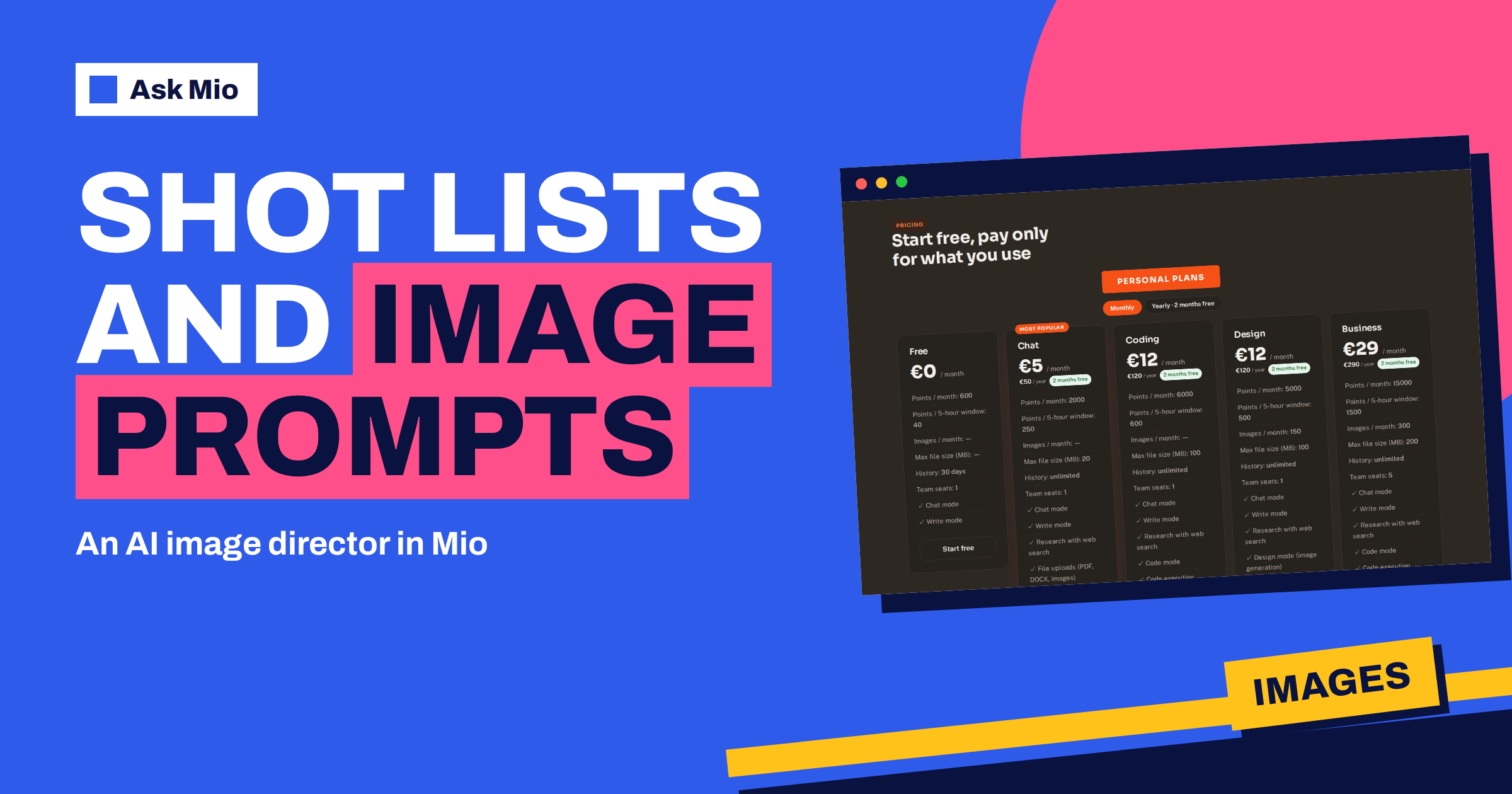
Images use points, and the Design plan includes a number of images per month. The pricing page lists 150 images a month, 5000 points a month and 500 points per 5-hour window on the Design plan, and 300 images, 15000 points and 1500 per window on Business. Since an image costs 20 points, a shot list of six images with two tries each is 12 images, or 240 points.
That calculation is an illustration of the arithmetic, not a promise about every request. The cost depends on the request, and unused allowance does not carry over from month to month. Write your shot list first so that you spend images on planned shots, not on random experiments. For a closer look at the monthly numbers, see our article on AI product photos for prompt ideas and the pricing page for the exact plan limits.
A worked example: a bakery’s autumn campaign
Suppose a small bakery wants four images for an autumn sale. The owner writes the brief: purpose is social posts and a poster, the audience is local customers on phones, the message is “warm bread, new seasonal loaf”, the style is a warm photograph, the brand colours are cream and rust, and the format is square plus one wide image with room for text. The expert replies with a shot list of four images: a close detail of a crust, a loaf on a wooden board, a hand breaking bread, and a wide counter scene with empty space on the right.
The owner then asks for a short and a detailed prompt for each, plus a negative list. In Design mode the first image is generated from the short prompt, judged against the brief and adjusted once for warmer light. The result is a planned set rather than four unrelated experiments, and the whole exercise stays within a small, predictable number of images.
Direction for different kinds of image
Different uses need different direction. Ask the expert for notes that suit the job.
- Blog featured images. One bold subject, a calm area for the title and a consistent colour set. Avoid detailed scenes that vanish at thumbnail size.
- Social posts. Strong contrast and a clear focal point, because the image is seen small and fast. Our guide to the social media banner goes into sizes.
- Product pages. Clean backgrounds and several angles. Be honest: an AI image must not misrepresent what you sell.
- Illustrations. A fixed style description so a series looks like one set. See AI illustration styles.
- Hero images. Wide, with space for text on one side. See website hero images.
If a mood is hard to describe, ask the expert to write three one-sentence style descriptions and pick the one that feels right, or look at AI mood boards.
Review the result like a director
Check each image against the brief, not against your first impression. Ask yourself:
- Does it carry the one message?
- Is there room for the headline where you need it?
- Do hands, faces, text and logos look correct? Generated text inside images is often wrong, so add text yourself afterwards.
- Does it look consistent with the rest of the set?
- Would it still read at the smallest size where it will be shown?
You can paste your notes into the chat and ask the expert to turn them into a revised prompt. It is faster than starting over and it keeps the good parts.
Rights, marks and honesty
Some points deserve care. Check the licence and the rules of the place where you publish before using generated images commercially. Do not generate images of real people without permission. Do not present generated pictures as real photographs of events, products or customers.
Mio also has tools for provenance. The features page describes a tool that removes AI provenance metadata (C2PA, XMP, EXIF) from images you upload or Mio makes, with a clear note that laws in the EU require AI content to be marked, so it should be used only on content you own and may publish unmarked. A separate photo privacy tool removes personal data such as GPS location from photos you upload. Our article on AI watermarks and content provenance explains the rules in plain words.
Frequently Asked Questions
What is the Photo and image director expert in Ask Mio?
It is one of the 39 experts on the features page, described as shot lists, prompts and image direction. When you choose it, Mio keeps that role for the whole chat, so you can build a brief, a shot list and prompts without repeating your instructions each time.
Do I need the Design plan to use it?
No. The expert works in chat, so you can plan shots and write prompts on any plan, including Free. To generate images you need Design mode, which is included in the Design and Business plans. You can also take the prompts and shot list to a real photographer.
How many images can I generate?
The pricing page lists 150 images a month on the Design plan and 300 on Business. Free and Chat do not include images. A generated image costs 20 points, and your plan’s points and 5-hour window apply as well, so plan your shots before you generate.
Can the expert help with text inside images?
It can write the headline and suggest where the text should sit, but generated text inside pictures is often unreliable. A safer workflow is to generate the image with empty space and add the words yourself in a design or presentation tool.
Can I use generated images commercially?
That depends on your plan terms, your local law and the platform where you publish, so check them before you rely on an image. Avoid real people’s likenesses without permission and do not present generated images as real photos. When in doubt, ask a qualified adviser.
The Bottom Line
An AI image director saves the most time before the first image is generated. Use the Photo and image director expert in Ask Mio to write a brief, a shot list and clear prompts, then generate the planned shots in Design mode and review them against the brief. Keep an eye on points, rights and honesty. See the plans and image limits on the Ask Mio pricing page, and read how a storyboard organises a visual sequence.