
 Lietuviškai
 Deutsch
 Français
 Русский
 Español
 Polski
 Italiano
 Українська
 Čeština
 Português
 日本語
 Latviešu valoda
 Eesti
 Magyar
 Bahasa Indonesia
 Türkçe
 हिन्दी
 Ελληνικά
 العربية
 ไทย
 Tiếng Việt
 Română
 Bahasa Melayu
 বাংলা
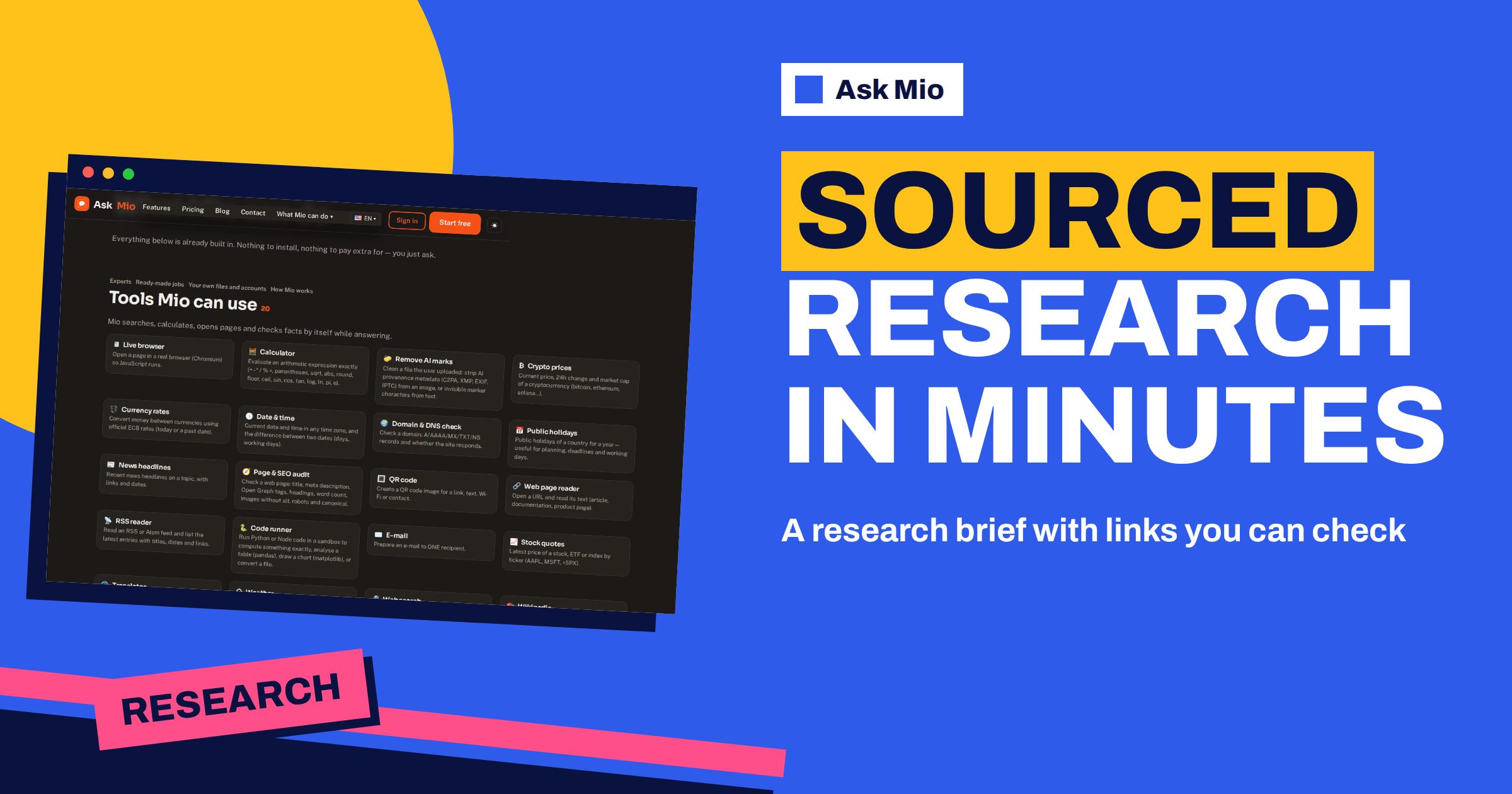
An AI research brief is a short, structured summary of a topic that comes with the sources it was built from. You give a subject, the assistant searches the web, and you get a document where each claim points to a page you can open. Ask Mio has a ready-made job for exactly this: the features page describes it as “Mio searches the web and returns a sourced brief on a topic.”
This guide shows how to use that job well. It covers when a brief is the right tool, how to write the topic so the result is useful, how to read the output, how to check the sources, and how to turn a brief into a decision, a memo or a deeper project. The aim is a brief you can trust enough to act on, because you checked the parts that matter.
What an AI research brief in Ask Mio does
Ask Mio groups 24 ready-made jobs on its features page. They share one idea: you fill a short form and get a finished piece of work instead of a blank chat. The research brief sits next to jobs such as the SEO article, the meeting notes summary and the business plan. Its output is a brief on your topic, built from a live web search, with sources listed so you can follow them.
Three other parts of Mio matter here. Research mode is described on the homepage as web search with cited sources, PDF and document analysis and summaries, with facts separated from opinions and links you can check. The Deep researcher expert is described as digging into a topic and reporting with sources. And the web search tool lets Mio look for current facts, prices and events, including anything after its training data. Together they make a small research desk inside one chat. Our overview of ready-made file templates and jobs shows the whole list.
When a brief is the right tool
A brief is not the answer to every question. It is best when you are new to a topic and need a map before you dive in, when you must prepare for a meeting, or when you want a first draft of a section before you write the rest. It is weaker when you need a single exact number, a legal conclusion or a fact that only an official register can confirm.
| Situation | Is a brief a good fit? | What to add yourself |
|---|---|---|
| Learning a new market or topic | Yes, as a first map | Read two or three of the cited pages in full |
| Preparing for a client meeting | Yes | Check names, dates and figures on the company’s own site |
| Writing a report section | Yes, as a draft | Rewrite in your voice and cite sources properly |
| Needing one exact figure | Partly | Open the primary source and read the figure there |
| Legal or medical decisions | No, only background | Ask a qualified professional |
| Tracking a fast-moving story | Yes, with dates | Re-run the brief later and compare |
How to write the topic so the brief is useful
The quality of a brief depends on the question more than on the tool. A topic such as “electric cars” is too wide, and the result will be a generic overview. A topic such as “the main arguments for and against a four-day work week in small European firms, with recent studies” gives the search a direction.
- State the subject narrowly. Name the market, the place, the time frame and the audience.
- Say what the brief is for. A decision memo needs options and risks; a background note needs definitions and history.
- Name the sources you trust. If you prefer official statistics, regulators or peer-reviewed papers, say so.
- Set the length and format. For example, one page with five headings and a list of sources.
- Ask for disagreement. Request the strongest points on each side so the brief does not read like one opinion.
Write the same request as a sentence you could give to a human assistant. If the sentence would confuse a colleague, it will confuse the search too.
What a good brief looks like
A useful brief has a clear structure. It begins with a short summary of the answer, then lists the main findings under headings, then notes what is uncertain or disputed, and ends with the sources. Each finding should be tied to at least one source, and dates should be visible because many topics change.
Look for these signs of quality:
- Claims that name who said them, such as a regulator, a company or a study.
- Dates next to figures, so you can tell whether a number is current.
- A separation between facts and opinions, which is the stated aim of Research mode.
- A short list of open questions that the sources do not answer.
Be suspicious of a brief that is smooth but vague, that cites no one, or that gives round numbers with no source. Ask Mio to name the page for any claim, or to mark the claims it could not support.
How to check the sources
A source list is a starting point, not proof. Spend a few minutes on checks that catch most problems. Open the cited page and confirm that it says what the brief says. Look at the date. Ask whether the publisher has a reason to push one view. Prefer the primary source, such as the law, the statistics office or the original paper, over an article about it. Our guides on checking source credibility and on AI fact-checking go deeper into each step.
If a page is hard to open, the web page reader and the live browser tools can fetch it for you. The live browser opens a page in a real browser so JavaScript runs, and the web page reader returns the text of an article, documentation or a product page. The article on the live browser and web page reader explains when each works better.
A worked example
Imagine you run a small online shop and want to know how returns rules differ across a few countries you plan to sell into. A weak request would be “returns rules in Europe”. A better one would be: “Prepare a one-page brief on consumer return rights for online purchases in three named countries. Use official consumer authority pages where possible. Show the length of the return period, who pays return shipping, and any exceptions. Add dates for each source and flag anything that differs between sources.”
The brief might return a table with one row per country, a short list of exceptions, and a source list. You would then open each official page, confirm the figures, and note the date you checked. Because a brief is a draft, you would not copy it into your shop’s terms. You would use it to know what to ask a lawyer or what to read first. The saving is the hour of searching, not the responsibility for the final text.
Turn a brief into the next piece of work
A brief becomes more valuable when it feeds something else. Ask Mio can carry the same chat forward, so you can continue in several directions without starting again.
- A report or memo: ask Mio to expand one section, using only the sources already listed.
- A slide deck: use the PowerPoint job to turn the findings into slides with speaker notes.
- A comparison table: ask for options side by side with the same criteria in each row.
- A reading list: ask for the three sources worth reading in full and why.
- An update: run the brief again in a month and ask what changed.
If the topic will matter for weeks, put the chat in a project, so the instructions and files stay together. The guide to projects and memory explains how.
Research mode, the Deep researcher and the brief job
The three can sound alike, so here is how to choose. Use the research brief job when you want a finished, structured document from a short form. Use Research mode when you want a conversation with web search and cited sources, where you can ask follow-ups and push back. Use the Deep researcher expert when you want Mio to keep the role of a researcher for the whole chat, digging and reporting with sources over many turns.
In practice many people start with the brief to get the map, then switch to a conversation to go deeper on the parts that matter. Research with web search is included in every paid plan, from Chat at €5 a month upward, while the Free plan has Chat and Write modes only. The guide to Ask Mio’s modes shows what each mode adds.
Common mistakes with an AI research brief
- Asking too broadly. A wide topic gives a generic overview that you could have found on the first page of any search.
- Skipping the dates. A figure from three years ago can be wrong today, so always ask for the date of each source.
- Copying the text. A brief is a draft for your own thinking. Rewrite it, cite the originals and add what you know that the web does not say.
- Forgetting the audience. A brief for a board needs a decision and a risk list, while a brief for a newcomer needs definitions. Say who will read it.
- Never re-running it. Topics move. A brief you keep for months slowly becomes a record of what was true once.
Limits to remember
A brief reflects what the search found. It can miss paywalled pages, very new events or sources in a language you did not mention. It can also repeat an error that appears on several websites. Treat every brief as a well-organised first pass. For academic work, cite the original sources rather than the brief. For anything with legal, medical or financial consequences, use it only as background and check with a professional. Our guide to reading scientific papers with AI covers how to handle studies specifically.
Privacy is part of the picture too. Ask Mio runs on its own servers, your chats and files are yours, they are not used to train models and you can export or delete them at any time.
Frequently Asked Questions
What is an AI research brief?
It is a short structured summary of a topic built from a web search, with the sources listed so you can open and check them. In Ask Mio it is a ready-made job: you describe the topic, and Mio searches the web and returns a sourced brief for you to review.
Do I need a paid plan to use Research?
Research with web search is included in the paid plans, starting with Chat at €5 a month. The Free plan covers Chat and Write modes with 600 points a month, so it is a good place to try Mio, but web research needs a paid plan.
Can I trust the sources in a brief?
Treat them as a starting point. Open the cited pages, check the dates and prefer primary sources such as laws, statistics offices or original studies. If a claim has no source, ask Mio to name one or to mark the claim as unsupported before you use it.
How is a brief different from asking a normal question?
A brief is structured and source-focused. Instead of a chat answer, you get a document with a summary, findings under headings, open questions and a source list. A normal question suits quick facts, while a brief suits learning a topic or preparing a meeting.
Can I update a brief later?
Yes. Run the same request again after some weeks and ask Mio what changed compared with the earlier version. Keeping the topic in a project helps, because the instructions and earlier results stay together. Always note the date you checked each source so you know how current it is.
The Bottom Line
An AI research brief saves the slow first hour of a topic: searching, sorting and listing sources. Write a narrow question, say what the brief is for, ask for sources and dates, then open the pages that matter and check them yourself. Use the brief as a map, not as the final word. Compare the plans that include Research on the Ask Mio pricing page, and see how desk research is described on Wikipedia and how a citation should be formed.