
 Lietuviškai
 Deutsch
 Français
 Русский
 Español
 Polski
 Italiano
 Українська
 Čeština
 Português
 日本語
日本語 Latviešu valoda
 Eesti
Eesti Magyar
 Bahasa Indonesia
 Türkçe
 हिन्दी
 Ελληνικά
 العربية
 ไทย
ไทย Tiếng Việt
 Română
 Bahasa Melayu
 বাংলা
বাংলা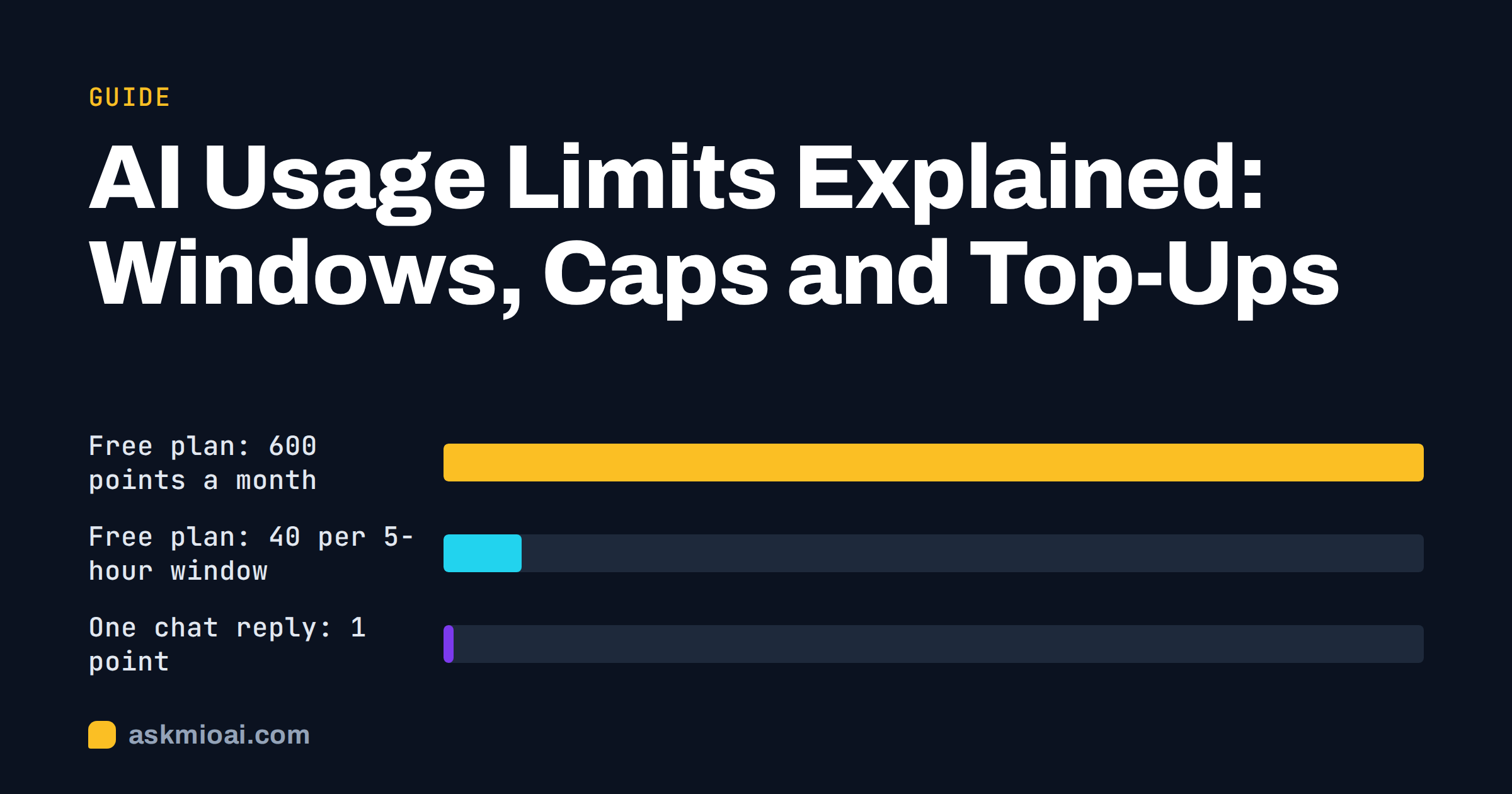
AI usage limits are the caps that decide how much you can ask an assistant in a month, an hour or a minute. They are the reason a chat suddenly says “come back later”, an image refuses to generate or an API call fails with an error. Understanding AI usage limits turns that frustration into a plan: you learn which cap you are hitting, why it exists and how to stay under it without paying for more than you need. This guide explains the common types of limit, how to read a plan’s numbers and how to stretch an allowance, with live figures from Ask Mio as a worked example.
It applies to any assistant, because the same few mechanisms appear everywhere, even when the names differ.
Why AI assistants have limits at all
Every answer costs real computing power, and longer answers, larger files and image generation cost more. A flat subscription with no caps would let a handful of heavy users consume the budget of everyone else. Limits solve three problems at once.
- Cost control: the provider pays for compute per request, so usage must be bounded to keep a plan’s price stable.
- Fairness: shared capacity should not be exhausted by one automated script or one marathon session.
- Stability: sudden bursts of traffic can slow the service for everyone, so short-term caps smooth the load.
A good limit design is predictable and visible. A bad one is hidden, changes without notice or punishes normal use.
The types of AI usage limits
Most assistants combine several limits. They look similar from the outside, so it helps to separate them.
| Type of limit | What it caps | Typical symptom | What helps |
|---|---|---|---|
| Monthly quota | Total usage per billing month | Blocked until the next month or a top-up | Plan choice, extra packs |
| Short window allowance | Usage within a few hours | “Try again in a while” mid-session | Spread work out, wait for reset |
| Per-message size | Length of one input or output | Cut-off answers or rejected input | Split the task into parts |
| Context window | How much conversation the model can hold | Forgotten details in long chats | New chat with a summary |
| File size and count | Uploads per file or per month | Upload refused | Compress, split, extract text |
| Feature caps | Images or special tools per month | Image button disabled | Plan with more images |
| Rate limit | Requests per second or minute | HTTP 429 errors in apps and APIs | Back off and retry |
If you build software on an API, the last row matters most. The standard “429 Too Many Requests” response is described in the MDN documentation, and the general idea is explained under rate limiting.
Points instead of tokens: how Ask Mio counts
Many providers measure usage in tokens, which are fragments of words and hard to picture. Ask Mio uses points instead. According to the live pricing page, a normal chat reply costs 1 point, a long or complex one 3 points, a coding answer 5 to 10 points and a generated image 20 points. Each plan gives a monthly amount of points plus an allowance for each 5-hour window, so one heavy session cannot use up the whole month. Our explainer on tokens versus points covers the difference in more detail.
| Plan | Points a month | Points per 5-hour window | Images a month | Max file size |
|---|---|---|---|---|
| Free | 600 | 40 | None | No uploads |
| Chat | 2000 | 250 | None | 20 MB |
| Coding | 6000 | 600 | None | 100 MB |
| Design | 5000 | 500 | 150 | 100 MB |
| Business | 15000 | 1500 | 300 | 200 MB |
Prices are 0, 5, 12, 12 and 29 euro a month, with two months free on yearly billing and 21 percent VAT added at checkout. Check the pricing page for the current numbers, because they are what applies.
What a window and a month look like in practice
Numbers become useful when you convert them into everyday actions. These are simple calculations from the live point costs.
- Free plan window of 40 points: about 40 normal replies, or about 13 long ones. The free plan has no images.
- Chat plan window of 250 points: about 250 normal replies or about 83 long ones in a single sitting, with 2000 points for the month.
- Coding plan window of 600 points: 60 to 120 coding answers at 5 to 10 points each, with 6000 points for the month.
- Design plan window of 500 points: up to 25 images at 20 points each, although the plan also caps images at 150 a month.
- Business plan window of 1500 points: a team can work heavily for hours, and the monthly cap is 15000 points.
Notice that the window is roughly 7 to 13 percent of the monthly amount. That is deliberate: it lets you work intensively on a deadline without making the first Monday of the month a risk for the rest of it. Reading a plan this way, as actions per window and per month, beats comparing headline numbers.
When you run out: your options
- Wait for the window to reset. If you hit the short allowance, a break is free and usually enough.
- Buy an extra pack. In Ask Mio, packs cost 5 euro for 700 points, 10 euro for 1600 or 25 euro for 4500. They work immediately, are not limited by the 5-hour window and stay valid for 30 days.
- Change the plan. If you hit the monthly cap repeatedly, a bigger plan is cheaper than packs.
- Change the habit. Often the smarter fix is to ask better, shorter or fewer questions, covered next.
A quick calculation shows why the larger packs exist: the 5 euro pack costs about 7.1 euro per thousand points, the 10 euro pack about 6.3 and the 25 euro pack about 5.6. If you buy packs every month, compare that spend with the next plan up.
How to stretch your allowance
Ask complete questions
Three vague follow-ups cost more than one precise request. Put the goal, the audience, the format and the constraints in the first message.
Match the mode to the job
Casual questions belong in Chat. Reserve Code and Design for tasks that need them, because coding answers and images cost more points than a plain reply.
Keep chats focused
Long conversations carry earlier messages along with each new one. Ask Mio has a Headroom feature that shortens repeated file dumps and quoted text before sending, so long chats stay cheaper and do not reach the limit sooner, and the chat shows how much was saved. You can also start a fresh chat for a new topic. Our guide to context windows explains why length matters.
Do not regenerate blindly
Each image attempt costs points. Refine the prompt first, and generate a small number of variations on purpose.
Reuse what you have
Projects and document memory keep files and instructions available in later chats, so you do not pay again to re-explain the same background.
For more tactics, read how to cut AI spend.
A worked example: a week of freelance work
Suppose a freelance writer uses an assistant five days a week. Each day brings about 15 normal questions (15 points), 4 long drafts (12 points) and one research brief with files. That is roughly 30 to 40 points a day, so about 150 to 200 points a week and under 900 a month. On the Free plan with 600 points a month the writer would hit the monthly cap, and the 40-point window would also interrupt a busy afternoon. On the Chat plan, with 2000 points and 250 per window, the same habits fit comfortably, and file uploads for the research briefs come with it. The point is not that everyone needs the Chat plan. It is that ten minutes of arithmetic with your own habits beats guessing, and it shows whether you need a bigger plan, a pack or simply better prompts.
Signs you are on the wrong plan
AI usage limits should feel like a guardrail, not a daily obstacle. Watch for these signals during your first month.
- You hit the short window more than once a week. Your work comes in bursts that the plan’s allowance cannot absorb. A bigger plan or a different schedule may fit better.
- You are out of points before the 20th of the month. Either the plan is too small or a few expensive habits, such as regenerating images, are eating the budget.
- You never get near the limits. You may be paying for capacity you do not use, and a smaller plan would do.
- You buy packs every month. Compare the total with the next plan, which usually includes more points and more features for the same money.
Review these signs once a month. Treating AI usage limits as data about your own habits is the quickest way to pick a plan you will not outgrow or waste.
How to compare limits between assistants
Marketing pages rarely make limits comparable, so ask the same questions of every product.
- What is the unit? Messages, tokens, points, credits or “usage”? Convert to what you actually do.
- What is the window? Monthly, daily or a few hours, and does a short window exist at all?
- What counts as one use? A long answer, an uploaded file and an image may cost very different amounts.
- What happens at the limit? A hard stop, a slower model or an option to top up?
- Are limits published? Numbers on a pricing page are better than “fair use”.
- Can limits change? Look for notice periods and a way to export your data.
Our guide to free AI plans compared applies this checklist to free tiers.
Prompts for planning around AI usage limits
- Estimate: “I write about 20 emails, summarise 5 documents and ask 30 quick questions a week. Using these point costs, estimate my monthly usage: [paste costs].”
- Batch: “Here are ten similar tasks. Answer them in one reply as a table so I do not need ten separate messages.”
- Summarise: “Summarise our conversation so far in 150 words so I can start a fresh chat and continue.”
- Budget: “Suggest which of my tasks need the expensive modes and which can use plain chat.”
Frequently Asked Questions
Why does my AI assistant stop mid-session?
You have probably reached a short-window allowance, a rate limit or a context limit. Check the message for wording about time, then wait, shorten the conversation or start a new chat. If it happens often, the plan may be too small for how you work.
What is the 5-hour window in Ask Mio?
It is the amount of points each plan lets you use within a 5-hour period, in addition to the monthly total. The Free plan allows 40 points per window and the Business plan 1500. It stops one heavy session from consuming the whole month.
Do extra points expire?
Ask Mio packs are valid for 30 days. They work immediately, and the 5-hour window does not limit them. Pick a pack size you will actually use within that period, and if you keep buying packs every month, compare the total with the next plan up before you spend more.
Are tokens and points the same thing?
No. Tokens are small pieces of text counted by the model, while points are a simpler unit based on the kind of answer. In Ask Mio a normal reply is 1 point, a long one 3, a coding answer 5 to 10 and an image 20.
How can I avoid hitting limits?
Ask complete questions, choose the right mode, keep chats short and reuse files through projects or document memory. Avoid blind regeneration of images. Then watch your real usage for a month and choose the plan that matches your actual pattern instead of guessing in advance.
The Bottom Line
AI usage limits are easier to live with once you know which kind you are hitting: a monthly quota, a short window, a size cap or a rate limit. Convert plan numbers into the actions you perform, keep chats focused and compare assistants with the same checklist. To see the exact allowances, review Ask Mio’s plans and choose the one that fits your week.