
 Lietuviškai
 Deutsch
 Français
 Русский
 Español
 Polski
 Italiano
 Українська
 Čeština
 Português
 日本語
 Latviešu valoda
 Eesti
 Magyar
 Bahasa Indonesia
 Türkçe
 हिन्दी
 Ελληνικά
 العربية
 ไทย
 Tiếng Việt
 Română
 Bahasa Melayu
 বাংলা
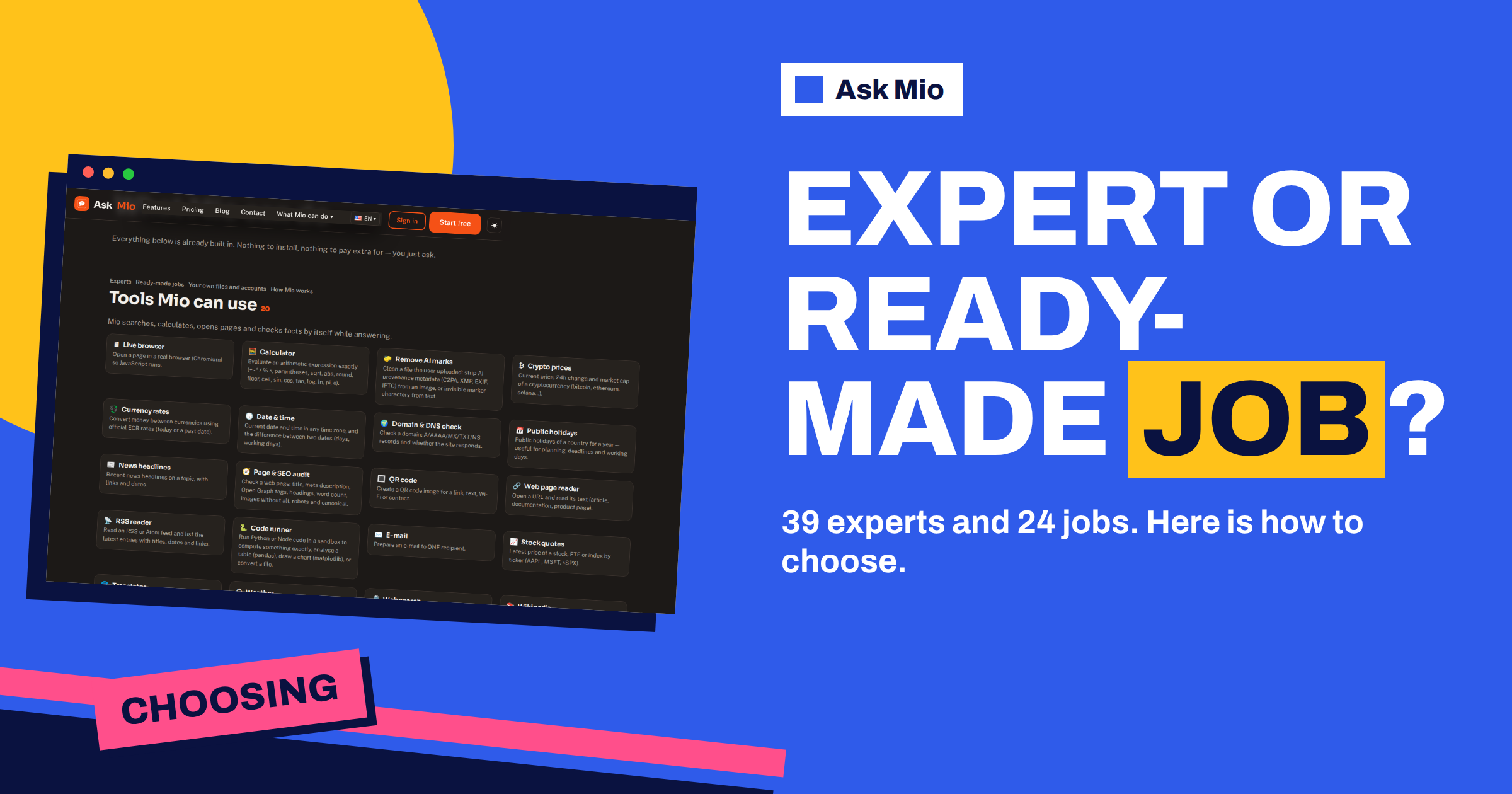
Ask Mio experts vs jobs is a question every new user meets within a day. The features page lists 39 experts and 24 ready-made jobs, and many of them seem to do the same thing: there is an SEO specialist and an SEO article job, a legal assistant and a contract check, an accountant and a quote and invoice draft. Which one should you open?
The short answer is that an expert is a conversation and a ready-made job is a form. This guide explains the difference, shows which tasks fit each, lists the pairs that overlap and gives a simple way to choose in ten seconds. It also covers the Automatic skill, which picks for you when you do not choose, and the Skill creator, which lets you build your own expert. All counts and names come from the live features page.
What an expert is
The features page describes experts as a way to turn Mio into a lawyer, accountant, developer or teacher for the whole chat. The idea is close to a human domain expert who stays on your problem until it is solved. You pick an expert, and from then on every message in that chat is answered in that role: the Legal assistant explains contracts, laws and risks in plain language, the Accountant handles bookkeeping, VAT and invoices, the Senior developer writes, reviews and debugs code, and the Teacher explains anything step by step.
The important words are “for the whole chat”. An expert keeps the role while you ask, correct, narrow down and ask again. That makes experts the right tool when you do not yet know exactly what you need, when the task has many steps or when judgment matters. The page lists 39 of them, from the Marketing strategist and the Fitness coach to the Negotiation advisor and a Lithuanian business letter writer.
What a ready-made job is
The features page describes ready-made jobs as short forms: you fill in a few fields and get a finished article, deck, offer or plan. The outputs are concrete: a PowerPoint deck, an interactive HTML slide deck, an .xlsx spreadsheet, a generated image, a designed PDF flyer, an SEO article, a pack of social posts, an e-mail reply, a meeting summary, a research brief, a code review, a CV, a business plan, a contract check, product descriptions, a quote or invoice PDF and more. The page lists 24.
A job is the right tool when you know what you want and have the inputs ready; it works like a form that collects the facts for you. The form asks for them, so you do not have to remember what to include. The result is a product, not a discussion.
Ask Mio experts vs jobs side by side
| Question | Expert | Ready-made job |
|---|---|---|
| Format | A chat in a role | A short form |
| Best when | You are exploring, deciding or learning | You know the deliverable |
| Output | Conversation, plus files on request | A finished file or text |
| Follow-ups | Natural: you keep talking | Possible, in the chat that follows |
| Inputs | You decide what to say | The form prompts for them |
| Count on the features page | 39 | 24 |
| Example | Negotiation advisor | Quote / invoice draft |
Mio can also create downloadable files on request in any chat, such as PowerPoint, Word, Excel, PDF and CSV, according to the reference page for assistants. So an expert is not limited to talk. The difference is in how you start: a conversation that leads to a file, or a form that produces one directly.
Where experts and jobs overlap
Many topics have both, and the pairs are the source of the confusion. Here are the most common ones.
| Topic | Expert | Ready-made job |
|---|---|---|
| Legal text | Legal assistant | Contract / document check |
| Money documents | Accountant | Quote / invoice draft |
| Search visibility | SEO specialist | SEO article |
| Social content | Social media manager | Social media pack |
| Customer mail | Customer support agent | E-mail reply |
| Learning | Teacher, Exam coach | Learn something |
| Travel | Travel planner | Trip plan |
| Food | Chef, Nutrition helper | Menu / shopping list |
| Data | Data analyst | Analyse my data |
| Code | Senior developer | Code review / fix |
| Languages | Translator & localiser | Translate a document |
| Web copy | Copywriter | Website page copy |
| Research | Deep researcher | Research brief |
| Planning | Project manager, Financial analyst | Business plan |
In every pair the logic is the same. The expert helps you think, and the job helps you produce. A lawyer-style conversation helps you understand a clause; the contract check job summarises the whole document and highlights risky clauses in one go. Our guides to Ask Mio experts and ready-made jobs and file templates describe each group in detail.
A ten-second way to choose
Ask yourself four questions.
- Do I know the deliverable? If you can say “I need a one-page flyer”, use a job. If you can only say “I need to sell more”, use an expert.
- Do I have the inputs ready? A job asks for facts such as names, prices and dates. If you do not have them, an expert can help you work them out first.
- Do I want to talk it through? Choose an expert when you want to ask “why” and “what if”.
- Will I do this again? For a repeating output, such as a weekly summary, a job gives the same structure each time.
If the answers point both ways, start with the expert and finish with the job. That is the combination that works best in practice.
Combining them: think first, produce second
The strongest pattern is a two-step flow. Use an expert to decide, then a job to produce.
Example 1: a new landing page. Open the Marketing strategist and talk through who the customer is, what the offer is and which three benefits matter. Then use the Website page copy job, which produces a hero, benefits, FAQ and call to action. The expert gave you the content; the job gave you the structure.
Example 2: a client quote. Ask the Negotiation advisor how low you can go and what to trade for a lower price. Then use the Quote / invoice draft job to produce the PDF with positions and totals. See our guide to AI quote and invoice generators.
Example 3: a contract. Run the Contract / document check job to get the summary and highlighted clauses. Then open the Legal assistant and ask about each highlighted clause: what it means, what the alternatives are and what to ask the other side. Our guides to the contract check and the AI legal assistant show the details. Remember that Mio is a first read and that important legal information should be checked with a professional.
Example 4: a data report. Ask the Data analyst expert how to look at your numbers, then use the Analyse my data job with a CSV or XLSX attached to get patterns and a summary. See our guide to the AI data analysis assistant.
When you do not want to choose
You do not have to. The features page lists an Automatic skill: when a chat has no skill chosen, Mio picks the closest one for the question and says which, instead of answering as a generalist. That is a good default for everyday questions. If Mio picks a role you do not want, you can choose another one yourself.
The same page lists the Skill creator, which lets you create your own expert: name it, describe when to use it and what it must do. It appears in your Skills list and can be exported as a SKILL.md file. The page also says that skills written in the open SKILL.md format are loaded and can be picked like any other skill. If you use the same instructions again and again, such as “answer as our support team, in our tone”, a custom expert saves you from repeating them. Our guides to the Skill creator and Automatic skill and the SKILL.md format explain how.
The Setup assistant is another helper: it looks at how you use Mio and suggests what to turn on next, such as plugins, connectors, routines or a skill. See our AI setup assistant guide.
Experts and jobs by type of work
| Your work | Start with | Why |
|---|---|---|
| Writing | Copywriter or Editor & proofreader | Voice and tone need discussion |
| Standard documents | A ready-made job | The structure is known |
| Learning a topic | Teacher or Exam coach | You need explanations and practice |
| Analysis | Data analyst, then the data job | Decide first, then produce |
| Code | Senior developer, DevOps engineer | Debugging is a dialogue |
| Planning | Project manager or Travel planner | Plans change as you talk |
| Presentations | Slide deck job | A finished file is the goal |
| Customer replies | E-mail reply job | Speed and tone matter |
Which one is cheaper in points? Both draw on your plan’s points like any other answer: a normal chat reply costs about 1 point, a long or complex one 3, a coding answer 5 to 10 and an image 20. The pricing page does not publish a separate price for experts or jobs, so judge by the length and kind of answer. The Ask Mio features overview lists everything in one place.
Common mistakes
- Using a job with half the facts. The result will be vague; collect the inputs first or talk to an expert.
- Using an expert and giving no context. An expert needs the situation, the audience and the goal.
- Switching roles in the middle of a chat. Start a new chat when the task changes.
- Expecting a job to explain its choices. For reasoning, open the matching expert.
- Never checking the result. The terms say answers can be wrong, so verify facts, code and legal or medical content.
- Ignoring the plan. Features such as uploads, Research, Code and Design depend on the plan; check the pricing page.
Frequently Asked Questions
What is the difference between an expert and a ready-made job in Ask Mio?
An expert turns Mio into a specialist for the whole chat, so you can ask follow-up questions. A ready-made job is a short form that produces a finished item, such as a deck, a spreadsheet, an article or a quote. Use experts to think and jobs to produce.
How many experts and jobs does Ask Mio have?
The live features page lists 39 experts and 24 ready-made jobs, along with 20 tools, 12 connectors for your own files and accounts and 9 larger parts you can switch on or off. The numbers can change as features are added, so check the page.
Do I have to choose an expert myself?
No. With the Automatic skill, when a chat has no skill chosen, Mio picks the closest one for your question and tells you which. If you prefer a specific role, you can select it yourself before you start or create your own with the Skill creator.
Can an expert create files like a job does?
Yes, on request. The reference page for assistants says Mio can create downloadable files such as PowerPoint, Word, Excel, PDF, CSV and code files. The difference is the starting point: a job collects inputs through a form, while an expert builds the file through conversation.
Which should I use for a contract?
Use both. The Contract / document check job gives a plain-language summary with risky clauses highlighted. Then the Legal assistant expert can explain each clause and suggest questions. Treat the result as a first read, and consult a professional for important or unusual contracts.
Can I make my own expert?
Yes. The Skill creator lets you name an expert, describe when to use it and what it must do. It appears in your Skills list and can be exported as a SKILL.md file. It is useful for instructions that you would otherwise repeat in every chat.
The Bottom Line
In the Ask Mio experts vs jobs choice, remember one rule: experts are for thinking, jobs are for producing. Use an expert when you are exploring or deciding, a job when you know the deliverable and have the inputs, and both in sequence for bigger tasks, with the Automatic skill as a safety net when you are not sure. Check every result before you rely on it. To see which features your plan includes and to compare options, open the Ask Mio pricing page.