
 Lietuviškai
 Deutsch
 Français
 Русский
 Español
 Polski
 Italiano
 Українська
 Čeština
 Português
 日本語
日本語 Latviešu valoda
 Eesti
Eesti Magyar
 Bahasa Indonesia
 Türkçe
 हिन्दी
 Ελληνικά
 العربية
 ไทย
ไทย Tiếng Việt
 Română
 Bahasa Melayu
 বাংলা
বাংলা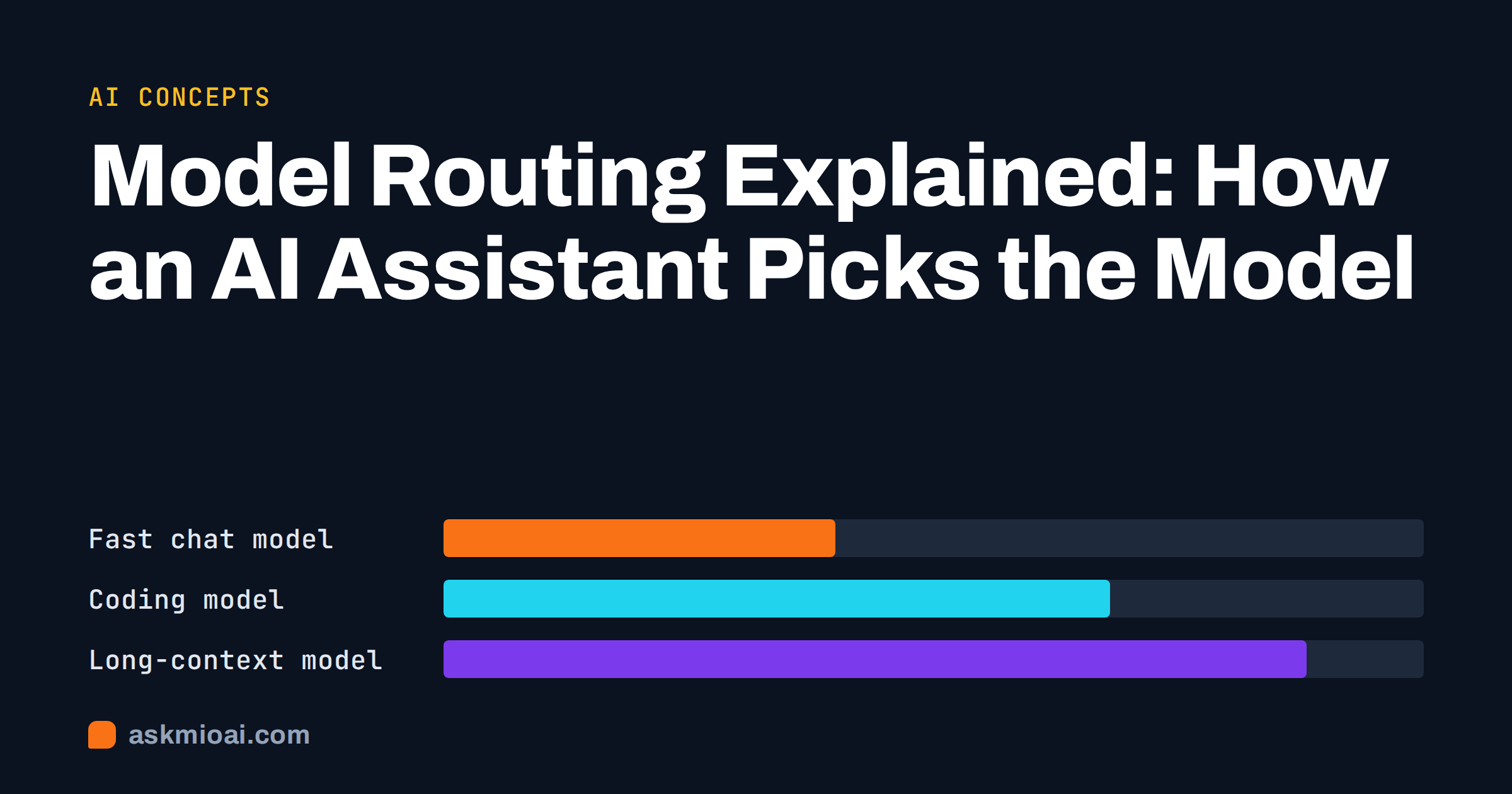
Model routing is the step that happens before an AI assistant answers you: a system looks at your request and decides which model should handle it. A quick question goes to a fast, cheap model, a bug report goes to a model built for code, and a long contract goes to one that can hold a lot of text at once. This guide explains how model routing works, why assistants use it, where it can go wrong, and what it means for you as a user.
You do not need a technical background. If you have ever wondered why one assistant feels instant for small talk and slower for a big document, routing is a large part of the answer.
What model routing means in plain words
An AI model is a large piece of software trained to predict and generate text, code or images. Different models are good at different things, cost different amounts to run, and respond at different speeds. A router is a small decision layer in front of them. It reads the request, estimates what kind of job it is, and sends it to the model that fits best.
Think of a hospital reception desk. A person with a cut finger does not need the surgeon, and a person needing surgery should not wait in the queue for a nurse. The receptionist does not treat anyone; the job is to send each person to the right place. Model routing does the same for requests.
Routing is not the same as a model picker
Many AI apps show a drop-down list where you choose a model yourself. That is manual selection. With routing, the assistant makes the choice for you, usually without showing it as a separate step. Some products offer both: an automatic default and an override for people who want control.
Routing is not the same as mixture of experts
The two terms sound alike but describe different levels. A mixture-of-experts model routes tokens between parts of a single model while it computes. Model routing, as used in this article, happens outside any single model and chooses between separate models. Both save compute, but only the second one is something you can see in the product.
Why one model is rarely enough
If a single model were best at everything, cheapest and fastest, nobody would bother with routing. In practice every model is a trade-off between four things.
- Quality. Larger models usually handle hard reasoning, long instructions and subtle writing better.
- Speed. Smaller models answer sooner, which matters in a chat where you are waiting for each reply.
- Cost. Running a large model for a trivial question wastes money that someone has to pay, either the provider or you.
- Context length. Some models can read an entire report in one go, while others lose track after a few pages. Our guide to AI context windows explains why.
Specialisation adds a fifth factor. Models trained heavily on code often write and fix programs better than general chat models, and image models are a separate family altogether. Our overview of how AI models differ goes deeper into these differences.
How routing decisions are made
There is no single method, and providers rarely publish theirs in detail. The approaches below are the common ones described in public research and engineering write-ups. A real system often combines several of them.
Rules and modes
The simplest router uses explicit signals. If the user opened the code editor, use a coding model. If a PDF is attached, use a model with a long context. If the user asked for an image, use an image model. These rules are cheap, predictable and easy to debug.
A classifier in front
A small model reads the request and labels it, for example as “casual question”, “coding task”, “document analysis” or “creative writing”. The label decides the destination. This catches cases that rules miss, but the classifier can be wrong, and a wrong label means a poor match.
Cascades and fallbacks
A cascade starts with a cheap model and escalates only if the answer looks weak or the model is unsure. A fallback does something similar when a model is unavailable or too slow. Cascades save money on easy requests but add latency when escalation is needed.
Learned routers
Researchers have trained routers on data about which model won in head-to-head comparisons. The paper RouteLLM: Learning to Route LLMs with Preference Data is a well-known example that studies how much cost can be saved while keeping answer quality close to a strong model.
| Approach | How it decides | Main strength | Main weakness |
|---|---|---|---|
| Rules and modes | Fixed signals such as mode, attachment or request type | Predictable and fast | Misses requests that do not fit a rule |
| Classifier | A small model labels the request | Handles mixed or unclear requests | A wrong label sends the job to the wrong place |
| Cascade | Cheap model first, escalate if needed | Lower cost on easy requests | Slower when escalation happens |
| Learned router | Trained on comparison data | Can balance cost and quality | Needs data and regular retraining |
| Manual picker | You choose | Full control | Requires you to know the differences |
What routing looks like in Ask Mio
Ask Mio is built around the idea that you should not have to choose. The site describes it plainly: you pick what you want to do, and Mio picks the model. The assistant has five modes: Chat for everyday questions, Code for programming, Design for images, Write for text and Research for web search and documents. Behind them, requests are routed to the best model for the task, with fast models for chat, coding models for code, long-context models for documents and image models for design.
What you control
- The mode. Choosing Code instead of Chat tells Mio what kind of job this is.
- The expert. Ask Mio has a list of experts, such as a senior developer or a copywriter, that set the role for a whole chat. Our guide to AI assistant experts covers them.
- The material. Attaching a file or pasting the full text gives the router and the model more to work with.
- The plan. Paid plans get the stronger models, according to the pricing page.
What you do not control
You do not choose a specific model, and the product does not promise which one answers a given message. If you need to compare one named model against another for a research project, a router-based assistant is the wrong tool for that particular job. For almost everyday work, that limit costs very little.
The benefits for users
When routing works well, three things improve without any effort on your side.
- Speed on small tasks. A short question does not wait for a heavy model.
- Quality on hard tasks. A complex request reaches a model with the strength to handle it.
- Fair cost. Cheap requests stay cheap. In Ask Mio this shows up in points: a normal chat reply costs 1 point, a long or complex one 3, a coding answer 5 to 10 and a generated image 20. The article on tokens versus points explains the idea of pricing by task.
There is also a quieter benefit. Models change often. New ones appear, old ones are retired, and prices move. An assistant that routes can swap a model behind the scenes without asking you to relearn a menu.
The risks and limits of routing
Routing is a trade-off, and an honest description includes the downsides.
A wrong match
If the router underestimates a request, you get a thin answer from a model that was too small for the job. If it overestimates, you wait longer than needed. The usual fix is to give the router more signal: pick the right mode, add detail and state what kind of result you want.
Less predictability
Because different models may answer different messages, tone and style can shift slightly between replies. For work where consistency matters, set the tone in the instructions of a project so every reply starts from the same brief. Our guide to AI projects and memory shows how.
Less transparency
You cannot easily audit which model produced which sentence. Routing does not remove the need to check facts. Every model can produce confident mistakes, and the guide to AI hallucinations explains how to catch them.
No hidden model choice for sensitive work
If your organisation must document exactly which system processed a document, ask the provider how that is handled before you rely on any assistant. The NIST AI Risk Management Framework is a useful checklist for those questions.
How to get better results from a routed assistant
You cannot tune the router, but you can feed it better signals. These habits help with any assistant that picks the model for you.
- Choose the mode that matches the job. Code for code, Research when you need sources, Design for pictures.
- Say what the task is. “Summarise this contract in five bullets for a non-lawyer” tells the system far more than “look at this”.
- Attach the real material. A file gives the model the actual text instead of your memory of it.
- Split big jobs. A long request with many unrelated parts is harder to route and harder to answer. Try the approach in our article on step-by-step prompting.
- Ask for a second pass. If an answer feels shallow, say what is missing and ask again with more detail.
- Start a fresh chat when the topic changes. A new subject deserves a clean context.
Routing, privacy and where your data goes
Routing raises a fair question: if several models are involved, who sees my data? For Ask Mio, the site states that chats and files belong to the user, can be exported or deleted at any time, are not used to train models, and are processed on our own servers. Those statements apply to the product as a whole, regardless of which model handles a message. For a practical checklist on this topic, see our guide to EU-hosted AI and GDPR.
Frequently Asked Questions
What is model routing in simple terms?
Model routing is a decision layer that sends each request to the AI model best suited to it. Small questions go to fast, inexpensive models, while hard reasoning, long documents, code or images go to models built for those jobs. The user usually sees only the finished answer, not the choice behind it.
Does routing make answers worse?
Not by itself. A good router often improves results because hard requests reach stronger models. Problems appear when it misjudges a request and picks a model that is too small. Choosing the right mode, adding detail and attaching the real material reduces that risk considerably.
Can I choose the model in Ask Mio?
No. Ask Mio is designed so that you never pick a model. You choose a mode, such as Chat, Code, Design, Write or Research, and Mio selects the model for the task. Paid plans get the stronger models. If you must test one specific model against another, use a tool that offers manual selection.
Is model routing the same as mixture of experts?
No. Mixture of experts happens inside a single model, which sends parts of its computation through specialised sub-networks. Model routing happens outside, choosing between separate models. Both aim to save compute while keeping quality, but only routing is a decision you can notice in how an assistant behaves.
Does routing change how much I pay?
It can. When cheap requests go to light models, they cost less to serve. In Ask Mio this appears as points: a normal chat reply is 1 point, a long or complex one 3, a coding answer 5 to 10 and an image 20. Your plan sets a monthly amount and a 5-hour allowance.
How do I know which model answered?
With a router, the model is not something you manage, and answers are not guaranteed to come from the same one each time. If you need an audit trail for regulated work, ask the provider what it records and read the privacy and terms pages before you rely on the output.
The Bottom Line
Model routing lets one assistant act like several: quick on small questions, strong on hard ones, and sensible about cost. It works best when you give it clear signals through the mode, the task description and the material you attach, and it never replaces checking facts. If you would rather describe the job than study model names, try Ask Mio on the free plan and see how it handles your own requests.