
 Lietuviškai
 Deutsch
 Français
 Русский
 Español
 Polski
 Italiano
 Українська
 Čeština
 Português
 日本語
 Latviešu valoda
 Eesti
 Magyar
 Bahasa Indonesia
 Türkçe
 हिन्दी
 Ελληνικά
 العربية
 ไทย
 Tiếng Việt
 Română
 Bahasa Melayu
 বাংলা
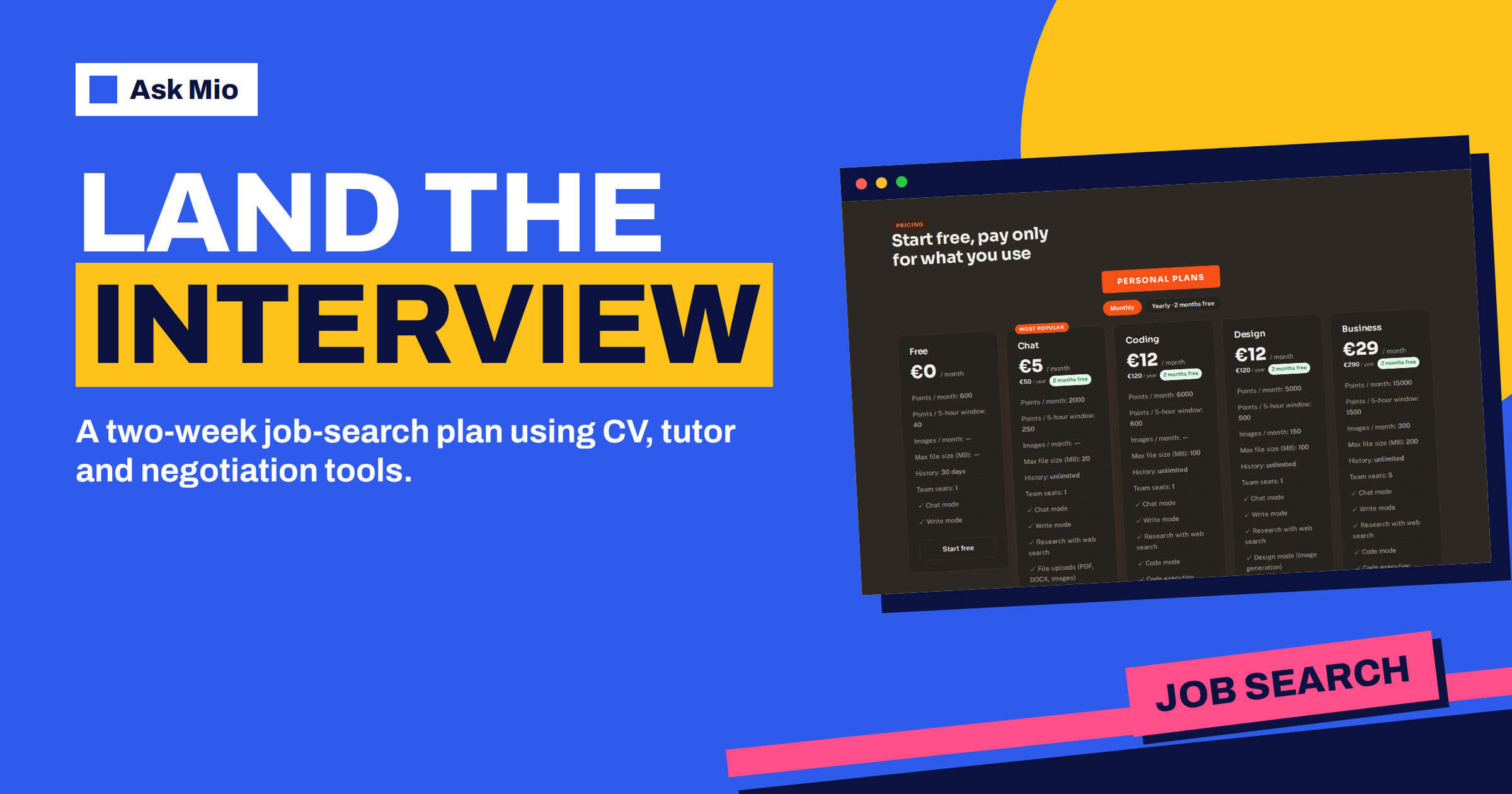
A job search is a project with a long list of small tasks: reading advertisements, tailoring a CV, writing a cover letter, researching a company, practising interview answers, following up and, if all goes well, negotiating pay. Doing each task well takes time, and most people do them in a hurry between other things. Ask Mio for job seekers means using the tools Mio already has, in the right order, so that each application is better prepared and takes less of your week.
This guide gives a two-week plan built from features on the Ask Mio features page: the CV job, the Negotiation advisor, the Language tutor, the Web page reader, Research mode and a spreadsheet tracker. You will see what to do on each day, how to keep everything truthful, how to protect your privacy and where a human opinion remains essential.
Ask Mio for job seekers: what you can use
The features page lists tools that map neatly onto the stages of a search.
| Stage | Ask Mio feature | What it does |
|---|---|---|
| Read the advertisement | Web page reader | Opens a URL and reads its text |
| Prepare a CV | CV / resume job | A clean CV tailored to a specific job ad, plus a short cover letter |
| Research the employer | Research mode and Wikipedia | Web search with cited sources and encyclopedic summaries |
| Practise interviews | Language tutor and Teacher experts | Practice, corrections and step-by-step explanations |
| Prepare the pay talk | Negotiation advisor expert | Prepares you for salary, supplier or client talks |
| Keep track | Spreadsheet job | An .xlsx file with several sheets, such as a tracker |
| Apply abroad | Translator and localiser | Translation that keeps meaning, tone and formatting |
Research mode and file uploads belong to paid plans, starting with Chat at 5 euros a month. The free plan has Chat and Write modes, which are enough for the CV, the letter and the practice questions if you paste text into the chat. Our guide to the CV and cover letter generator goes deeper on the first step.
Day 1 to 2: define the target and read the advertisement
Start with a short description of what you want: the role, the level, the places you will consider, the pay you need and what you will not accept. Ask Mio to turn it into a one-paragraph search brief and to list the job titles that match, including ones you might not have thought of. Keep the brief in the chat, or in memory on a plan that has it.
Then take one advertisement you like. Paste the text or give the link and use the Web page reader. Ask for five things: the real responsibilities, the must-have skills, the nice-to-have skills, the keywords that appear more than once and anything that is unclear or worrying, such as a vague salary or a very long list of unrelated duties. This analysis turns an advertisement into a checklist you can answer, and it trains your eye for the next one. The idea is the same one that recruiters use: decide what the employer needs before you decide what to say.
Day 3 to 4: build a master CV and tailor it
Create one master version of your CV that lists everything: roles, dates, tasks, achievements with numbers, skills, courses and languages. It can be long, because you will not send it. Ask Mio to check it for gaps in dates, vague verbs and tasks written as duties instead of results. A line such as “responsible for customer service” becomes “answered about 40 customer queries a day and cut the average reply time from two days to one”, but only if that is true. Ask for questions where numbers are missing, and supply the real figures.
For each application, use the CV job. The features page describes it as a clean CV tailored to a specific job ad, plus a short cover letter. Paste the advertisement and your master CV, and Mio selects and reorders what matters for that role. A curriculum vitae is a summary of your experience and qualifications, and the best ones are short, honest and easy to scan. Aim for one or two pages, with the most relevant achievements near the top. Our guide to LinkedIn profile writing shows how to align your profile with the CV.
Day 5 to 6: the cover letter and the research
A cover letter has one job: connect your experience to this employer’s need in a few short paragraphs. Ask Mio for a draft that opens with a specific reason for applying, gives two examples that match the advertisement and ends with a clear next step. Then edit it until it sounds like you. Remove stock phrases, such as “I am writing to express my interest”, and replace them with a concrete sentence.
Before you write, research the employer. Use Research mode, on a paid plan, to find recent news, the products, the size, the competitors and the culture, with sources you can open. The Wikipedia lookup tool gives a quick factual summary for larger organisations. Ask Mio for three questions you could ask the employer, based on what you found. They show interest and help you decide if you want the job. Check anything you plan to quote, because a wrong fact about the company is worse than no fact.
Day 7 to 9: practise interviews
Interviews reward preparation. Ask Mio to act as an interviewer for the role and to ask questions one at a time, waiting for your answer before giving feedback. Start with the standard ones: tell me about yourself, why this role, a strength, a weakness, a failure, a conflict, a project you are proud of. Then move to questions drawn from the advertisement.
For behavioural questions, use a simple structure: situation, task, action, result. Ask for feedback on three things: is the answer specific, is it short enough, does it show your own contribution. Many employers use structured interviews, where each candidate gets the same questions, so practising with a fixed list is realistic. Our guide to AI mock interview practice lists prompts, and the article on interview questions shows how the questions are built from the employer’s side.
If you interview in a second language, use the Language tutor expert for corrections and vocabulary, and say your answers aloud. Reading feedback is useful, but speaking is the real rehearsal. Ask Mio to list the five phrases you used incorrectly and drill them.
Day 10 to 11: prepare the pay conversation
Pay talks go better with numbers. Use Research mode to find salary ranges for the role and place, with sources, and treat them as ranges rather than facts. Then select the Negotiation advisor, which the features page describes as preparation for salary, supplier or client talks. Give it the offer or your expectation, your alternatives, your priorities and the limits you will not cross.
Ask for a plan with four parts: your target, your minimum, the reasons you can support with evidence and the points other than salary you could trade, such as holidays, flexible hours, training or a review date. Ask Mio to play the employer and to push back, so you can practise staying calm and specific. Our guide to negotiation preparation covers the method. Never state a number you cannot defend, and never invent a competing offer.
Day 12 to 14: follow up, track and learn
After each interview, write a short thank-you message with Mio’s help, mentioning one specific point from the conversation. Keep it brief. Then update your tracker. The Spreadsheet job creates an .xlsx file with several sheets, and a useful layout has columns for employer, role, link, date applied, contact, status, next step, date of next step and notes. A second sheet can hold your interview questions and answers, so every conversation improves the next.
At the end of the two weeks, review. Paste the tracker into the chat and ask what the numbers say: how many applications led to interviews, which versions of the CV worked best and which parts of the process need work. Adjust the plan and run another sprint. If the numbers are poor, the cause is often the targeting, not the writing, so check whether you are applying to roles that match your experience.
Keep it truthful and keep it yours
AI can help you present your experience well, but it must not invent it. Do not add skills you do not have, degrees you did not finish or dates you changed. Employers check, and a dishonest claim can end an application or a job. Ask Mio to flag anything in your documents that it cannot support from what you wrote.
Keep your own voice, too. A polished letter that sounds like everyone else’s will not stand out. Replace the generic lines with details only you could write, and read the final text aloud. If it sounds like a template, change it.
Protect your privacy
A CV contains personal data: your name, address, phone, work history and sometimes a photo. Share only what the task needs. For practice, you can remove your address and phone number, and put them back in the final version. The pricing page states that your chats and files are yours, that you can export or delete them at any time and that they are not used to train models. Even so, delete old versions you no longer need.
A worked example: a marketing coordinator
Ilse has five years of experience and wants a senior role in marketing. On day one she writes her brief and runs three advertisements through the Web page reader. She notices that all three ask for budget ownership, which she has never had officially, though she managed a small campaign budget. She adds it to her master CV with a real figure.
She uses the CV job for each application and writes the letters herself, with Mio’s drafts as starting points. For her favourite employer she researches the company’s recent product launch and prepares three questions. In practice interviews, Mio notices that her answers run long, and she cuts them to two minutes. She receives two interviews and one offer in three weeks. With the Negotiation advisor she prepares a request for a higher salary and an extra review at six months, and the employer agrees to the review. The tracker shows which steps worked, and she keeps it for next time.
Frequently Asked Questions
Can Mio write my CV?
Yes. The CV job produces a clean CV tailored to a specific job advertisement, plus a short cover letter. Give it your master CV and the advertisement, and check every line for accuracy. Mio can organise and phrase your experience, but it should not invent anything.
How can Mio help with interviews?
Ask it to act as the interviewer, one question at a time, and to give feedback on specificity, length and your own contribution. For a second language, use the Language tutor expert for corrections. Practise aloud, because speaking is the part reading cannot replace.
Can it help me negotiate pay?
Yes. The Negotiation advisor prepares you for salary talks, from your target and minimum to the evidence and the other items you could trade. Use Research mode to check pay ranges with sources, and practise the conversation with Mio playing the employer.
Do I need a paid plan?
Not to begin. The free plan has Chat and Write with 600 points a month, enough for a CV, a letter and practice questions. Research with sources, file uploads and memory start with the Chat plan at 5 euros a month, and they help when you search for many roles.
Is it safe to upload my CV?
Your chats and files are yours, they are not used to train models and you can export or delete them at any time. Still, share only what the task needs, remove sensitive details for practice and delete old versions when the search is over.
The Bottom Line
Ask Mio for job seekers works best as a two-week sprint: define the target, analyse the advertisement, tailor the CV, research the employer, practise interviews, prepare the pay talk and track everything. Use the CV job, the Negotiation advisor, Research mode and the spreadsheet tracker, keep every claim true and keep your own voice. Start free and compare plans on the Ask Mio pricing page.