
 Lietuviškai
 Deutsch
 Français
 Русский
 Español
 Polski
 Italiano
 Українська
 Čeština
 Português
 日本語
 Latviešu valoda
 Eesti
 Magyar
 Bahasa Indonesia
 Türkçe
 हिन्दी
 Ελληνικά
 العربية
 ไทย
 Tiếng Việt
 Română
 Bahasa Melayu
 বাংলা
Developers use AI assistants in two ways. Some paste a problem into a chat and hope for a good answer. Others build a workflow in which the assistant reads the code, proposes a change, tests it and explains it, while the developer stays in charge of every decision. The second way is more reliable, and Ask Mio has the parts for it: Code mode, a code execution sandbox and a GitHub connector. Used together, they cover the stages from understanding a repository to checking a fix.
This guide shows how the three parts fit, what each one can and cannot do, how to run a bug fix and a review step by step, how many points such work uses and where a human has to decide. The facts come from the features and pricing pages, and the habits come from ordinary good engineering practice.
Ask Mio for developers: the three parts
Code mode is one of the five modes. The home page describes it as working code with explanations, bug fixes from a pasted error and refactoring, routed to coding models chosen by Mio. You never pick a model: Mio routes each request to the best one for the task. Code mode and the other developer tools belong to the Coding and Business plans.
The code execution sandbox lets Mio run Python or Node code to compute something exactly, analyse a table, draw a chart or convert a file. It is a separate, isolated environment, which is its main strength: Mio can test an idea without touching your machine. Our guide to the Python sandbox shows what it can do.
The GitHub connector is one of the 12 connectors on the features page. It covers your repositories, issues, pull requests and file contents, so Mio can read the code you are asking about instead of guessing from a snippet. Our article on developer and project connectors explains how connectors work and what they can read.
Around these sit experts: the Senior developer, who writes, reviews and debugs code in any language, the DevOps engineer, the Security reviewer and the Data analyst. Choose the one that fits the question, and Mio keeps the role for the whole chat.
What each part can and cannot do
| Part | Strong at | Limits |
|---|---|---|
| Code mode | Writing functions, explaining errors, refactoring, drafting tests | It cannot see your environment unless you describe it |
| Sandbox | Running Python or Node to check logic, data and conversions | It is not your production setup: different versions, no private network, no access to your services |
| GitHub connector | Reading repositories, issues, pull requests and file contents | It needs your authorisation, and what it may change depends on the permissions you give |
| Senior developer expert | A consistent code-review attitude across a long chat | Opinions are not facts; verify with tests and documentation |
The pricing page lists connector write actions on the Coding, Design and Business plans. The features page describes what each connector reads, so check what a specific connector is allowed to do before you rely on it, and grant the narrowest permissions that do the job.
A workflow from reading to fixing
A reliable session follows the same stages every time.
- Understand. Ask Mio to read the relevant files and explain how the feature works: entry points, data flow, dependencies. Our guide to understanding a codebase with AI has prompts for this step.
- Reproduce. Describe the bug with the exact error message, the steps, the expected result and the actual result. Include versions of the language and libraries.
- Hypothesise. Ask for the three most likely causes in order, with a way to confirm each.
- Fix minimally. Ask for the smallest change that solves the problem, not a rewrite.
- Test. Ask for a failing test that proves the bug and a passing one after the fix. Run them in the sandbox, if the code is self-contained, and then on your machine.
- Review. Ask what else the change could break, and which tests are missing.
- Commit. Write the commit message yourself or edit Mio’s draft, so it reflects what you decided.
Do not skip step 5. A confident explanation is not evidence. A test that fails before the change and passes after it is.
Debugging from a pasted error
Most debugging sessions start with a stack trace. Paste the whole trace, not just the last line, with the code around the failing line. Add what changed recently, such as a dependency update or a new environment. Ask Mio to explain the trace in plain words, to find the first frame that belongs to your code and to suggest where to look.
Then ask it to produce a minimal example that shows the bug. If it can, you have a test case, and the problem is half solved. If it cannot, the missing detail is probably in your environment, which Mio cannot see. Our guide to debugging code with AI lists more prompts, and the article on when not to trust AI code lists the signs that a suggestion needs extra scrutiny.
Code review and refactoring
The ready-made Code review and fix job accepts pasted code or an attached ZIP and returns bugs and suggested fixes. With a ZIP you can send a whole small project in one go. The Coding plan allows files up to 100 MB. Our article on code review with a ZIP upload shows the process.
For a normal code review, give Mio the diff and the purpose of the change, and ask for comments in three groups: bugs, risks and style. Ask it to quote the line it refers to. For refactoring, ask for a plan first: what to change, in which order and how to keep behaviour the same. Make small steps and run the tests after each. Our guide to refactoring legacy code with AI covers the approach for older systems.
On a pull request, the GitHub connector helps you read it before you comment: ask for a summary of what changed, which files carry the risk and what the tests do not cover. Use that as a map, then read the code yourself.
Tests, documentation and chores
Tedious tasks are where an assistant saves the most time. Ask for unit tests for a function, including edge cases such as empty input, very large values and wrong types. Ask for docstrings, a README section or an API description from the code. Ask for a script that converts a file, parses a log or generates test data, and run it in the sandbox on a sample.
Check each generated test by asking whether it would fail if the function were wrong. A test that always passes is worse than no test. For documentation, compare the text with the code, because explanations can drift from what the code really does.
Security and secrets
Treat everything you paste as leaving your machine. Remove API keys, passwords, tokens and personal data, and replace them with placeholders. Your chats and files in Ask Mio are yours and are not used to train models, but a secret in a chat is still a secret in one more place. If a key slips in, rotate it.
Ask the Security reviewer expert to check a change for injection, unsafe deserialisation, weak authentication and secrets in code. Our guide to AI code security review gives a checklist. An AI review is a second pair of eyes, not an audit.
How many points developer work uses
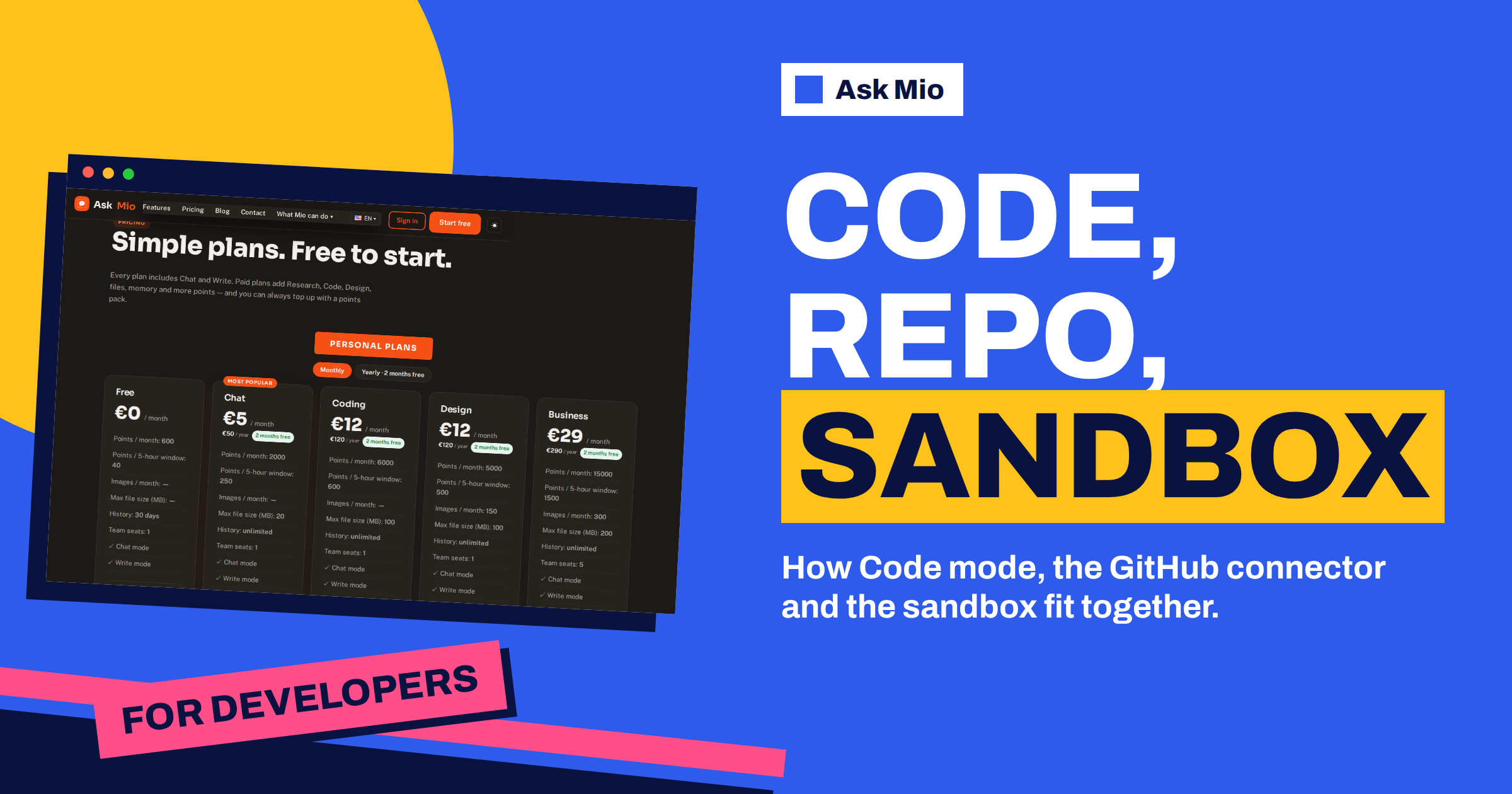
The pricing page gives the costs: a coding answer is 5 to 10 points, a normal reply 1 point and a long or complex reply 3. The Coding plan costs 12 euros a month and gives 6000 points a month and 600 per 5-hour window. At 5 to 10 points per answer, that is 600 to 1200 coding answers a month and 60 to 120 in one window.
That is enough for most solo developers, but a heavy refactor can use a window quickly. Plan sessions: do the reading and thinking offline, bring Mio the focused questions and keep chats short. Our guide to the Coding plan shows how the points and the sandbox work in practice. For a team, the Business plan adds 15000 points, a 1500-point window, five seats and API access.
A worked example: a failing import job
A developer maintains a service that imports CSV files from suppliers. Since a supplier changed the format, about one file in ten fails. She selects the Senior developer, connects the repository and pastes the stack trace and a sample file with the sensitive columns replaced.
Mio reads the importer through the connector, finds that the parser assumes a comma separator and a fixed date format, and lists three likely causes. She confirms the second by running a small reproduction in the sandbox, which shows that a semicolon-separated file with day-first dates fails. She asks for the smallest fix, a detection step for the separator and an explicit date format with a clear error, plus three tests. She runs them locally, reviews the diff and commits with her own message. Total time is under an hour, and the importer now reports a clear message instead of failing silently. She also asks Mio to write a short note for the pull request that explains the cause, the fix and the tests, and adds the sample file, with the sensitive data removed, to the test folder so the next format change is caught the day it happens.
When to decide for yourself
Some decisions should never be delegated. Architecture, data models, security boundaries, licensing and anything with legal consequences need human judgment and context that Mio does not have. Use it to lay out options and trade-offs, then decide. Also remember that generated code can be wrong in subtle ways, use outdated APIs or ignore your conventions. Run it, read it and test it, as you would for code from any junior colleague. Ask Mio to state its assumptions at the top of each answer, such as the language version, the framework and the data it expects, and correct the ones that are wrong. Most bad suggestions come from a wrong assumption that nobody wrote down, and a single line of context at the start removes a whole class of them.
Frequently Asked Questions
What does Code mode do in Ask Mio?
The home page describes it as working code with explanations, bug fixes from a pasted error and refactoring. Mio routes each request to the best coding model, so you do not choose one. Code mode comes with the Coding and Business plans.
What can the sandbox do?
The features page says it runs Python or Node code to compute something exactly, analyse a table, draw a chart or convert a file. It is isolated from your machine, so it is good for testing logic, but it is not a copy of your production environment.
Can Mio read my GitHub repositories?
Yes, when you connect the GitHub connector. The features page describes it as covering your repositories, issues, pull requests and file contents. Grant only the permissions you need, and check what a connector is allowed to do before you rely on it.
Which plan do I need?
The Coding plan at 12 euros a month adds Code mode, the sandbox, 6000 points, a 600-point window and 100 MB files. The Business plan at 29 euros adds five seats, API access and more points. Chat and Write work on the free plan.
Can I trust code that Mio writes?
Treat it as a draft. Ask for tests, run them, read the diff and check APIs against the official documentation for your versions. Never paste secrets, and review anything security-sensitive with a person who owns the system and understands the risks.
The Bottom Line
Ask Mio for developers is a workflow, not a single feature: Code mode to write and explain, the sandbox to test, the GitHub connector to read the real code and the expert roles to review, secure and operate it. Keep secrets out, ask for tests, make small changes and decide the important things yourself. Compare the Coding and Business plans on the Ask Mio pricing page.