
 Lietuviškai
 Deutsch
 Français
 Русский
 Español
 Polski
 Italiano
 Українська
 Čeština
 Português
 日本語
 Latviešu valoda
 Eesti
 Magyar
 Bahasa Indonesia
 Türkçe
 हिन्दी
 Ελληνικά
 العربية
 ไทย
 Tiếng Việt
 Română
 Bahasa Melayu
 বাংলা
AI code review is most useful when the assistant can see the whole project, not just one pasted function. Ask Mio has a ready-made job for that. The features page describes it as code review and fix: paste code or attach a ZIP, and Mio finds bugs and suggests fixes. This guide shows how to use the job step by step, how to prepare a ZIP so the review is fast and safe, how to read the findings, and how to test every suggestion before it touches your main branch.
An AI code review is a second pair of eyes, not an approval. It can spot a missing null check, a wrong comparison or a risky query. It cannot run your production system, and it can be wrong with great confidence. The method below keeps you in charge.
What the AI code review job does
Among Ask Mio’s 24 ready-made jobs, the code review job takes code in and returns findings and fixes out. You can paste a snippet or attach a ZIP of a project. Mio reads the code, looks for bugs and weak spots, and suggests changes with an explanation of each. Next to it, the Senior developer expert writes, reviews and debugs code in any language, and the Security reviewer finds weaknesses in code, configs and processes. Our guide to AI assistant experts shows how to combine a job with an expert.
Think of three layers. The job gives the structure of a review. The expert gives the role and the habits of a senior developer. The tools, such as the code runner, let Mio compute or test something exactly when you ask for it.
Prepare the ZIP before you upload
A clean ZIP gives a better review and lowers the risk of sharing something you should not. Spend five minutes on preparation.
- Remove secrets. Delete API keys, passwords, tokens, private keys and `.env` files. Replace them with placeholders such as `API_KEY=example`.
- Remove dependencies and build output. Leave out `node_modules`, `vendor`, `dist`, `build` and virtual environments. They add size and noise.
- Keep what matters. Include the source folder, configuration files, the dependency manifest and any tests.
- Add a short README for the reviewer. State what the project does, the language and framework versions, and how to run the tests.
- Check the size. File limits depend on the plan: 20 MB on Chat, 100 MB on Coding and Design, 200 MB on Business.
Do not upload code you have no right to share, such as a client’s private repository without permission. Your chats and files are yours, they are not used to train models and you can export or delete them at any time, but your own contracts still apply.
Write a good review request
The ZIP is the evidence and the request is the question. A precise request produces a focused review.
| Request | What you get |
|---|---|
| “Review this project for bugs” | A broad scan with the most likely defects first |
| “Find security problems in the login and upload code” | A narrow review of the paths that matter most |
| “Explain what this module does, then find edge cases” | A summary you can verify, followed by tests to write |
| “Suggest the smallest fix for this failing test” | A minimal change instead of a rewrite |
| “Review only the diff I pasted below” | Comments on changed lines instead of the whole project |
Add the context that is not in the code: the runtime, the expected behaviour, the error message or stack trace, and anything you already tried. Ask for findings ranked by severity, with the file name and line for each.
Read the findings critically
A review is a list of claims. Treat each claim like a bug report from a colleague you have not worked with before.
- Reproduce first. For each reported bug, write down how to trigger it. If you cannot, ask Mio for a failing test or an example input.
- Ask why. A finding without a reason is a guess. Ask Mio to quote the lines and explain the failure.
- Check the severity. A style issue is not a security hole. Ask Mio to separate bugs, risks and preferences.
- Look for what is missing. A review lists what it saw. Ask what it could not check, such as behaviour that depends on a database or a deployment setting.
If two findings conflict, trust the one you can reproduce. If a finding names a function that does not exist in your code, the assistant has misread something, and the rest of that answer deserves extra care.
Apply fixes safely
Suggested fixes are the most valuable and the most dangerous part. Keep a simple routine.
- Create a new branch for the review.
- Apply one fix at a time, in small commits with clear messages.
- Run the existing tests after each fix.
- Add a test that fails before the fix and passes after it.
- Review the diff yourself before you merge.
If the project is large, ask Mio for a plan first: which files to change, in what order, and what could break. Our guide to a dependency upgrade plan uses the same plan-first approach, and the article on merge conflicts helps when branches collide.
A worked example: a small web project
Suppose you have a small web application with a contact form, a database layer and a handful of tests. You remove the `.env` file, delete `node_modules`, add a README that names the runtime and the test command, and compress the rest into a ZIP of a few hundred kilobytes. Then you send this request: “Review this project. Focus on the contact form and the database layer. Rank findings by severity, give file and line, and tell me what you could not check.”
A useful answer might list the following. The form handler builds a query by joining strings, which is a risk. A validation function accepts an empty email address. An error path returns a stack trace to the browser. One test asserts the wrong value and passes by accident. For each item you ask for a minimal fix and a test. You then work through the list on a branch: fix the query first, then the validation, then the error message, running the tests after each change.
Notice what the review did not do. It did not deploy anything, it did not know your hosting setup, and it could not tell you whether the form is abused in practice. Those remain your checks. A short list of verified fixes is a good result for the time spent.
What a good review covers
Ask Mio to walk through the same categories each time, so reviews stay comparable from one project to the next.
- Correctness: off-by-one errors, wrong conditions, unhandled empty values and mixed types.
- Error handling: swallowed exceptions, vague messages and missing cleanup.
- Security: input validation, authentication, access control, secrets and unsafe defaults.
- Performance: repeated queries in a loop, large objects in memory and needless work on each request.
- Readability: unclear names, long functions and duplicated code.
- Tests: missing cases, brittle assertions and tests that cannot fail.
Ask for the categories in order of importance for your project. A prototype needs correctness first. A public service handling personal data needs security first. When a category has no findings, ask Mio to say what it checked, so silence is not mistaken for approval.
Let Mio run code when it matters
For some questions, reading is not enough. Ask Mio’s tools include a code runner that executes Python or Node in a sandbox to compute something exactly, analyse a table, draw a chart or convert a file. On the Coding and Business plans, Code mode and the code execution sandbox are included. That means you can ask Mio to run a small function against test inputs and show the output, which turns a guess into evidence. Our article on the Python sandbox in Mio explains what the runner can and cannot do. A sandbox does not have your database, your network or your secrets, so a passing run there is not proof that production will behave the same way.
Combine the review with a security pass
Ask for a second pass with the Security reviewer. Describe what the application handles, such as user accounts, uploads or payments, and ask for the likely weaknesses in that area: input validation, authentication, access control, secrets in code and unsafe defaults. Our guide on the AI code security review lists the categories. A tool can miss subtle problems, so critical systems still need human review and, where it matters, a specialist audit.
Make reviews a habit
The value of an AI code review grows when it becomes routine. Run one before you open a pull request, so that obvious problems never reach your teammates. Run one after a large refactor, when the cost of a hidden mistake is highest. Keep a short checklist of the findings that came up repeatedly in your project, and paste it into the next request so Mio looks for those patterns first. Over a few weeks you will see which kinds of finding are useful for your code and which are noise, and you can tune the request accordingly.
When the job is not the right tool
- Very large monorepos. Upload the part you need, not everything.
- Binary files and generated code. They add noise and no insight.
- Questions about live systems. Mio cannot see your servers or logs unless you paste excerpts.
- Final approval. Releases need your own tests and a human decision.
If you only want to understand a codebase before you change it, a different workflow fits better, and our article on understanding an unfamiliar codebase with AI describes it.
Which plan do you need?
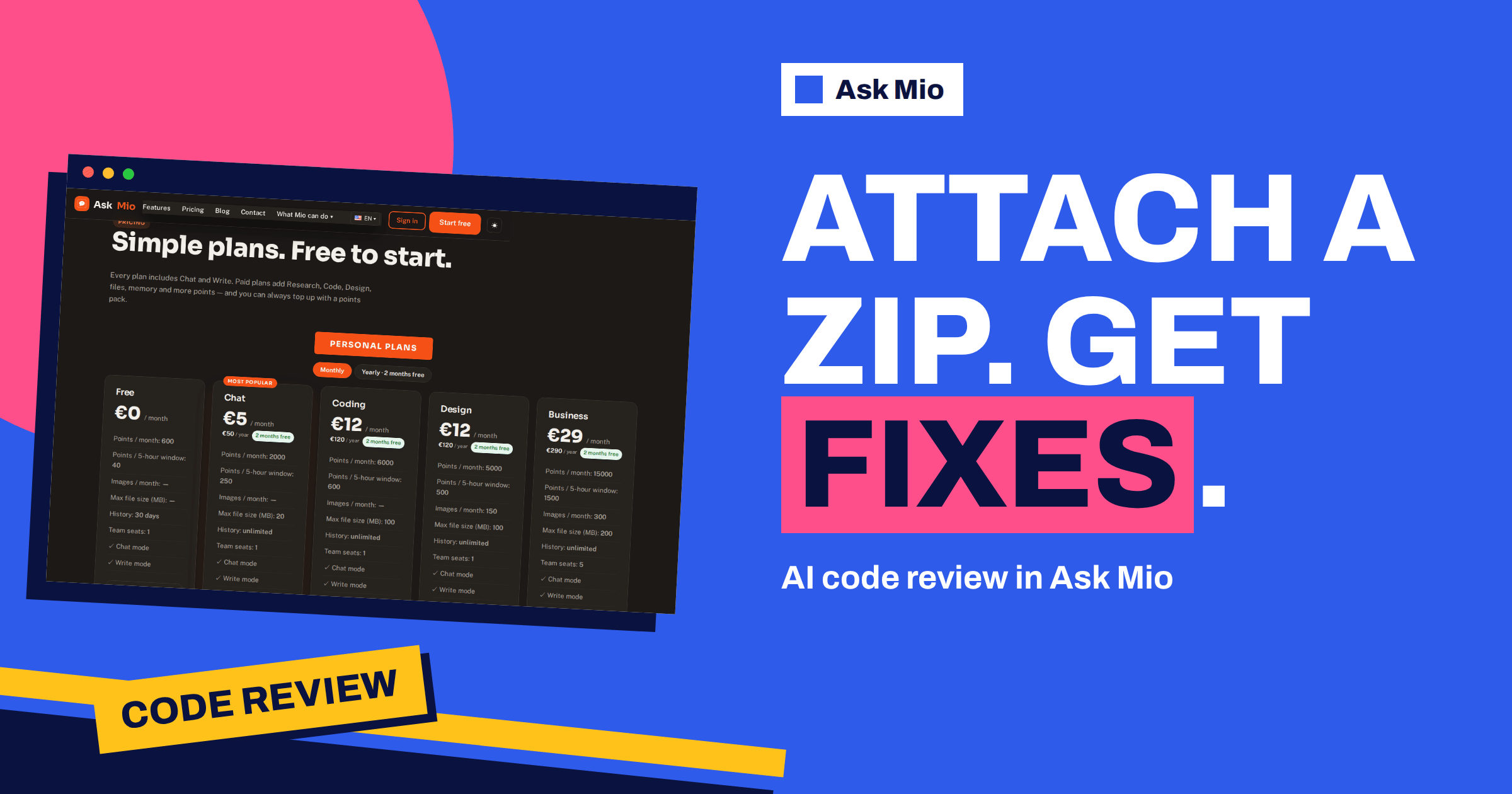
Pasting code works in any plan, including Free, with 600 points a month. Attaching a ZIP needs file uploads, which paid plans include. Code answers cost more points than chat, 5 to 10 each according to the pricing page, so developers who review often should look at the Coding plan, with 6000 points a month and a 100 MB file limit. Compare every plan on the Ask Mio pricing page.
Frequently Asked Questions
What does the code review job in Ask Mio do?
According to the features page, you paste code or attach a ZIP, and Mio finds bugs and suggests fixes. It reads the code, reports problems with explanations and proposes changes. You decide what to apply, and you should test every change before merging it into your main branch.
Is it safe to upload my project as a ZIP?
Remove secrets, keys and `.env` files first, leave out dependencies and build output, and share only code you have the right to share. Your chats and files are yours, are not used to train models and can be exported or deleted at any time. Ask Mio runs on its own servers.
How large can the ZIP be?
The limit follows your plan: 20 MB on Chat, 100 MB on Coding and Design, and 200 MB on Business. The Free plan does not list file uploads, but you can still paste code into the chat. Trim the archive to the source and configuration files that matter.
Can the AI code review replace a human reviewer?
No. It is a fast first pass that can catch bugs and risky patterns, but it can also be wrong and it cannot see your running systems. Use it to prepare changes, then run your tests and ask a colleague to review anything important.
Can Mio run my code?
On the Coding and Business plans, Code mode and the execution sandbox are included, and the code runner can execute Python or Node to compute or test something exactly. The sandbox is separate from your production environment, so passing there does not guarantee the same result in production.
The Bottom Line
AI code review in Ask Mio is a quick, structured second opinion: prepare a clean ZIP, ask a precise question, read each finding critically, and apply one fix at a time with tests. Use the Senior developer and Security reviewer experts for depth and the sandbox for evidence. Start on the free plan by pasting code, and compare upgrades on the Ask Mio pricing page. For background, read about code review and static program analysis.