
 Lietuviškai
 Deutsch
 Français
 Русский
 Español
 Polski
 Italiano
 Українська
 Čeština
 Português
 日本語
日本語 Latviešu valoda
 Eesti
Eesti Magyar
 Bahasa Indonesia
 Türkçe
 हिन्दी
 Ελληνικά
 العربية
 ไทย
ไทย Tiếng Việt
 Română
 Bahasa Melayu
 বাংলা
বাংলা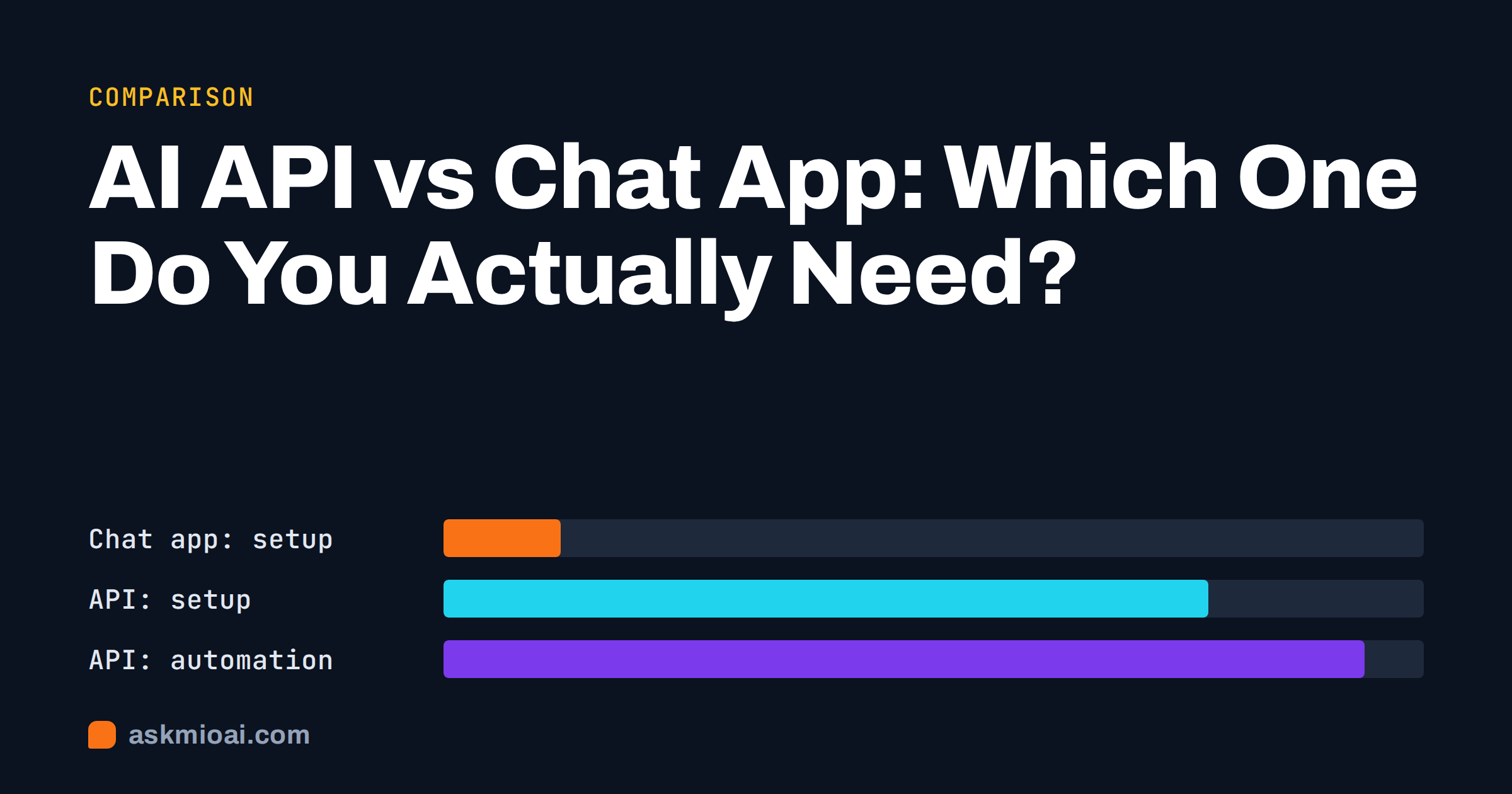
The choice between an AI API vs chat app comes down to one question: is a person going to type the request, or is a system going to send it? A chat app is built for people working interactively. An API is built for software that sends requests automatically, at scale, inside your own product or workflow. Many teams pay for the wrong one: developers wire up an API for work a chat app would handle in minutes, or teams paste the same data into a chat window every day when a small integration would do it for them.
This comparison explains what each option really is, what each costs in money and effort, and how to tell which one your situation needs.
What a chat app is
A chat app is the familiar interface: a website or mobile app where you type a question, attach a file and read the answer. Everything around the model is already built for you: conversation history, file handling, formatting, search, image generation, memory, projects and sharing. You sign up, pay a subscription or use a free tier, and start working.
The key trait of a chat app is that a human is in the loop for every request. That is its strength, because a person reads, judges and corrects each answer, and its limit, because the work only happens as fast as someone types.
What an AI API is
An API, or application programming interface, lets software talk to an AI model directly. Your program sends a request over HTTP with the instructions and data, and receives the model’s response as structured data. If you want the background, MDN’s overview of HTTP explains how such requests work.
With an API, there is no interface unless you build one. There is also no conversation history, file handling or memory unless you implement it. What you get in exchange is control: you decide exactly what is sent, when, how often and what happens to the answer. You can run the same instruction on ten thousand product descriptions overnight, or place an AI step inside your helpdesk, CRM or website.
AI API vs chat app: side-by-side comparison
The table sums up the practical differences.
| Factor | Chat app | AI API |
|---|---|---|
| Who sends requests | A person, interactively | Your software, automatically |
| Setup effort | Minutes | Days to weeks of development |
| Skills needed | None beyond good prompts | Programming, hosting, security |
| Interface, history, files | Included | Build them yourself |
| Volume | Limited by human speed | Thousands of requests per hour |
| Consistency | Varies with each person’s prompts | Same instructions every time |
| Integration with your systems | Limited to built-in connectors | Anything you can code |
| Pricing model | Usually a subscription per user | Usually pay per use |
| Human review of each answer | Built in by nature | Only if you design it in |
| Maintenance | Done by the provider | Yours, ongoing |
When a chat app is the right choice
For most individuals and small teams, a chat app is the right starting point, and often the right end point too.
- Varied, one-off tasks. Drafting an email, summarising a report, debugging a function, planning a campaign. Each task is different and benefits from back-and-forth.
- Work that needs judgement. When every answer should be read and adjusted by someone who knows the context, the chat format is exactly right.
- Low to moderate volume. Dozens of requests a day per person are no problem.
- No developer available. A chat app delivers value on day one without writing a line of code.
- Exploring what AI can do. Before you automate anything, use the chat app to find which tasks and prompts actually work.
That last point matters. Nearly every good API integration starts as a prompt someone refined in a chat app until the output was reliably good.
When you actually need an API
An API starts to pay off when at least one of these is true:
- Repetition at volume. The same task on hundreds or thousands of items, such as classifying support tickets, tagging products or translating a catalogue.
- AI inside your product. Your customers should get AI features in your own app or website, under your brand.
- Automatic triggers. Something should happen without anyone asking, for example summarising every new form submission or drafting a reply for every incoming ticket.
- Strict consistency. Every item must be processed with exactly the same instructions and output format, which is hard to guarantee when several people type their own prompts.
- Connecting systems. Data should flow from one system through an AI step into another, such as from a shop database to product pages.
The real costs of each option
Comparing a monthly subscription with a per-request price is misleading unless you count everything.
Chat app costs
A chat app has a clear price: a monthly or yearly subscription per user, sometimes with usage limits. The hidden cost is people’s time. If someone spends an hour a day copying data into a chat window and results back out, that hour costs more than most subscriptions.
API costs
API usage itself is typically charged per amount of text processed, which can be cheap for small tasks and significant at high volume. Our explainers on tokens vs points and per-seat vs usage-based pricing go into the details. The larger costs are usually elsewhere: development time, hosting, monitoring, handling errors and rate limits, keeping up with changes to models and endpoints, and securing the keys. A small integration can easily cost more in developer days than several years of chat subscriptions.
A quick rule of thumb
If the time people spend on a repetitive AI task each month is worth clearly more than the cost of building and maintaining an integration, consider the API. If not, keep using the chat app and improve the prompts.
Risks that come with an API
An API removes the human who would normally catch a bad answer. That changes the risk picture.
- Errors at scale. A prompt that goes wrong once in a hundred cases produces ten bad results in a thousand-item batch, and nobody may notice. Build in sampling and review.
- Leaked keys. An API key in public code or a shared document can be used by anyone, at your expense. Store keys as secrets on the server, never in front-end code. The OWASP secrets management cheat sheet covers the basics.
- Prompt injection. If your integration processes text from outsiders, such as emails or form fields, that text can contain instructions that try to hijack the model. Treat AI output from untrusted input as untrusted.
- Data protection. Automated processing of customer data may need a data protection review and clear information for the people concerned.
Three real scenarios and the right choice
A marketing team writing campaign copy
Five people write ads, newsletters and social posts, each piece different and each needing a human eye for tone and claims. The volume is a few dozen pieces a week. This is chat app territory. Shared projects with brand guidelines keep everyone consistent, and there is nothing to build. An API would add development cost without removing any real work, because every piece still needs a person’s judgement.
An online shop with 4,000 products
The shop wants a short, consistent description and meta description for every product, generated from spec sheets in its database, and updated whenever specs change. Doing this by hand in a chat window would take weeks and drift in style. Here an API integration makes sense: one tested prompt, run automatically, with a person reviewing a sample from each batch. The prompt should still be developed and tested in a chat app first.
A support team handling 150 tickets a day
This one sits in the middle. Agents could paste each ticket into a chat app and ask for a draft reply, which works immediately but costs clicks on every ticket. An integration could draft replies inside the helpdesk automatically, which saves time but needs development, security review and care with customer data. A sensible path is to start with the chat app for a month, measure how often drafts are used unchanged, and build the integration only if the numbers justify it. Our guide to AI for customer support teams covers the chat-based workflow.
The middle ground: chat apps that do more
The line between the two options is blurring. Modern chat apps increasingly offer features that used to need an API: connectors that read your email, calendar or cloud files on request, ready-made templates that turn a form into a finished document, projects that apply the same instructions to every chat, and agent-style tools that search, calculate or run code during an answer. For many “automation” wishes, these cover the need without any development.
Before commissioning an integration, check whether a project with fixed instructions, a template or a connector already solves the problem. It often does, at least for moderate volumes.
How Ask Mio fits both sides
Ask Mio is first of all a chat app: five modes (Chat, Code, Design, Write and Research), projects with their own instructions and files, memory, file uploads and connectors, with a free plan that needs no card. For most individuals and small teams, that is the whole answer.
For teams that outgrow the chat window, the Business plan adds team seats, shared projects, auto-refill points and API access, so the same account can serve both interactive work and an integration. For technical details of the API or questions about a specific use case, contact the Ask Mio team before you plan the build. Where a dedicated developer platform offers deeper tooling for a large, complex integration, that may be the better fit, and it is worth comparing honestly.
Frequently Asked Questions
What is the main difference between an AI API and a chat app?
A chat app is an interface for people: you type, read and refine answers yourself, with history, files and other features built in. An API is a connection for software: your program sends requests and processes responses automatically, without an interface. Chat apps suit varied interactive work, while APIs suit repeated tasks at volume and AI features inside your own product.
Is an API cheaper than a chat subscription?
Per request, API usage can be cheap, but the total cost is often higher once you count development, hosting, monitoring and maintenance. A chat subscription includes the interface and upkeep. The API becomes cheaper overall when it replaces a lot of repetitive manual work, such as processing thousands of items that people would otherwise handle one by one.
Do I need a developer to use an AI API?
In practice, yes. Even a simple integration involves writing code, storing keys securely, handling errors and limits, and deciding what happens to the output. No-code automation platforms can reduce the effort for simple flows, but someone still needs to design, test and maintain the setup. A chat app needs no technical skills at all.
Can I start with a chat app and move to an API later?
Yes, and it is usually the best path. Use the chat app to find which tasks are worth automating and to refine prompts until the output is reliably good. Those tested prompts then become the instructions in your integration. Starting with the API before you know what works tends to waste development time.
Does Ask Mio offer API access?
Yes. API access is included in the Ask Mio Business plan, alongside team seats, shared projects and auto-refill points. The other plans are chat-based. For technical details about the API or advice on whether it suits your use case, contact the Ask Mio team through the contact page before planning a build.
The Bottom Line
In the AI API vs chat app decision, start with who sends the request. If people do varied work that needs judgement, a chat app is faster, cheaper and safer. If software must process the same task at volume or put AI inside your product, an API earns its development and maintenance cost. Most teams should start in the chat app, prove the prompts, and automate only what repeats. You can start free with Ask Mio, and see which plan includes API access on the Ask Mio pricing page.