
 Lietuviškai
 Deutsch
 Français
 Русский
 Español
 Polski
 Italiano
 Українська
 Čeština
 Português
 日本語
 Latviešu valoda
 Eesti
 Magyar
 Bahasa Indonesia
 Türkçe
 हिन्दी
 Ελληνικά
 العربية
 ไทย
 Tiếng Việt
 Română
 Bahasa Melayu
 বাংলা
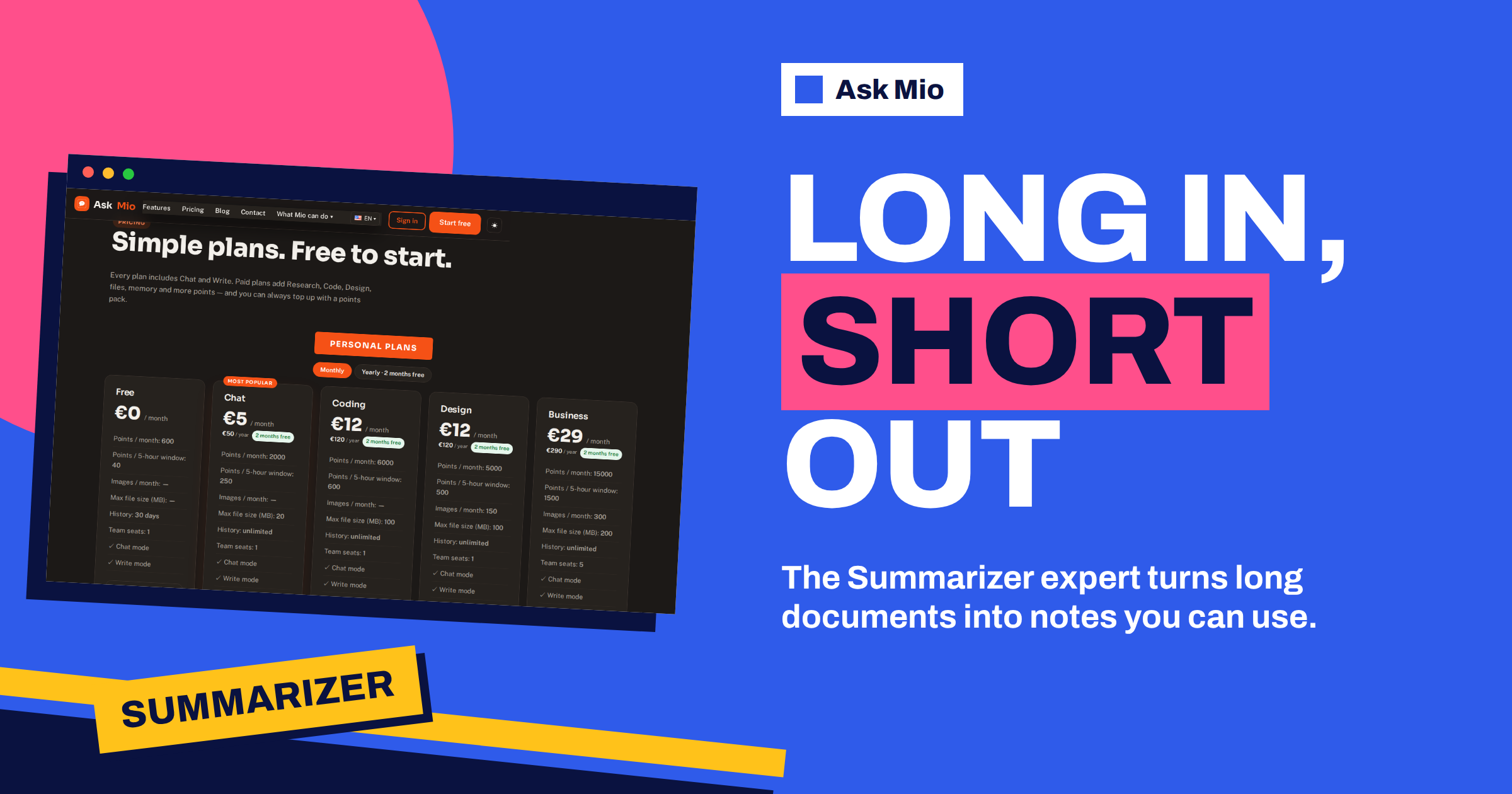
A summary is only useful if it saves you from reading the original and still lets you act. Many AI summaries fail that test. They are smooth, short and wrong in the details, or they keep the introduction and drop the one paragraph that mattered. An AI summarizer works well when you decide in advance who the summary is for, how long it should be and which details must survive. In Ask Mio the job belongs to the Summarizer expert, which the features page describes as turning long documents into short, usable notes.
This guide shows how to get faithful summaries from reports, contracts, articles, transcripts and long email threads. You will learn how to define the purpose, choose the right type of summary, handle documents that are too long for one pass, check the result against the source and keep your files private.
What the AI summarizer does in Ask Mio
Ask Mio has 39 experts. The Summarizer is the one for compression: it reads long text and returns notes. When you choose it, Mio keeps the role for the whole chat, so you can paste or upload several documents and ask for different summaries without repeating the rules. Related experts include the Editor and proofreader, who polishes text, the Deep researcher, who gathers sources, and the Journalist, who writes balanced pieces. Our guide to AI assistant experts shows how to move between them.
Automatic summarization is an old problem in computing, and modern assistants are much better at it than earlier tools, because they handle meaning and not just keywords. The weakness that remains is faithfulness: a model can state something the text does not say. That is why the method matters more than the tool.
Start with the purpose and the reader
Before you paste anything, answer two questions: who will read the summary and what will they do with it? A board member who decides on a budget needs different notes from a student revising for an exam. Tell Mio the reader, the decision or action and the level of background they have. Then pick one type from this list.
| Type | What it contains | Typical use |
|---|---|---|
| Gist | One to three sentences on the main point | Deciding whether to read the full text |
| Executive summary | Purpose, findings, conclusion, recommendation | Managers and clients |
| Key points | Five to ten bullets in the original order | Quick review |
| Action list | Decisions, owners, deadlines | Meetings and project documents |
| Study notes | Definitions, arguments, examples | Learning and exams |
| Risk summary | Obligations, deadlines, unusual clauses | Contracts and policies |
State the type in the prompt. “Summarise” alone gives a vague middle level that serves nobody well.
Control length and keep what matters
Length is the second control. Ask for a fixed size, such as one sentence, five bullets, one page or about 10 percent of the original. Fixed sizes force choices, and choices reveal what the text is really about. If you need several levels, ask for a pyramid: the gist first, then five bullets, then a page. Readers can stop wherever they have enough.
Then name what must survive. Examples are all numbers and dates, every name of a person or organisation, every decision, every condition such as “unless” or “provided that” and every figure with its unit. A summary that drops conditions is dangerous, particularly for contracts and policies. Add a rule that anything uncertain should be flagged, not guessed.
Documents that are too long for one pass
Very long documents, such as a 200-page report, need a staged approach. Do not ask for one summary of everything, because details will be lost. Instead, work in layers.
- Map first. Ask for the structure: chapters, headings and a one-line description of each. Check that it matches the table of contents.
- Summarise by section. Ask for a short summary of each chapter, with the page or heading reference, in the same format.
- Merge. Ask for an overall summary built from the section summaries, and for a list of themes that appear in several chapters.
- Drill down. When a section matters, ask for details from the original text, with quotes.
The headings and page references let you check the summary against the source quickly. On plans that accept file uploads you can attach the document, up to 20 MB on the Chat plan and larger on higher plans. On the free plan you can paste a section at a time.
Use document memory for repeat questions
If you upload files, the features page explains that Document memory keeps them searchable in later chats: Mio finds the right paragraph by meaning and quotes it, so you do not need to attach the same document again. That changes how you work with a long report. You make one summary today and, next week, ask “what did the report say about supplier risk?” and get a quote from the right section.
The same page describes Headroom, which shortens repeated file dumps and quoted text in long chats so they stay cheap. Together, these two features suit a reading-heavy project. Our guide to Headroom and document memory covers how they work and what they mean for privacy.
Summaries for meetings, articles and contracts
Meetings. Mio has a ready-made job, Meeting notes to summary, which turns raw notes or a transcript into decisions, tasks and a follow-up email. Give it names and dates when you have them. For a deeper look, see AI meeting notes and summaries.
Articles and research. Ask for the main claim, the evidence offered and the weakest point in the argument. If you need sources beyond the article, switch to Research mode on a paid plan.
Contracts and policies. Ask for obligations of each party, deadlines, payment terms, termination, liability and anything unusual. The Contract and document check job does this in plain language and highlights risky clauses, and our article on AI contract checks shows an example. A summary of a contract is a reading aid, not legal advice.
Books. For long non-fiction, ask for chapter summaries plus the author’s three main arguments. Our guide to AI book summaries explains how to do it without losing the structure.
Prompts you can copy
Reusable prompts make summaries consistent. Adapt the brackets to your document.
- Executive version: “Summarise this for [reader] who must decide [decision]. Use five bullets, keep every number and date, and end with one recommendation and one risk.”
- Faithful version: “Use only the text provided. After each key claim, add the page or heading in brackets. Mark anything you are unsure about with a question mark.”
- Action list: “List every decision, task, owner and deadline in a table. If an owner or date is missing, write ‘not stated’.”
- Compare two documents: “Summarise both, then list what they agree on, where they differ and what only one mentions.”
- Questions the text raises: “List five questions a careful reader would ask after this document, and say whether the text answers each.”
- Plain version: “Explain this in 150 words to someone with no background, without losing the main condition or number.”
Save the prompts that work in a note, or ask Mio to remember your preferred format, so the next document starts from a good default.
Check the summary against the source
Trust, then verify. A simple check takes five minutes and catches most errors.
- Spot-check numbers. Pick five figures in the summary and find them in the original.
- Look for what is missing. Skim the headings of the source and ask whether each important section is represented.
- Ask for quotes. For any key claim, ask Mio to quote the sentence it is based on. If it cannot, the claim is suspect.
- Check the negatives. Words such as “not”, “except” and “unless” are easy to lose. Search the source for them.
- Read the original on anything critical. A summary helps you prioritise, but it should not replace reading the clause that carries the risk.
Treat the comparison with the general idea of a summary as a reminder: a summary states the main points in fewer words, and it must not add anything new.
A worked example: a 60-page market report
A marketing manager receives a 60-page market report on Monday and a meeting on Tuesday. She selects the Summarizer and uploads the PDF, which fits well below the file limit of her plan. Her first message states the reader, her director, the action, deciding which two markets to prioritise, and the rules: keep every number, flag uncertainty and quote the page for each claim.
Mio returns the structure, then a summary of each chapter with page references and a one-page executive summary. She spot-checks six figures and finds one rounding difference. She asks for a table comparing the three markets on size, growth and entry cost, and then for a list of what the report does not cover. On Tuesday she presents with the one-page summary and has quotes ready for questions. Reading time falls from three hours to forty minutes, and she still reads the two chapters that matter most. Afterwards she saves the section summaries as notes in a project, so the next report from the same supplier can be compared with this one, and she asks Mio to keep a running list of the figures that change from year to year. The habit costs a few minutes and turns a one-off reading task into a small knowledge base that her team can reuse, instead of each person rereading the same pages.
Privacy and limits
Uploading a document means sharing its content with a service, so choose what you upload with care. The pricing page states that your chats and files are yours, that you can export or delete them at any time and that they are not used to train models. Ask Mio runs on its own servers. Remove personal data that the task does not need and check your organisation’s rules for confidential material.
Know the limits. A summarizer can miss nuance, treat a minority view as the main one or misread a table. Charts and images inside a document may be handled less well than text. It cannot know what you consider important unless you say so. Use it to reduce effort, not to remove responsibility.
Frequently Asked Questions
What does the Summarizer expert in Ask Mio do?
The features page says it turns long documents into short, usable notes. You paste or upload text, say who the summary is for and how long it should be, and Mio returns notes in the format you choose. The role stays active for the whole chat.
How long can a document be?
On the Chat plan, files can be up to 20 MB, and the Coding and Design plans allow 100 MB, with 200 MB on Business. For very long documents, work in stages: structure first, then section summaries, then an overall summary. The free plan has no uploads, so paste sections.
How do I stop the summary from inventing details?
Tell Mio to use only the text provided, to quote the passage behind each key claim and to flag anything uncertain. Then spot-check five numbers against the original. If a claim has no quote or page reference behind it, treat it as unproven.
Can Mio summarise meetings?
Yes. The Meeting notes to summary job turns raw notes or a transcript into decisions, tasks and a follow-up email. Give names, dates and owners where you can, and review the task list before you send it to anyone, because an assigned task that nobody agreed to causes more trouble than no task.
Is it safe to upload confidential files?
Your chats and files are yours, they are not used to train models and you can export or delete them at any time. Still, upload only what you need, remove personal data and follow your organisation’s rules for confidential documents.
The Bottom Line
A good AI summarizer starts with a purpose, a reader and a length, protects numbers and conditions, works in layers on long documents and is checked against the source. Use the Summarizer expert in Ask Mio, add Document memory for repeat questions and keep control of what you upload. Start free and compare plans on the Ask Mio pricing page.