
 Lietuviškai
 Deutsch
 Français
 Русский
 Español
 Polski
 Italiano
 Українська
 Čeština
 Português
 日本語
 Latviešu valoda
 Eesti
 Magyar
 Bahasa Indonesia
 Türkçe
 हिन्दी
 Ελληνικά
 العربية
 ไทย
 Tiếng Việt
 Română
 Bahasa Melayu
 বাংলা
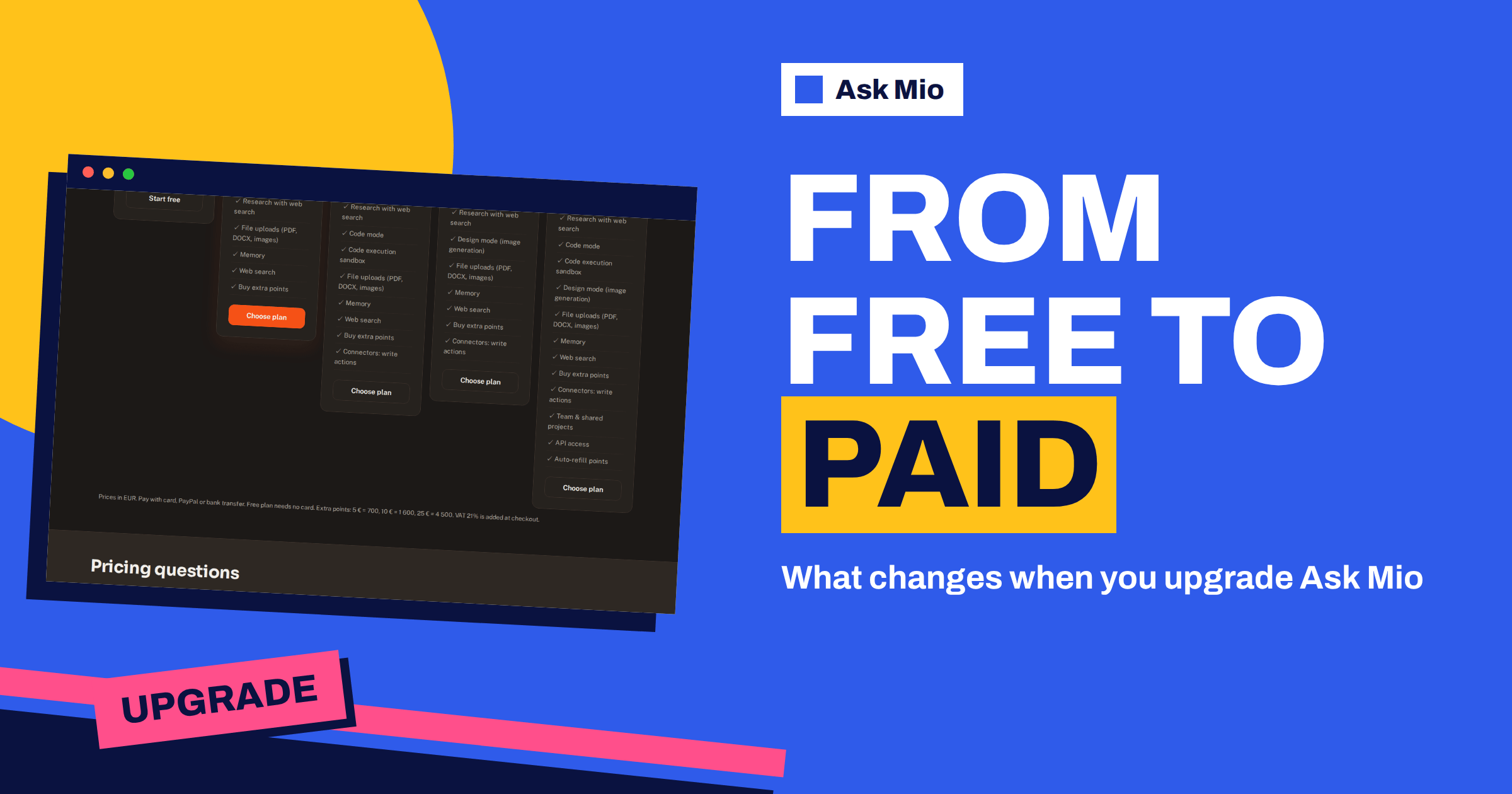
You upgrade Ask Mio when the free plan stops being enough, not before. The Free plan is real and permanent, so there is no countdown and no pressure to pay. But at some point most regular users hit a wall: a file they cannot upload, a source they cannot research, a limit that ends a long session, or a feature that exists only on a paid plan. This guide explains how to upgrade Ask Mio in a clear order: how to know it is time, how to choose the plan, how to pay, and what changes the moment you do.
Everything here comes from the live pricing and home pages. If a detail is not on those pages, this guide does not claim it, and you will see where to look instead.
When it is time to upgrade Ask Mio
Free gives Chat and Write modes, 600 points a month, 40 points per 5-hour window, one seat and 30 days of history. These are the signals that you have outgrown it.
- You want to ask about a file. File uploads for PDF, DOCX and images start on the Chat plan.
- You need sources. Research with web search, which cites sources, is on paid plans.
- You repeat yourself. Memory, so Mio remembers what matters to you, is a paid feature.
- You lose old chats. Free keeps 30 days of history, paid plans keep unlimited history.
- You run out of points. 600 a month or 40 per window is not enough for your routine.
- You need a mode. Code mode and Design mode are not on Free.
One signal is enough. If you only hit the points limit now and then, a points pack may be a cheaper answer than a plan, as explained below. Our article on usage limits helps you read what you are running into.
Step 1: write down what you actually did last month
Before you pay, spend five minutes with your own history. Count roughly how many chats you had, which modes you used, which files you wanted to upload and where you were blocked. A short list is enough: “twelve document questions, three code fixes, two images I could not make”. The list tells you which plan features matter. It also stops you buying a bigger plan than your habits need.
Step 2: choose the plan
The pricing page shows five steps. The table repeats the figures so you can compare them against your list.
| Plan | Price per month | Points per month | Points per 5-hour window | Adds over the plan before |
|---|---|---|---|---|
| Free | €0 | 600 | 40 | Chat and Write modes |
| Chat | €5 | 2000 | 250 | Research with web search, file uploads up to 20 MB, memory, unlimited history, extra points |
| Coding | €12 | 6000 | 600 | Code mode, code execution sandbox, files up to 100 MB, connectors with write actions |
| Design | €12 | 5000 | 500 | Design mode with 150 images a month, files up to 100 MB, connectors with write actions |
| Business | €29 | 15000 | 1500 | Code and Design together, 300 images, files up to 200 MB, 5 team seats, shared projects, API access, auto-refill points |
For most people moving up from Free, the sensible first step is Chat. Move to Coding or Design only if you need those modes, and to Business when you need several seats or everything together. The longer guide to Ask Mio plans lives on the pricing page, and our article on free AI plans compared puts the free allowance in context.
Step 3: decide between monthly and yearly
Each paid plan has a monthly price and a yearly price, and the yearly one gives two months free: €50 a year for Chat, €120 for Coding and for Design, and €290 for Business. If you are not sure you will use the plan for a full year, start monthly. If you already know your work needs it, yearly is cheaper. The article on yearly vs monthly AI plans walks through the break-even.
Step 4: pay
The pricing page says you can pay with card, PayPal or bank transfer. Prices are in euros, and VAT of 21% is added at checkout, so the amount you pay at the end is higher than the headline price. Value-added tax works differently from country to country, so check the final amount on the checkout page before you confirm. The Free plan needs no card.
To start, open the pricing page, choose the plan and follow the checkout. If you prefer a bank transfer, choose that option when it is offered. If a payment question is not answered on the pricing page, use the contact page rather than guessing.
Three upgrade stories
Real choices are easier to judge than a table, so here are three short examples. They are illustrations of how to think, not records of real customers.
The writer who needs sources. A freelance writer uses Free for outlines and headlines. The blocker is research: they want sourced answers and the ability to upload a client’s brief as a PDF. The smallest plan that removes both is Chat at €5 a month. They start monthly, check after a month that they use uploads and Research every week, and then consider the yearly price.
The developer who ran out of window. A developer uses Free to explain error messages. Long debugging sessions hit the 40-point window quickly, and coding answers cost 5 to 10 points each. The blocker is Code mode with room to work, so the Coding plan, with 6000 points and a 600-point window, is the match. A one-off crunch would be better served by a points pack, but a daily habit points to the plan.
The small team that shares work. Three colleagues each use Free and paste the same background into every chat. They need shared projects, and one of them also makes images for posts. Business is the plan with five team seats, team and shared projects, API access and both Code and Design modes, so it fits, as long as they will really use the seats.
In each story the decision started from a blocker, not from a price. That is the habit to copy.
What changes the moment you upgrade
Think of the upgrade as three groups of changes: allowance, features and storage.
- Allowance: the monthly points and the 5-hour window increase. On Chat that is 2000 points and 250 per window, compared with 600 and 40 on Free.
- Features: Research with web search, file uploads, memory and the option to buy extra points arrive with Chat. Code mode, the sandbox, Design mode and team features arrive with the other plans.
- Storage: history changes from 30 days to unlimited, so older chats stay available.
Your account stays the same. Mio still picks the model for you, and paid plans get the stronger models. You do not have to change how you ask. For how routing works in general, see our guide to Ask Mio’s modes.
Your first hour on the paid plan
Use the first hour to set up the features that you just paid for.
- Turn on memory. Tell Mio what it should always remember, such as your role, tone and preferred format. You see and control everything it keeps.
- Upload a real file. Choose a PDF or a document you work with, and ask one specific question about it.
- Try Research. Ask for a short sourced answer and open the links to check them.
- Create a project. Group chats and files for one subject, with their own instructions. See projects and memory.
- Ask the setup assistant. The features page describes a Setup assistant that looks at how you use Mio and suggests what to turn on next.
That sequence turns the upgrade into visible value on day one, and it shows quickly whether you chose the right plan.
Points packs: the alternative to a bigger plan
If your need is occasional, a pack may be better than a higher plan. Extra points cost 5 € for 700, 10 € for 1 600 and 25 € for 4 500. Packs work immediately, are not limited by the 5-hour window and are valid for 30 days. Buying extra points is available on paid plans. A good test is frequency: if you run short once a quarter, buy a pack, and if you run short every month, look at the next plan. The pricing page lists the numbers, and tokens vs points explains why points exist.
How to check that the upgrade was worth it
After a month on the new plan, review it with the same list you wrote before. Did you use the features you bought: uploads, Research, memory, Code or Design mode, the larger window? Did you still run out of points, and if so, was it near the end of the month or inside one long session? If you barely used the new features, the upgrade was premature, and you should think twice before keeping or renewing it. If you used them every week and still hit limits, the next plan or a pack is the next step. A short review each month keeps the subscription honest, and it costs nothing.
Mistakes to avoid when you upgrade
- Buying the biggest plan first. Start with the smallest plan that removes your real blocker.
- Forgetting VAT. The checkout adds 21%, so compare the total, not the headline.
- Not using what you paid for. If you never use memory or uploads, reconsider the plan.
- Ignoring the window. A large monthly amount does not help if the window ends your longest session.
- Skipping the numbers. Compare your real use of points with the monthly amount and the window before you pay for more.
Privacy stays the same
Upgrading does not change how your data is treated. Your chats and files are yours, they are not used to train models, and you can export or delete them at any time. Ask Mio runs on its own servers. Unlimited history on paid plans means more of your chats are kept, so review what you store and delete what you no longer need. Our note on chat history retention explains how to think about it.
Frequently Asked Questions
When should I upgrade Ask Mio from the free plan?
Upgrade when a specific limit or missing feature blocks your work: file uploads, Research with web search, memory, longer history, more points or a mode such as Code or Design. If you only run short occasionally, consider a points pack first. There is no time limit on the Free plan.
Which plan is the best first upgrade?
For most people it is Chat at €5 a month. It adds file uploads up to 20 MB, Research with web search, memory, unlimited history and 2000 points a month. Choose Coding or Design only if you need those modes, and Business for five seats or the full set.
How can I pay?
The pricing page lists card, PayPal and bank transfer. Prices are in euros and VAT of 21% is added at checkout. The Free plan needs no card. Check the total on the checkout page before you confirm, and use the contact page if you have a payment question.
Do I lose anything when I upgrade?
You keep your account, and the paid plans add features and allowances. Mio still chooses the model for each task. History moves from 30 days on Free to unlimited on paid plans. Your chats and files remain yours and you can export or delete them at any time.
Is yearly billing worth it?
Yearly billing gives two months free on every paid plan, for example €50 instead of €60 for Chat. It makes sense when you know you will use the plan all year. If you are unsure, start monthly and switch later once your usage is clear.
The Bottom Line
To upgrade Ask Mio well, start from your real blockers, pick the smallest plan that removes them, choose monthly or yearly, and check the total including VAT before paying. Then use your first hour to set up memory, uploads and Research so you see the value at once. Packs cover occasional peaks. See every plan and price on the Ask Mio pricing page, where you can also start free.