
 Lietuviškai
 Deutsch
 Français
 Русский
 Español
 Polski
 Italiano
 Українська
 Čeština
 Português
 日本語
 Latviešu valoda
 Eesti
 Magyar
 Bahasa Indonesia
 Türkçe
 हिन्दी
 Ελληνικά
 العربية
 ไทย
 Tiếng Việt
 Română
 Bahasa Melayu
 বাংলা
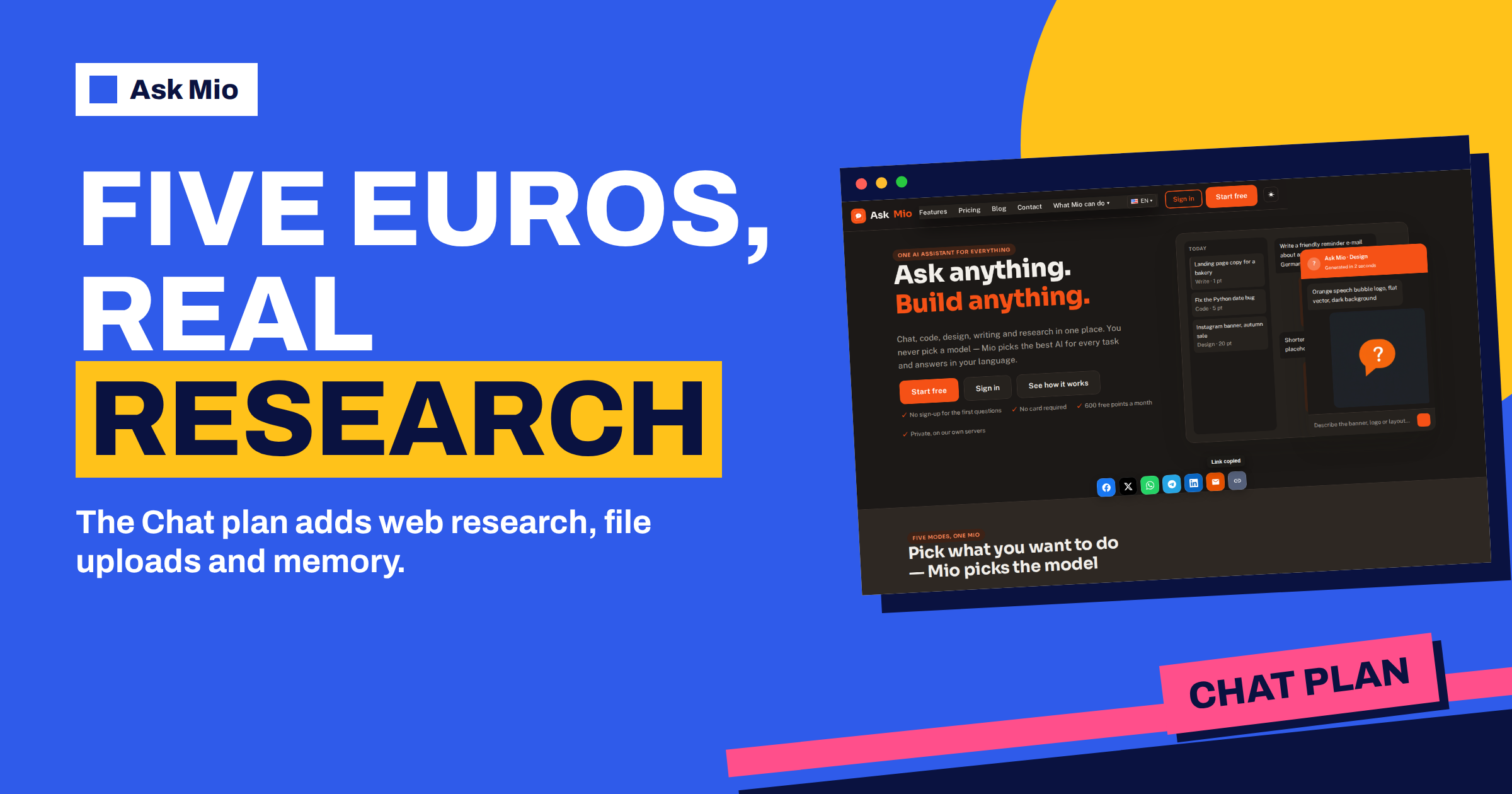
The Ask Mio Chat plan costs 5 euros a month and sits between the free plan and the specialist plans. It keeps everything the free plan does, Chat and Write modes, and adds the three things people miss first: web research with sources, file uploads and memory. It also lifts the monthly allowance from 600 points to 2000, extends history from 30 days to unlimited and lets you buy extra points when a busy week needs them.
This guide explains what changes the day you move from Free to Chat, who gets the most from it, how far 2000 points go in real work and where its limits are. All figures come from the live pricing page, so you can check each one before you pay.
What the Ask Mio Chat plan includes
The pricing page lists the Chat plan at 5 euros a month or 50 euros a year, with two months free on the yearly option. Compared with Free, these are the differences that matter in daily use.
| Free | Chat | |
|---|---|---|
| Price | 0 € | 5 € per month, 50 € per year |
| Points per month | 600 | 2000 |
| Points per 5-hour window | 40 | 250 |
| Max file size | no uploads | 20 MB |
| History | 30 days | unlimited |
| Modes | Chat, Write | Chat, Write, Research |
| Memory | no | yes |
| Web search | no | yes |
| Extra points | not listed | can be bought |
| Team seats | 1 | 1 |
Code mode, Design mode and the code execution sandbox are not part of Chat. Those belong to the Coding, Design and Business plans. If you want the full picture of all five plans side by side, our plan comparison walks through each one.
Research with web search and sources
The most visible change is Research mode. On the free plan Mio answers from what it already knows. With Research, Mio searches the web, reads pages and gives you an answer with cited sources, so you can click through and check. The pricing page describes it as web search with cited sources, document analysis and summaries.
This matters whenever the answer depends on something recent or checkable: a price, a regulation, a product comparison, a statistic you want to quote. The habit worth building is simple. Ask for the answer, then open two of the cited sources yourself. If they support the claim, you have saved an hour. If they do not, you have avoided repeating a mistake. Our guide to AI research with sources shows prompts that keep the sources honest, and the research brief job packages the same idea into a single form.
File uploads up to 20 MB
The free plan has no file uploads. Chat adds uploads of PDF, Word and image files up to 20 MB each, and the pricing FAQ says Mio can also read text and code files. That changes what you can ask. Instead of pasting half a contract into a chat, you attach the whole document and ask for the termination clause, the payment terms or a plain-language summary.
Twenty megabytes is generous for text. A typical report, a long contract or a scanned letter fits easily, while a large slide deck full of high-resolution photos may not. The PDF format is the safest choice because text stays selectable and file sizes stay small. If you hit the limit, export the document as a smaller PDF or split it into chapters. For heavier files, the Coding and Design plans allow 100 MB and Business allows 200 MB.
Two habits help. First, tell Mio what the file is and what you want from it before asking questions, for example “this is a supplier contract; list the risks for the buyer”. Second, ask for page or section references so you can check the answer against the original.
Memory that remembers what matters to you
Memory is available from the Chat plan upward. You say “remember that I write in British English and my clients are small accountancy firms”, and Mio keeps it for later chats. You can see and control everything it keeps, which the site states plainly. Memory turns a general assistant into one that knows your preferences, so you stop repeating the same background in every conversation.
Good things to store are stable facts: your role, your audience, the tone you like, your usual units and currency, the tools you use. Poor things to store are secrets and anything that changes weekly. For a longer explanation of how memory and projects fit together, see our projects and memory guide.
How far 2000 points go
Points replace tokens in Ask Mio, and the costs are stated on the pricing page: a normal chat reply costs 1 point, a long or complex reply 3, a coding answer 5 to 10 and a generated image 20. The Chat plan has no images, so the numbers that matter are the first two.
Here is a realistic month on 2000 points:
- 600 normal replies at 1 point each use 600 points. That is about 20 quick questions a day.
- 150 long replies at 3 points each use 450 points: summaries, drafts and research answers.
- 300 more points cover document questions and the odd complex task.
- The remaining points are headroom.
Most people do not reach the limit by volume. They reach it by heavy sessions, which is why the plan also has a 5-hour window of 250 points. That window stops one long afternoon from eating the month. If it runs out, you can wait for it to reset or buy an extra pack. Our explainer on tokens versus points covers the idea in more depth.
Who should choose Chat
The Chat plan fits people whose work is mostly reading, writing and thinking, and who need facts they can check.
- Students and researchers who upload papers, ask for summaries and need sources.
- Consultants and freelancers who prepare proposals, emails and reports and want Mio to remember their style.
- Office workers who handle contracts, policies and long documents.
- Writers and marketers who research a topic first and write second.
- Anyone who outgrew 600 points but does not write code or generate images.
It is a poor fit if you need Code mode, the sandbox or image generation. In that case the 12 euro Coding or Design plan is the honest choice, and our Coding plan guide shows what that extra money buys.
A week on the Chat plan: an example
Imagine a freelance consultant preparing a market review for a client. On Monday she uploads the client’s 40-page strategy PDF and asks Mio for a one-page summary and a list of open questions. On Tuesday she switches to Research mode and asks for recent figures on the client’s sector, with sources, then opens three of them to confirm the numbers.
On Wednesday she asks Mio to remember the client’s name, sector and preferred tone. On Thursday she drafts the report in Write mode, and on Friday she asks for a plain-language version for the board. Across the week she used perhaps 120 points, far below the monthly amount, and the history stays available because Chat keeps it without a time limit.
What Chat does not do
A clear list prevents disappointment.
- No Code mode and no sandbox. Mio can still discuss code in Chat, but the dedicated mode and the execution sandbox are on the Coding and Business plans.
- No image generation. Design mode belongs to the Design and Business plans.
- No team seats. Chat is for one person. The Business plan has five seats and shared projects.
- No write actions in connectors. That feature is listed under Coding, Design and Business.
- Points are finite. 2000 points a month and 250 per window. When they run out, you wait or buy a pack.
None of this is hidden. The pricing page shows the ticks for each plan, and the features page lists what Mio can do in general. The difference between plans is which of those capabilities you can use.
When to upgrade from Free to Chat
You do not need to guess. Stay on Free while 600 points and 40 per window are enough and you are happy with Chat and Write. Move to Chat when one of these happens:
- You paste long text into the chat and wish you could attach the file.
- You need a source for a fact and cannot trust an answer without one.
- You repeat the same background in every conversation.
- You reach the 5-hour limit more than once a week.
- You want your history to stay for longer than 30 days.
Any one of these is a good reason. Our free plan article shows how to get the most from the 600 points first, so you upgrade only when the limits genuinely get in your way. Reading the Wikipedia article on fact-checking is also a useful reminder of why cited sources matter when you rely on AI for facts.
Your files, your data
Uploading a contract or a report raises a fair question: where does it go? The pricing page answers it directly. Your chats and files are yours, you can export or delete them at any time, and they are not used to train models. Ask Mio runs on its own servers. With unlimited history on the Chat plan, that control matters more, because documents you upload today can still be in your history next year unless you delete them.
A sensible routine is to upload only what the task needs. If a contract contains personal data that is irrelevant to your question, remove those pages first. If a document is confidential, check your own company’s rules before using any AI service. When a project is finished, delete the chat and the files. Our privacy checklist for business lists questions to ask before you upload anything sensitive to any assistant.
Payment and VAT
Prices on the page are in euros. You can pay by card, PayPal or bank transfer, and VAT at 21 percent is added at checkout. The monthly price is 5 euros and the yearly price is 50 euros, which is the price of ten months. That makes the yearly option worth it if you know you will use Mio for most of the year. The free plan needs no card, so you can try Mio first and move to Chat only when the limits start to get in your way.
Frequently Asked Questions
How much does the Ask Mio Chat plan cost?
The Chat plan costs 5 euros a month, or 50 euros a year, which is two months free. Prices are in euros and VAT at 21 percent is added at checkout. You can pay by card, PayPal or bank transfer, and the free plan needs no card at all.
What does Chat add compared with Free?
Chat adds Research mode with web search and cited sources, file uploads of PDF, Word and images up to 20 MB, memory, unlimited history and the option to buy extra points. The monthly allowance rises from 600 to 2000 points and the 5-hour window from 40 to 250.
Does the Chat plan include Code or Design mode?
No. Code mode and the code execution sandbox are part of the Coding and Business plans, while Design mode with image generation is part of the Design and Business plans. Chat is built for reading, writing, research and documents, and it has no image allowance.
Can I buy extra points on the Chat plan?
Yes. Buying extra points is listed on Chat and every higher plan. The packs are 5 euros for 700 points, 10 euros for 1600 and 25 euros for 4500. They work immediately, are not limited by the 5-hour window and are valid for 30 days.
Is 2000 points enough for a month?
For most reading and writing work, yes. A normal reply costs 1 point and a long one 3, so 2000 points cover hundreds of replies. The 5-hour window of 250 points is usually the first limit people notice, and it resets after the window passes.
The Bottom Line
The Ask Mio Chat plan is the practical step after Free: for 5 euros a month you get Research with sources, file uploads up to 20 MB, memory, unlimited history and 2000 points. Choose it if your work is documents, research and writing, and skip it if you need code or images. Compare all five plans on the Ask Mio pricing page and start free if you are unsure.