
 Lietuviškai
 Deutsch
 Français
 Русский
 Español
 Polski
 Italiano
 Українська
 Čeština
 Português
 日本語
 Latviešu valoda
 Eesti
 Magyar
 Bahasa Indonesia
 Türkçe
 हिन्दी
 Ελληνικά
 العربية
 ไทย
 Tiếng Việt
 Română
 Bahasa Melayu
 বাংলা
Ask Mio gives you three different ways to research a topic, and they are easy to confuse. There is Research mode, the Deep researcher expert and the Research brief job. All three search the web and cite sources, yet they suit different situations. Picking the wrong one wastes points and time: a quick fact check does not need a full report, and a decision that costs real money should not rest on a one-line answer.
This guide explains each option as the features and pricing pages describe it, then gives a simple rule for choosing. You will also learn how to ask for sources properly, how to check what comes back, how to combine the three in one project and what to do on a plan without web search.
The three ways to research in Ask Mio
Research mode is one of the five modes. The pricing page describes it as web search with cited sources, PDF and document analysis, and summaries, with facts separated from opinions and links you can check. It is a mode you switch on for a conversation, and you keep asking follow-up questions inside it.
The Deep researcher expert is one of the 39 experts. The features page says it digs into a topic and reports with sources. An expert is a role Mio keeps for the whole chat, so the Deep researcher works as a persistent colleague: you set the question once and keep refining.
The Research brief job is one of the 24 ready-made jobs. The features page describes it as Mio searching the web and returning a sourced brief on a topic. You fill in a short form and get a finished document. Our guide to the research brief job shows what the form asks and what the result looks like.
How they differ
| Research mode | Deep researcher expert | Research brief job | |
|---|---|---|---|
| What it is | A mode | A role for the chat | A form that returns a document |
| Best for | Quick sourced answers and follow-ups | A longer investigation with many steps | A finished, shareable summary |
| Interaction | Ask and follow up | Brief once, steer as you go | Fill in, receive, edit |
| Output | Answer with links | Report with sources | A structured brief with sources |
| You control | Each question | The whole line of inquiry | The inputs, then the edits |
The simplest way to remember it: the mode answers a question, the expert investigates a topic and the job produces a deliverable.
When to use Research mode
Use Research mode when the question is narrow and the answer is a fact, a number or a short explanation. Examples are the current rules for a type of visa, the differences between two software standards or the date a product was released. You ask, you get an answer with links, and you open one or two of them.
Research mode is also the best place for follow-ups. After the first answer you can say “now compare the two sources that disagree”, “show me only sources from the last year” or “which of these is a primary source?”. Because the conversation stays in one place, Mio keeps the context and you do not have to repeat the question. For the basics of asking for sources, our guide to AI research with sources lists prompts that work.
When to use the AI deep researcher
Use the Deep researcher when the question is broad and you do not yet know what you need to know. Examples are “Should we enter the German market?”, “What are the main approaches to treating this condition, and what evidence supports each?” or “How do heat pumps compare for older houses?”. The expert breaks the topic into sub-questions, searches each, compares what it finds and writes a report that separates what is established from what is disputed.
A good first message gives the expert five things: the question, why you need it, how deep to go, what kind of sources to prefer and the format of the answer. Ask it to list the sub-questions first, so you can add or remove some before it spends effort. Then ask for a short summary at the top, the findings by sub-question, a list of disagreements and a list of what it could not find. That last list is often the most useful part.
When to use the Research brief
Use the Research brief job when you need a finished document to send to someone else: a one-page background for a meeting, a summary of a market for a manager or an overview of a topic for a client. The form gives you structure without writing a prompt, and the result comes as a sourced brief.
Treat the first version as a draft. Read the sources, remove anything you cannot confirm and add your own judgment. If the brief will inform a decision, ask the Deep researcher to challenge it afterwards: “what is the strongest argument against these conclusions, and what source supports it?”. That is a quick, cheap way to reduce the risk of one-sided reasoning.
What you need: Research mode and plans
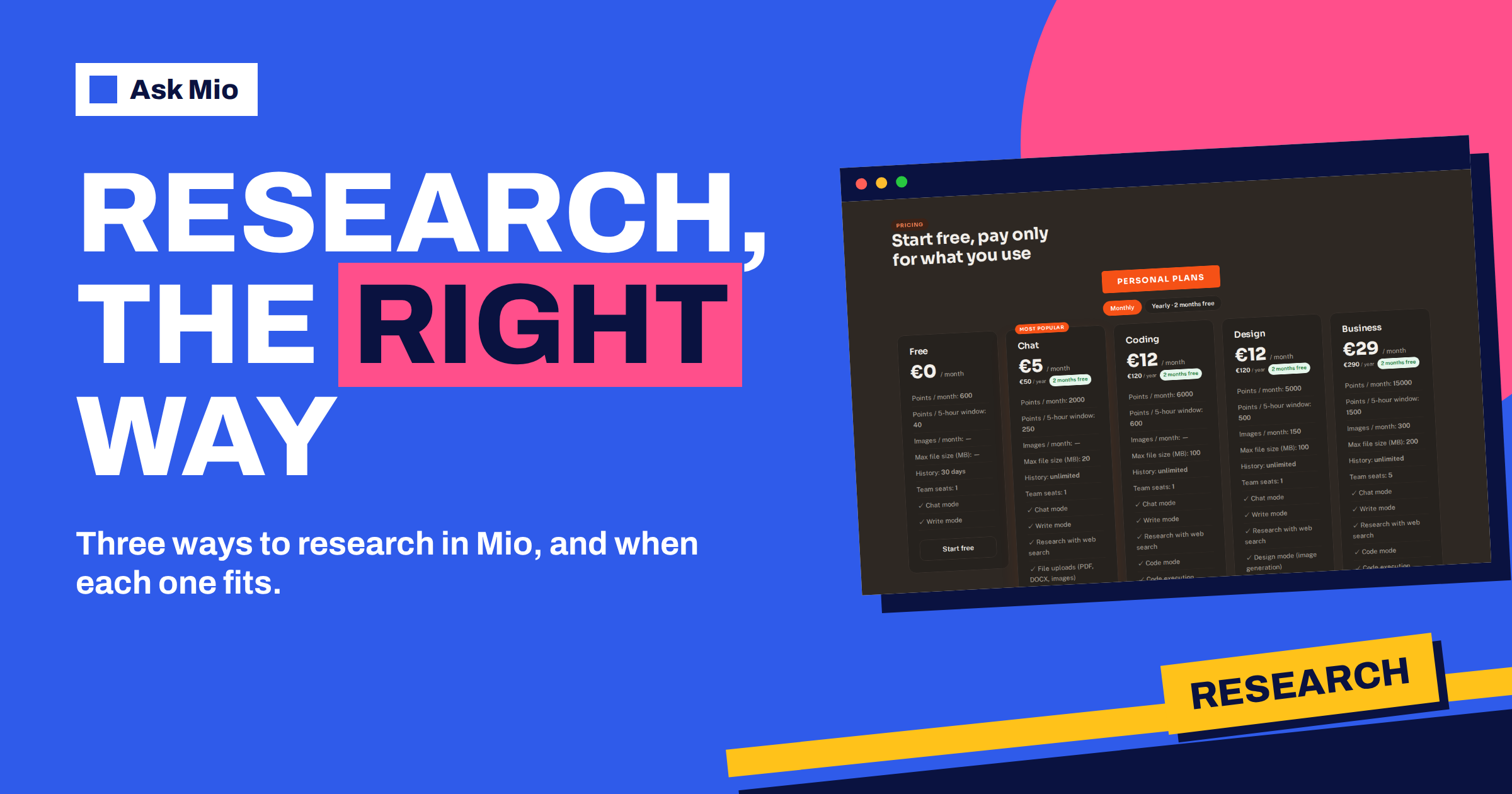
Research with web search is a paid-plan feature. The pricing page lists Research with web search on Chat, Coding, Design and Business, and the free plan has Chat and Write modes only. If you are on Free, Mio can still answer from what it knows and from text you paste, but it does not search the web live, so treat anything recent with caution. Our Chat plan guide compares what each plan adds.
Research answers are often long, and the pricing page says a long or complex reply costs 3 points, against 1 point for a normal reply. A report with many sub-questions may use several such replies, so plan for it. A short question in Research mode is cheap. A multi-step investigation is a larger spend, and it is worth it when the decision matters.
How to check what comes back
AI research is only as reliable as the sources and your reading of them. Whichever route you use, build the same four habits.
- Open the sources. Click at least two for every important claim. Check that the page says what the answer says it says.
- Prefer primary sources. A primary source, such as a law, a dataset or a company filing, is better than a secondary source that describes it.
- Look for agreement. If three independent sources agree, confidence rises. If one source stands alone, treat the claim as unproven. The idea is called triangulation.
- Check the date. A correct answer from three years ago may be wrong today. Ask Mio to show the date of each source.
Also watch for confirmation bias in your own prompts. If you ask “why is X good”, you will get reasons why X is good. Ask for the strongest evidence on both sides instead.
Combine the three in one project
For a serious question, use all three in order. Start with Research mode to get oriented in a few questions and find the vocabulary. Move to the Deep researcher to investigate the open questions and collect disagreements. Finish with the Research brief to produce a clean summary you can share, and have the Deep researcher check it for weak spots.
Keep the work in a project so the context survives. Projects group chats with their own instructions and files, and memory keeps stable facts such as the audience and the standard of evidence. Our guide to projects and memory explains the setup. Upload relevant PDFs to the project on a plan that accepts files, and ask Mio to quote the passages it relies on.
Prompts you can copy
Short, repeatable prompts make research faster. Adapt the brackets to your topic.
- Scoping: “I need to decide [decision]. List the ten questions I should answer before deciding, ordered by importance. Do not search yet.”
- Sourcing: “Answer in three bullet points. For each, give the source, its date and whether it is a primary source.”
- Disagreement: “Where do reputable sources disagree on [topic]? Summarise each position and name the best source for each.”
- Gaps: “What could you not find? What should I ask an expert or check offline?”
- Challenge: “Give the strongest argument against this conclusion, with a source.”
- Plain version: “Explain the findings for a reader with no background, in 150 words, and keep the numbers exact.”
Paste the same scoping prompt into each tool and compare the answers. If the mode, the expert and the brief point to the same conclusion, your confidence should rise. If they differ, you have found the part of the topic that needs a closer look, and the differences tell you which sources to read in full.
A worked example: choosing a payroll provider
A founder of a ten-person company needs to choose a payroll provider and has two days. On the first morning she uses Research mode to ask five narrow questions: which legal requirements apply to payroll in her country, how providers typically charge and what a sensible contract term is. She opens the cited pages and learns the vocabulary.
In the afternoon she switches to the Deep researcher and asks for a comparison of the main options for companies of her size, with the evidence for each, the points where sources disagree and what could not be found. The next morning she runs the Research brief job to produce a two-page summary for her co-founder, and then asks the expert to find the strongest case against the leading choice. She decides with a clear view of the trade-offs, and a list of questions to ask the shortlisted providers.
Common mistakes
- Using the biggest tool for a small question. A quick fact needs Research mode, not a report.
- Skipping the sources. A cited claim is not a verified claim until you have read the source.
- Asking leading questions. Ask for both sides, and ask what would change the conclusion.
- Forgetting dates. Always ask when the source was published.
- Treating the brief as final. It is a first draft with links, not a verdict.
- Ignoring what is missing. Ask what the research could not find, and look for it yourself.
Frequently Asked Questions
What is the difference between Research mode and the Deep researcher?
Research mode is a mode for sourced answers and follow-up questions. The Deep researcher is an expert role that investigates a broad topic and reports with sources. Use the mode for narrow questions and the expert when you need a longer, structured investigation.
What does the Research brief job return?
The features page says Mio searches the web and returns a sourced brief on a topic. You fill in a short form and receive a structured summary with sources that you can edit and share. Always read the sources before you rely on it.
Do I need a paid plan for web research?
Yes. Research with web search is listed on the Chat, Coding, Design and Business plans, while the free plan has Chat and Write modes only. Chat costs 5 euros a month. On Free, Mio can still work from text you paste into the chat.
How do I know the sources are reliable?
Open them. Prefer primary sources, check the publication date and look for independent sources that agree. If a claim rests on one page, treat it as unproven. Ask Mio to separate facts from opinion and to list what it could not find.
Which option uses the fewest points?
A short question in Research mode is the cheapest. A normal reply costs 1 point and a long or complex one 3, according to the pricing page, so multi-step investigations cost more. Choose the smallest tool that answers the question honestly.
The Bottom Line
Use Research mode for quick sourced answers, the Deep researcher expert for a broad investigation and the Research brief job for a shareable summary. Check the sources, prefer primary ones, watch the dates and ask for the strongest argument against your conclusion. Research with web search comes with paid plans from 5 euros a month, and you can compare them on the Ask Mio pricing page.